Cybersecurity — 8-K Cyber Incident Explained: Timeline, Exposure, and Response

Breaks down the real 8-K cyber-disclosure clock, what counts as a valid delay, and how SEC enforcement has actually played out in court.

Who was breached, what was exposed, and what to do about it.
Hashed in your browser - only five characters of the hash are ever sent.
1,000+ catalogued breaches: the date, the account count, and exactly what was exposed.
Tick what was leaked and get the steps in order, each linked to the rule behind it.
All three bureaus, plus the four registries a credit freeze does not cover.
Tips to protect your data and privacy
Browse →484 guidesBreaking news on recent data breaches
Browse →287 guidesAll the latest and largest data breaches
Browse →229 guidesIdentity theft prevention and news
Browse →203 guidesData breaches at technology companies
Browse →139 guidesData breaches affecting retail and e-commerce companies
Browse →
Breaks down the real 8-K cyber-disclosure clock, what counts as a valid delay, and how SEC enforcement has actually played out in court.

What three cities actually gave residents after a ransomware breach, and the steps credit monitoring never covers on its own.

Poland’s December 2025 grid attack, its Sandworm attribution, and the delayed U.S. reporting rule utilities now face in 2026.

Breach notification deadlines range from one hour for federal agencies to 60 days for health data — here’s which clock applies to which entity.
Breach rights for federal workers hinge on proving intent under the Privacy Act, a settlement fund mostly unclaimed, and coverage set to lapse in 2026.

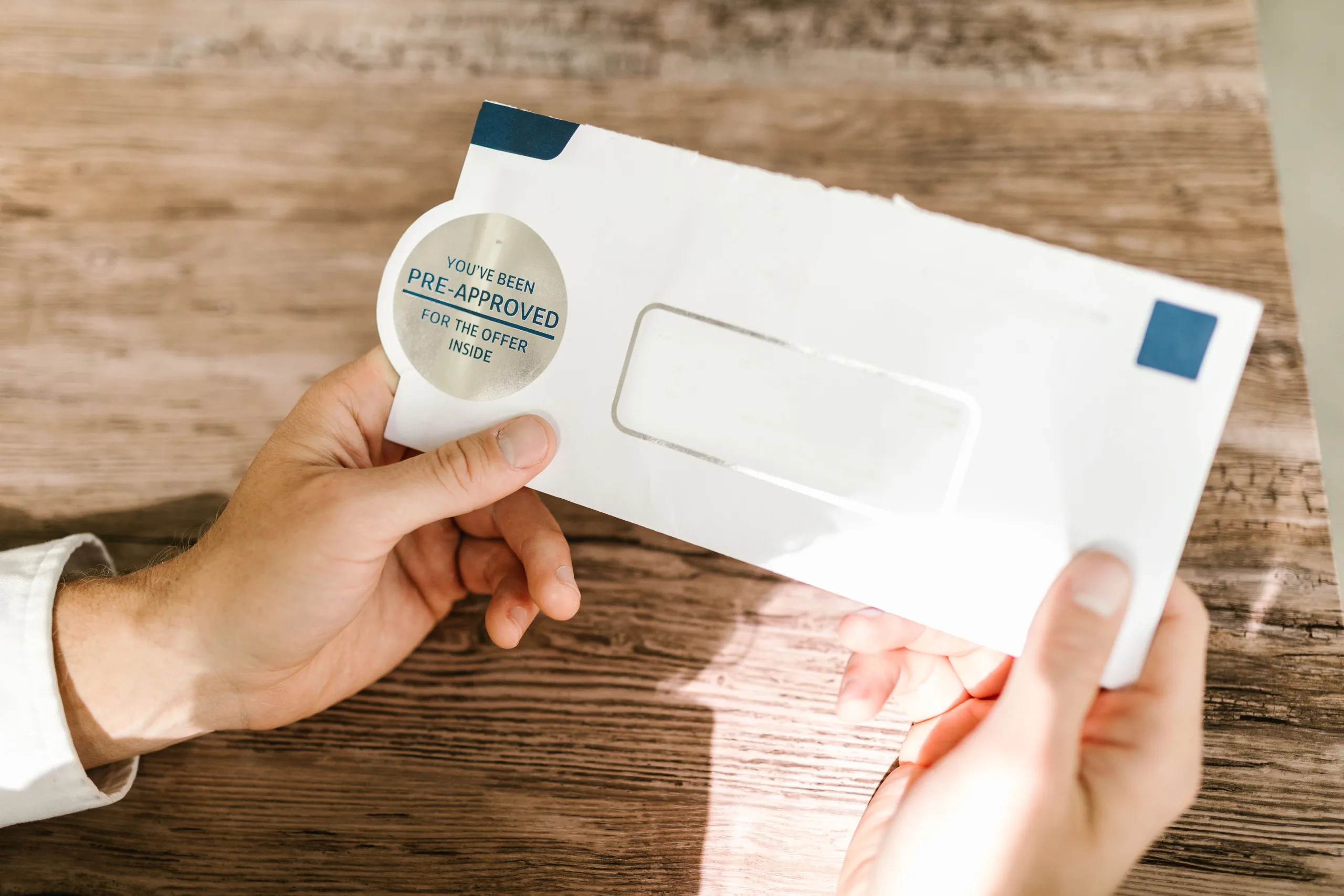
A checklist for spotting fake breach letters: what real notices contain, why scammers target known breaches, and how to verify before clicking.
A concrete, dated checklist — enrollment codes, deadlines, and credit bureaus — for anyone holding a DMDC breach notification letter.

Breaks down who the FBI blamed, why a missed PeopleSoft patch mattered, and which ShinyHunters suspects have been arrested so far.

Learn how KillSec broke in, who was hit, and which security checks cut extortion risk fast.

Learn what MonsterCloud allegedly hid, what it cost victims, and what to demand before hiring recovery help.

Breach coverage goes wrong in two directions: inflating an exposure into a certainty, or burying it. We publish the disclosed numbers, name the source, and mark clearly where an investigation is still open and the count may change.
Most people find out from a letter weeks after the fact. These are the steps that still work at that point, in the order they should be done, with what each one does and does not protect.
Primary sources: the breached organization's own notification letter, filings in state Attorney General breach databases, the U.S. Department of Health and Human Services breach portal for healthcare incidents, SEC filings, court records and regulator announcements. Where we cite a figure, that figure comes from one of those documents.
Not necessarily, and the difference matters. Most notices state that an unauthorized party accessed or acquired data. That is a different finding from evidence that the data has been used for fraud. We report which one a given notice supports, and we do not fill the gap with speculation.
No. Only the organization that holds your records can confirm that, and it is required to notify you. What we can do is tell you what was disclosed, who the claims administrator or notification contact is, and what steps are worth taking while you wait.
No. Data Breach Radar is independent reporting. Nothing on this site creates a professional relationship or substitutes for advice from a lawyer, a security professional or your bank. Always verify details against the notice you received.
The site is free to read and carries advertising. Some pages may contain affiliate links, which are disclosed on our Affiliate Disclosure page. Advertisers and affiliate partners have no input into what we cover or what we say about it, and we do not accept payment to include, exclude or soften a breach report.
Email contact@databreachradar.com with the URL and what is inaccurate. Corrections to a published report are made on the page itself. Our approach to sourcing and corrections is set out in the Editorial Policy.