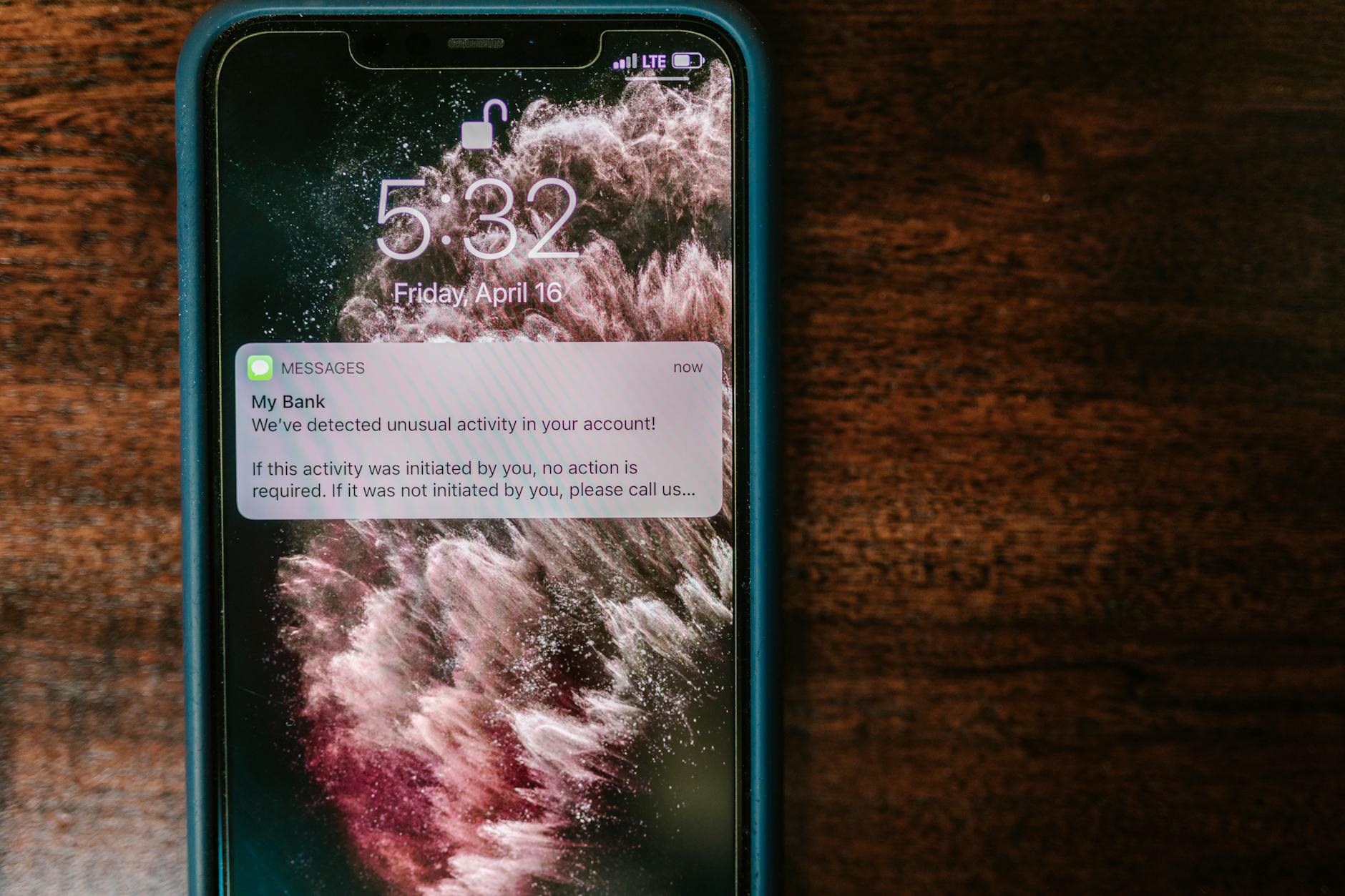
Protecting your financial information online requires a layered defense strategy: use unique, complex passwords for every financial account, enable multi-factor authentication wherever available, access accounts only through secure networks, monitor your statements regularly for unauthorized activity, and freeze your credit with all three bureaus when not actively applying for credit. These five measures, implemented together, block the vast majority of common attack vectors that criminals use to steal banking credentials, credit card numbers, and personal financial data. Consider the 2023 breach at MOVEit, a file transfer service, which exposed financial records from major banks, insurance companies, and pension funds affecting over 60 million people.
The victims who suffered the least were those who had already frozen their credit and used unique passwords””the stolen data was largely useless because criminals couldn’t open new accounts or access existing ones with duplicate credentials. This illustrates why proactive protection matters more than reactive damage control. This article covers the specific threats targeting your financial data, how to build authentication systems that actually work, the role of encryption and secure connections, monitoring strategies that catch fraud early, and what to do when prevention fails. You’ll also find practical checklists, expert recommendations, and answers to the most common questions about online financial security.
Table of Contents
- What Makes Your Financial Information Vulnerable to Online Theft?
- Strong Authentication: Your First Line of Defense for Financial Accounts
- Secure Connections: When and Where to Access Financial Accounts
- Credit Monitoring and Freezes: Catching and Preventing Fraud
- Recognizing and Avoiding Phishing Attacks on Financial Accounts
- Mobile Banking Security: Protecting Financial Apps on Your Phone
- How to Prepare
- How to Apply This
- Expert Tips
- Frequently Asked Questions
What Makes Your Financial Information Vulnerable to Online Theft?
Financial information attracts criminals because it converts directly to money. Unlike social media accounts or email addresses, stolen bank credentials, credit card numbers, and investment account logins can be monetized within hours through fraudulent transfers, unauthorized purchases, or sale on dark web marketplaces. The FBI’s Internet Crime Complaint Center reported $12.5 billion in losses from online financial crimes in 2023 alone, with the average victim losing over $13,000. The primary attack vectors include phishing emails that mimic legitimate financial institutions, malware that captures keystrokes or screenshots during banking sessions, data breaches at companies that store your payment information, and man-in-the-middle attacks on unsecured networks.
Credential stuffing””where criminals test username and password combinations leaked from other breaches against financial sites””succeeds at alarming rates because 65% of people reuse passwords across multiple accounts. A password leaked from a gaming forum in 2019 might unlock a brokerage account in 2024. Financial institutions invest heavily in security, but they can only protect what happens within their systems. The connection between your device and their servers, the security of your home network, and the strength of your authentication credentials remain your responsibility. This shared security model means that even banks with sophisticated fraud detection can’t prevent losses when customers hand over credentials to a convincing phishing site or access accounts from compromised devices.

Strong Authentication: Your First Line of Defense for Financial Accounts
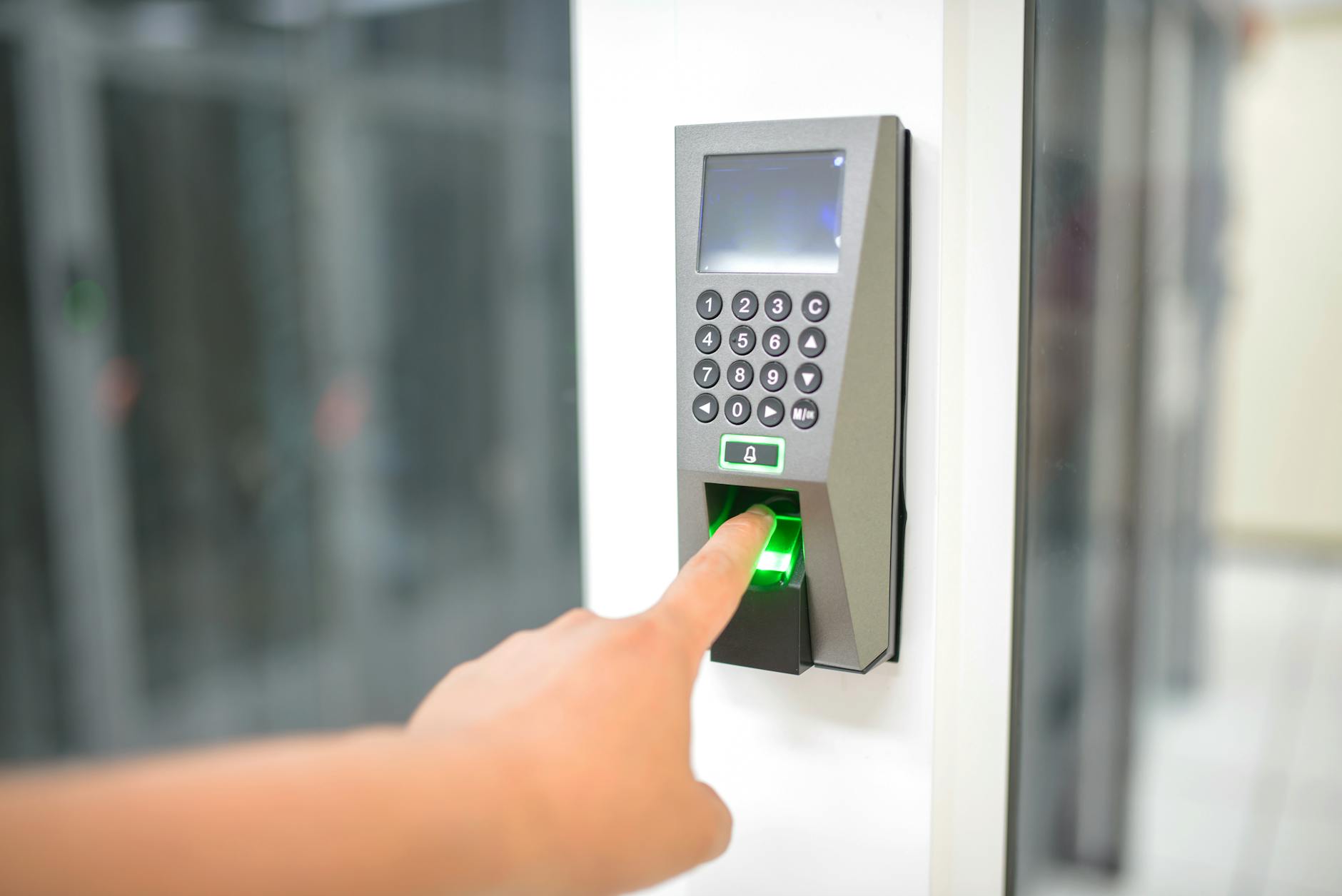
Multi-factor authentication transforms account security by requiring something you know (password), something you have (phone or security key), and sometimes something you are (fingerprint or face scan). When Bank of America analyzed fraud patterns, accounts with MFA enabled experienced 99.9% fewer successful unauthorized access attempts compared to password-only accounts. The math is simple: even if criminals obtain your password, they can’t access your account without also stealing your physical authentication device. However, not all MFA methods provide equal protection. SMS-based codes, while better than passwords alone, remain vulnerable to SIM-swapping attacks where criminals convince mobile carriers to transfer your phone number to their device. In 2022, the FBI documented over 2,000 SIM-swap complaints with losses exceeding $72 million.
Authenticator apps like Google Authenticator, Authy, or Microsoft Authenticator generate time-based codes locally on your device, eliminating the SIM-swap vulnerability. Hardware security keys like YubiKey provide the strongest protection by requiring physical possession of a device that cryptographically verifies your identity. Password managers solve the impossible task of remembering unique, complex passwords for dozens of financial accounts. services like 1Password, Bitwarden, and Dashlane generate random 20+ character passwords and autofill them only on legitimate sites, which also protects against phishing. The tradeoff involves trusting a single service with access to all your credentials, making the master password and the password manager’s own security critical. Choose a password manager that uses zero-knowledge encryption, meaning even the company cannot access your stored passwords.
Secure Connections: When and Where to Access Financial Accounts
The connection between your device and financial institutions represents a critical vulnerability point. Public WiFi networks at coffee shops, airports, and hotels transmit data through shared infrastructure where attackers can position themselves to intercept traffic. Even networks requiring passwords offer limited protection because every connected user shares the encryption key. A criminal sitting in the same airport lounge can potentially capture your banking session if you’re not using additional encryption. Virtual Private Networks encrypt all traffic between your device and the VPN server, rendering intercepted data unreadable. When you must access financial accounts on untrusted networks, a reputable VPN service provides essential protection. However, free VPN services often monetize user data, defeating the privacy purpose, and poorly configured VPNs can leak traffic.
If you travel frequently or work remotely, investing in a paid VPN service like Mullvad, ProtonVPN, or NordVPN is worthwhile. The alternative is simply waiting until you reach a trusted network before accessing sensitive accounts””inconvenient but secure. Your home network requires attention too. Default router passwords appear in public databases, allowing anyone who knows your router model to access your network configuration. Change both the admin password and WiFi password to unique values, enable WPA3 encryption if available, and keep router firmware updated. In 2021, researchers discovered vulnerabilities in routers from Netgear, Linksys, and D-Link that allowed remote attackers to intercept all network traffic””patches were available, but most home users never installed them. Consider your router as important as your front door lock.
Credit Monitoring and Freezes: Catching and Preventing Fraud
Credit freezes represent the most effective protection against new account fraud, where criminals use stolen personal information to open credit cards, loans, or utility accounts in your name. A freeze, placed for free with Equifax, Experian, and TransUnion, prevents lenders from accessing your credit report, which stops most applications cold. Unlike fraud alerts that merely flag your file for additional verification, freezes create a hard block that requires your personal PIN to lift. The limitation of credit freezes involves the inconvenience when you legitimately need credit. Applying for a mortgage, car loan, credit card, or even some apartment rentals requires temporarily lifting the freeze, typically through online portals or phone calls.
Each bureau operates independently, so you’ll need to lift all three freezes for most applications. Some services don’t check all bureaus, so you can ask which one they use and lift only that freeze. The process adds a day or two to applications, but that minor delay prevents potentially years of dealing with identity theft consequences. Monitoring services like Credit Karma, Experian’s free monitoring, or paid services from IdentityForce and LifeLock alert you to changes in your credit report, new accounts, or inquiries. These services don’t prevent fraud but enable rapid detection. The Federal Trade Commission recommends reviewing your free annual credit reports from AnnualCreditReport.com, the only authorized source, and staggering requests throughout the year””one bureau every four months””for ongoing surveillance without paying for monitoring services.
Recognizing and Avoiding Phishing Attacks on Financial Accounts
Phishing attacks have evolved far beyond obvious Nigerian prince emails. Modern financial phishing often arrives via text message claiming suspicious activity, voicemail warning of account suspension, or emails with perfect corporate branding directing you to credential-harvesting sites. The 2023 MGM Resorts breach began with a phone call where attackers impersonated an employee to the IT help desk””social engineering that bypassed every technical control. Legitimate financial institutions will never ask for your full password, PIN, or security codes via email, phone, or text. When Chase sends a fraud alert, the text asks you to confirm or deny a specific transaction, not to click a link or provide login credentials.
If you receive urgent communication about your account, navigate directly to the institution’s website by typing the URL or using your bookmarked link””never click embedded links. Even if caller ID shows your bank’s name, that information can be spoofed; hang up and call the number on the back of your card. Financial phishing sites increasingly use HTTPS encryption and valid security certificates, so the padlock icon no longer guarantees legitimacy. Before entering credentials, verify the exact domain name””attackers register domains like chase-secure-login.com or bankofamerica.account-verify.net that appear legitimate at a glance. Browser extensions like uBlock Origin can block known phishing domains, and password managers won’t autofill credentials on fake sites because the domain doesn’t match, providing an additional layer of protection.
Mobile Banking Security: Protecting Financial Apps on Your Phone
Mobile devices present unique financial security challenges because they combine always-on connectivity, location data, and access to multiple accounts in a single stealable package. Apple and Google both enforce app store reviews that catch most malicious banking apps, but criminals still succeed by publishing fake apps with names like “Chase Mobile Banking” or “PayPal Business” that harvest credentials before being removed. Only download financial apps from official app stores and verify the publisher matches the actual institution. Chase’s app comes from “JPMorgan Chase & Co.,” not “Chase Banking Services LLC.” Enable biometric authentication within each financial app, configure automatic lock timers to require re-authentication after brief inactivity, and disable notification previews that could display sensitive information on your lock screen.
If your phone supports it, use the secure folder or work profile features to isolate financial apps from other applications that might have excessive permissions. Remote wipe capabilities through Find My iPhone or Google Find My Device allow you to erase your phone if stolen, preventing thieves from accessing financial apps even if they bypass your lock screen. However, this only works if you’ve enabled the feature before loss and the phone remains connected to a network. For high-value accounts, consider whether you need mobile access at all””limiting account access to a secured home computer reduces your attack surface, though it sacrifices the convenience that makes mobile banking popular.
How to Prepare
- **Inventory all financial accounts** including banks, credit cards, investment accounts, payment services like PayPal and Venmo, and any service storing your payment information. Most people underestimate their count””subscription services, online retailers with saved cards, and dormant accounts all represent exposure points.
- **Audit existing passwords** by checking them against breach databases using HaveIBeenPwned.com or your password manager’s built-in breach monitoring. Any password appearing in previous breaches must be changed immediately, as these lists are actively used in credential stuffing attacks.
- **Enable multi-factor authentication** on every financial account that offers it, prioritizing authenticator apps or hardware keys over SMS codes. Some institutions bury MFA settings under security or privacy menus””search their help documentation if you can’t locate the option.
- **Set up account alerts** for all transactions, login attempts, password changes, and profile modifications. Immediate notification enables rapid response to unauthorized access””many institutions can reverse fraudulent transactions if reported within 24 hours.
- **Freeze your credit** with all three bureaus plus Innovis and ChexSystems, lesser-known bureaus that some lenders use. The process takes about 30 minutes total and provides permanent protection until you choose to lift it.
How to Apply This
- **Before any financial transaction online**, verify you’re on the legitimate website by checking the URL character by character, ensure the connection is secure (look for HTTPS), and confirm you’re on a trusted network or using a VPN.
- **When receiving communications about financial accounts**, resist urgency pressure that pushes you to act immediately. Legitimate institutions don’t impose artificial deadlines measured in hours. Access your account directly through known channels rather than following provided links or calling provided numbers.
- **Review transaction notifications** as they arrive rather than batching them. A fraudulent transaction identified within hours can typically be reversed; one discovered on your monthly statement may be harder to dispute.
- **Perform monthly security reviews** including checking for new accounts on your credit reports, reviewing active sessions and authorized devices in your financial account settings, and removing payment methods from services you no longer use.
Expert Tips
- **Use a dedicated browser or browser profile** exclusively for financial activities””this isolates your banking sessions from potentially malicious extensions or compromised browsing history accumulated during general web use.
- **Don’t enable financial account access on smart speakers or voice assistants**, as anyone within earshot could potentially trigger transactions, and the convenience rarely outweighs the security tradeoff.
- **Keep a written record of account numbers and customer service phone numbers** in a secure physical location””if your phone and computer are compromised simultaneously, you’ll need offline access to account information for recovery.
- **Schedule credit report reviews as recurring calendar events** rather than relying on memory; once-per-year reviews catch fraud an average of six months after it occurs, while quarterly reviews reduce that window to six weeks.
- **Consider identity theft insurance through your homeowner’s or renter’s policy** before purchasing standalone coverage””many existing policies include coverage or offer it as an inexpensive rider, while standalone products often duplicate protection you already have.
Frequently Asked Questions
How long does it typically take to see results?
Results vary depending on individual circumstances, but most people begin to see meaningful progress within 4-8 weeks of consistent effort. Patience and persistence are key factors in achieving lasting outcomes.
Is this approach suitable for beginners?
Yes, this approach works well for beginners when implemented gradually. Starting with the fundamentals and building up over time leads to better long-term results than trying to do everything at once.
What are the most common mistakes to avoid?
The most common mistakes include rushing the process, skipping foundational steps, and failing to track progress. Taking a methodical approach and learning from both successes and setbacks leads to better outcomes.
How can I measure my progress effectively?
Set specific, measurable goals at the outset and track relevant metrics regularly. Keep a journal or log to document your journey, and periodically review your progress against your initial objectives.
When should I seek professional help?
Consider consulting a professional if you encounter persistent challenges, need specialized expertise, or want to accelerate your progress. Professional guidance can provide valuable insights and help you avoid costly mistakes.
What resources do you recommend for further learning?
Look for reputable sources in the field, including industry publications, expert blogs, and educational courses. Joining communities of practitioners can also provide valuable peer support and knowledge sharing.
You Might Also Like
- What to Do Immediately After Your Personal Information Is Stolen
- What Information Is Most Valuable to Hackers
- What Information Do Hackers Steal in Data Breaches