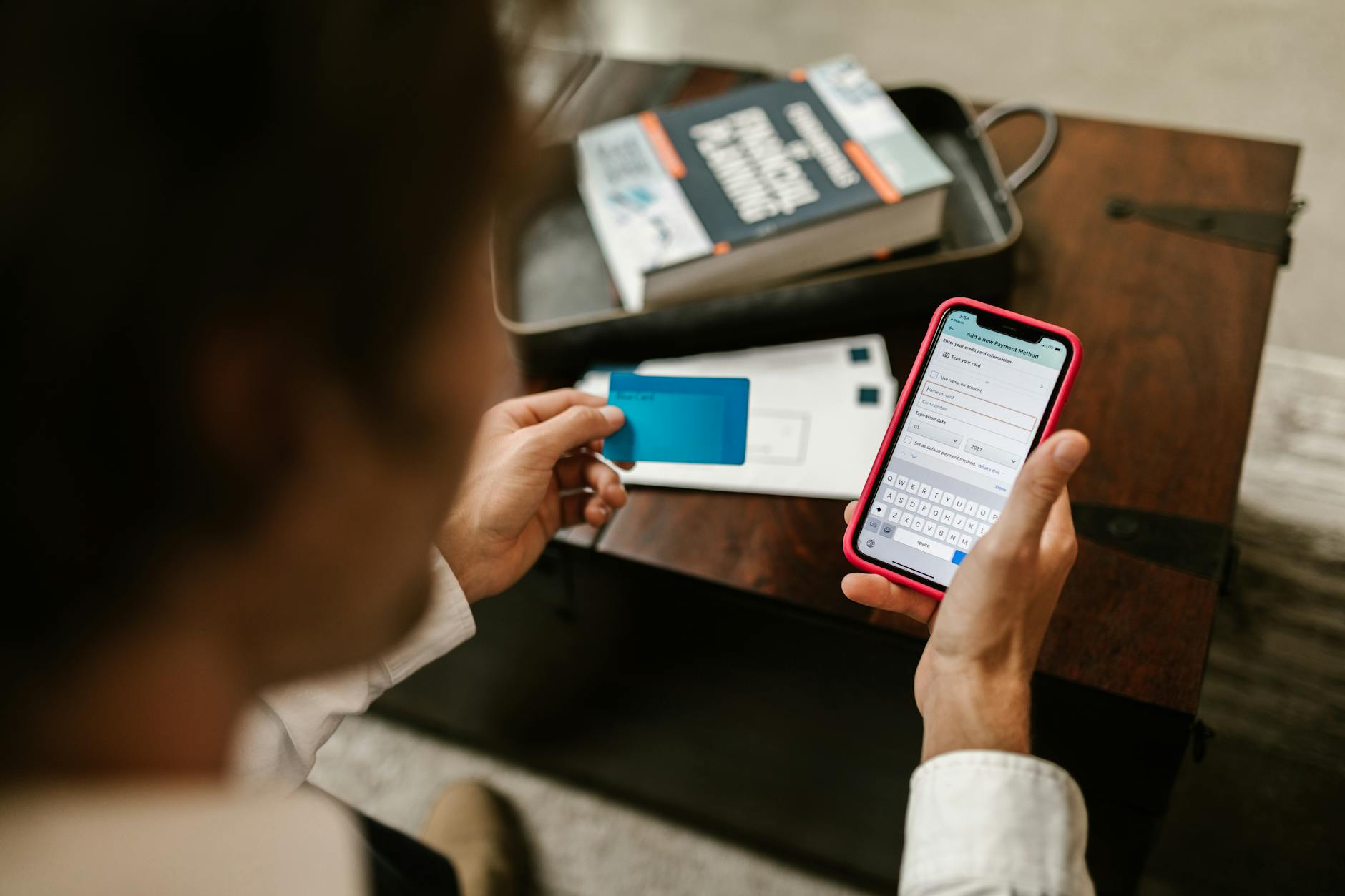
The most telling signs that your mobile banking app has been compromised include unexpected transactions you didn’t authorize, login notifications from unfamiliar devices or locations, sudden changes to your account settings or contact information, and the app behaving erratically””crashing, running unusually slow, or displaying unfamiliar screens. You might also notice your phone’s battery draining faster than normal, increased data usage, or receiving two-factor authentication codes you never requested. Any of these symptoms warrants immediate investigation, as they often indicate that someone has gained unauthorized access to your banking credentials or installed malware designed to intercept your financial data. Consider the case of a user who noticed their banking app suddenly requesting permissions it had never asked for before, like access to SMS messages.
Within days, fraudulent wire transfers had drained their checking account. The attackers had installed a trojan that intercepted the one-time passcodes sent via text, bypassing the bank’s security measures entirely. This scenario illustrates why recognizing compromise indicators early can mean the difference between a minor inconvenience and catastrophic financial loss. This article covers the specific warning signs to watch for, how attackers typically gain access, immediate steps to take if you suspect compromise, and preventive measures to protect your accounts going forward.
Table of Contents
- What Are the Most Common Warning Signs of a Compromised Mobile Banking App?
- How Attackers Gain Access to Your Banking Credentials
- Unusual App Behavior That Signals Trouble
- Immediate Steps When You Suspect Your Banking App Is Compromised
- Why Two-Factor Authentication Isn’t Always Enough
- The Role of Bank Notifications in Early Detection
- Protecting Yourself After a Compromise Incident
What Are the Most Common Warning Signs of a Compromised Mobile Banking App?
The warning signs of a compromised banking app generally fall into two categories: account-level indicators and device-level indicators. Account-level signs include transactions you don’t recognize“”even small ones, as fraudsters often test with minor charges before making larger withdrawals. Unexpected password reset emails, notifications that your contact information or linked email address has changed, and alerts about logins from devices or geographic locations you don’t recognize all suggest someone else has access to your account. Some users report receiving legitimate-looking communications from their bank asking them to verify suspicious activity, only to discover the “suspicious activity” was actually a criminal’s attempt to lock them out.
Device-level indicators are equally important but often overlooked. Banking trojans and spyware frequently cause noticeable changes in phone performance: accelerated battery drain, the device running hot even when idle, and unexplained spikes in data usage. Your banking app might crash repeatedly, display screens that look slightly different from normal, or redirect you to pages requesting information your bank would never ask for in-app. In some documented cases, malware has overlaid fake login screens on top of legitimate banking apps, capturing credentials in real time. If your phone suddenly has apps you didn’t install, or if your security software has been disabled without your knowledge, treat these as serious red flags.

How Attackers Gain Access to Your Banking Credentials
Understanding attack vectors helps contextualize the warning signs. Phishing remains the dominant method, with attackers sending SMS messages or emails that mimic bank communications and direct users to convincing fake login pages. These campaigns have grown sophisticated enough to spoof sender information and replicate bank interfaces nearly pixel-for-pixel. Once credentials are entered on a phishing page, attackers can access the real app within minutes, often before victims realize anything is wrong.
Malware distributed through unofficial app stores or disguised as legitimate applications represents another significant threat. Some malicious apps request accessibility permissions that allow them to read screen content and simulate user input, enabling them to operate banking apps directly. However, it’s worth noting that users who exclusively download apps from official stores and keep their operating systems updated face substantially lower risk””though not zero risk, as malicious apps occasionally slip through store review processes. Public Wi-Fi networks present additional exposure, as man-in-the-middle attacks can intercept unencrypted data, though most banking apps now use certificate pinning to mitigate this vulnerability.
Unusual App Behavior That Signals Trouble
Beyond obvious signs like unauthorized transactions, subtle changes in app behavior often precede or accompany account compromise. If your banking app suddenly takes longer to load, displays error messages it never showed before, or logs you out unexpectedly and repeatedly, malware may be interfering with its normal operation. Some users have reported their apps showing different formatting, unfamiliar fonts, or buttons in unusual locations””telltale signs of screen overlay attacks where malware displays fake interfaces over legitimate apps. Pay attention to permission requests.
A banking app you’ve used for years shouldn’t suddenly need access to your contacts, SMS messages, or accessibility services. If you receive such requests after an update, verify through your bank’s official website or customer service that a legitimate update was released. One documented attack pattern involves malware that disables the legitimate banking app and replaces it with a trojanized version, which then requests expanded permissions under the guise of new security features. If something feels off, trust your instincts and investigate before proceeding.
Immediate Steps When You Suspect Your Banking App Is Compromised
If you notice any warning signs, speed matters. Immediately contact your bank through a verified phone number””not one provided in a suspicious message””and report the potential compromise. Most banks have dedicated fraud departments available around the clock. Request that they freeze your accounts temporarily to prevent further unauthorized transactions. Simultaneously, change your banking password from a device you trust to be secure, ideally a different device than the one you suspect is compromised.
The tradeoff between convenience and security becomes stark in these moments. Freezing accounts prevents fraud but also blocks your own access. Some users hesitate, hoping the suspicious activity was a false alarm, only to suffer greater losses. A temporary inconvenience vastly outweighs the potential for drained accounts or identity theft. After securing your accounts, run a full malware scan on your mobile device using reputable security software. Consider factory resetting the device if malware is detected or if you can’t definitively rule out infection””though this means losing any data not backed up elsewhere.
Why Two-Factor Authentication Isn’t Always Enough
Many users assume that enabling two-factor authentication makes their accounts impervious to attack. While 2FA significantly raises the barrier for attackers, it is not foolproof. SIM-swapping attacks, where criminals convince mobile carriers to transfer your phone number to a SIM card they control, allow them to receive your authentication codes directly. Real-time phishing kits can capture and relay 2FA codes within seconds, using them before they expire. Banking trojans on infected devices can intercept codes as they arrive via SMS or even from authenticator apps.
This doesn’t mean you should abandon 2FA””it remains an essential security layer. However, treat it as one component of a broader security strategy rather than a silver bullet. Hardware security keys, where supported, provide stronger protection than SMS or app-based codes. Biometric authentication adds another barrier, though it too can be circumvented under certain conditions. The warning here is against complacency: users who believe 2FA makes them invulnerable may ignore other warning signs, assuming attackers couldn’t possibly have access.

The Role of Bank Notifications in Early Detection
Enabling comprehensive transaction alerts represents one of the most effective early warning systems available. Configure your bank to notify you of every transaction, regardless of amount, as well as login attempts, password changes, and profile updates. While this generates more notifications than some users prefer, it creates an immediate audit trail. Attackers draining accounts have been stopped mid-theft by alert users who received notifications and contacted their banks within minutes.
The limitation here involves notification reliability. If attackers have changed your contact information, alerts may be routed away from you. Some malware can suppress notifications on infected devices. One case involved malware that intercepted and deleted banking notifications before users ever saw them, allowing fraud to continue undetected for days. Periodically verify that your contact information on file with your bank is accurate and that you’re actually receiving the notifications you’ve configured.
Protecting Yourself After a Compromise Incident
Recovering from a banking app compromise extends beyond securing the immediate account. Request new account numbers if your bank offers this option, as exposed account details may be sold and reused. Monitor your credit reports for new accounts opened in your name, since attackers with access to your banking information often possess enough personal details for broader identity theft. Consider placing a credit freeze, which prevents new credit accounts from being opened without your explicit authorization.
Looking forward, the mobile banking threat landscape continues to evolve. Banking trojans grow more sophisticated, phishing techniques become harder to detect, and attackers increasingly target the weakest links in security chains””often users themselves. Banks are responding with behavioral biometrics that analyze how you type and interact with your device, machine learning systems that flag anomalous transactions, and push-based authentication that’s harder to intercept than SMS codes. Staying informed about emerging threats and maintaining skepticism toward unexpected communications remain your most durable defenses.
You Might Also Like
- Signs Your Online Shopping Accounts Are Compromised
- Signs Your Computer Has Been Compromised
- What to Do If Your Utility Account Is Compromised