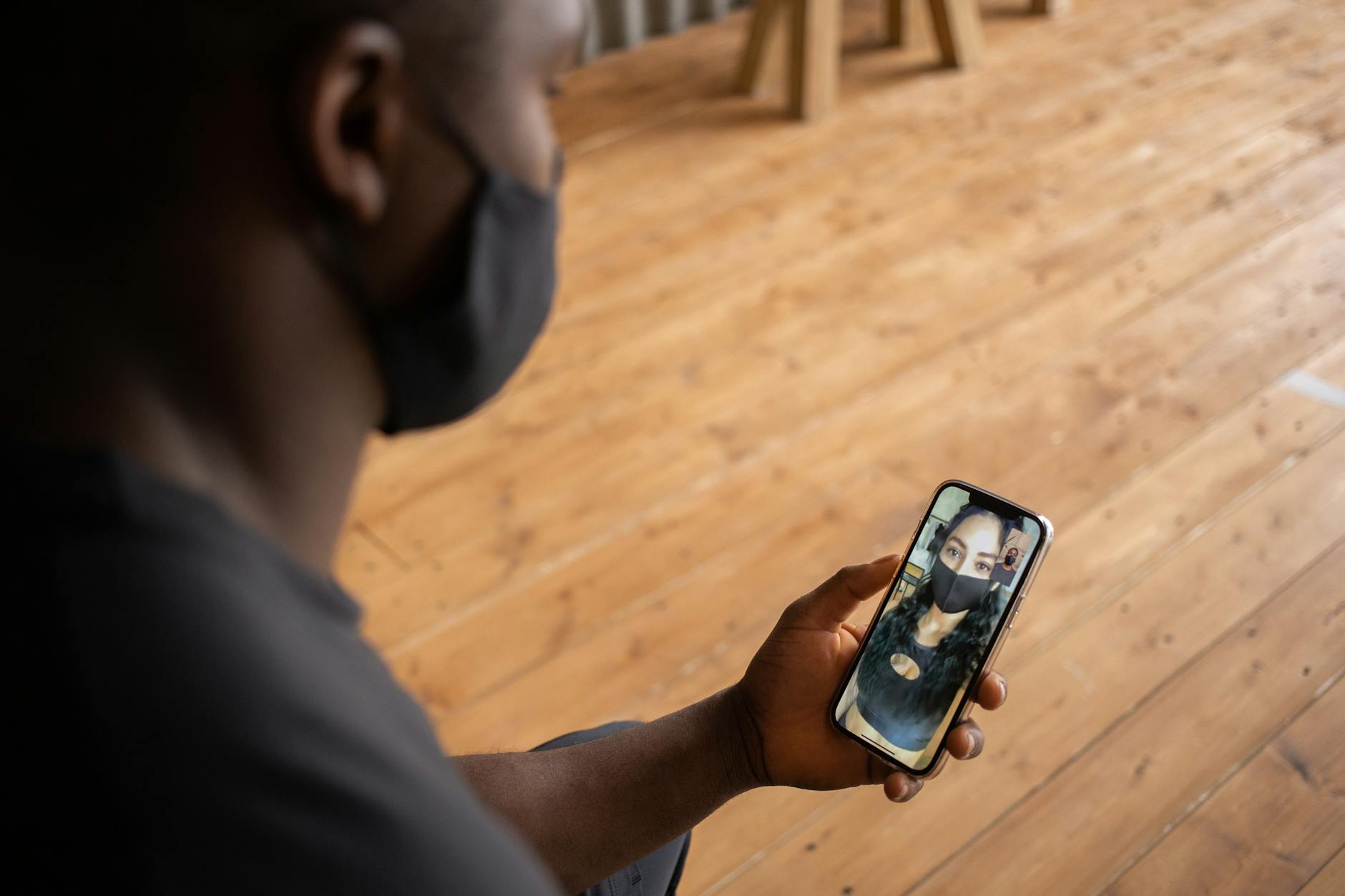
Protecting your video call privacy requires a combination of platform settings, environmental awareness, and deliberate habits. Start by enabling end-to-end encryption when available, using waiting rooms and passwords for meetings, keeping your software updated, and being intentional about what your camera and microphone capture. These foundational steps block the most common privacy threats, from uninvited participants to background data collection. The risks are real and documented.
In early 2020, “Zoombombing” became so prevalent that the FBI issued a public warning after hijackers infiltrated school classes and business meetings with offensive content. Beyond deliberate intrusions, video calls create privacy exposure through screen sharing accidents, visible documents in your background, and the extensive data that platforms collect about your behavior. A 2023 study by Consumer Reports found that popular video conferencing apps routinely collect data including meeting content, device information, and user behavior patterns. This article covers the specific settings and practices that reduce your exposure across major platforms, how to evaluate which services respect your privacy, and the often-overlooked risks that persist even when you follow standard advice.
Table of Contents
- Why Does Video Call Privacy Matter More Than You Think?
- Essential Platform Settings for Video Call Security
- How End-to-End Encryption Actually Protects Your Calls
- Controlling Your Physical Environment During Video Calls
- Evaluating Video Conferencing Platforms for Privacy
- Common Privacy Mistakes That Undermine Your Precautions
- Managing Recording and Transcription Risks
- What the Future Holds for Video Call Privacy
Why Does Video Call Privacy Matter More Than You Think?
Video calls expose far more personal information than a phone conversation or email exchange. Your camera captures your living space, family photos, documents on your desk, and anyone who walks through the frame. Your microphone picks up household conversations, notifications from other devices, and ambient sounds that reveal your location or habits. This constant stream of audiovisual data creates opportunities for both intentional surveillance and accidental exposure. The business model of many free video conferencing platforms depends on data collection. Zoom’s privacy policy, for instance, permits the company to collect meeting content for product improvement purposes, though users can opt out of certain AI features.
Microsoft Teams integrates deeply with workplace monitoring tools that can track meeting attendance, duration, and participation metrics. Even platforms with stronger privacy reputations, like Signal, face inherent risks because video calls route through servers that could theoretically be compromised. Corporate espionage represents another concern that security professionals increasingly warn about. Competitors or malicious actors who gain access to internal video meetings can capture strategic discussions, financial data, and proprietary information. The 2020 Twitter hack, which began with social engineering, demonstrated how attackers target internal communications as high-value entry points. For individuals, the risks include stalking, identity theft from visible personal documents, and embarrassment from recordings that surface later.

Essential Platform Settings for Video Call Security
Every major video conferencing platform includes security features that remain disabled by default or buried in settings menus. On Zoom, enabling the waiting room feature prevents participants from joining until the host admits them manually. Requiring a passcode adds another layer, though sharing that passcode through the same channel as the meeting link defeats its purpose. The setting to prevent participants from rejoining after removal stops persistent intruders, while disabling “join before host” ensures you control when the meeting actually begins. Microsoft Teams and Google Meet take different approaches to security defaults. Teams relies heavily on organizational policies set by IT administrators, meaning individual users in corporate environments may have limited control.
Google Meet automatically generates unique meeting codes and restricts joining to authenticated Google accounts by default, but this can create friction when including external participants. Both platforms offer recording controls, but the warning indicators that show when recording is active vary in visibility. However, if you use a platform through a corporate account, your personal settings may be overridden by administrator policies. An employer can enable automatic transcription, recording, and attendance tracking regardless of your preferences. Before discussing sensitive personal matters on a work video platform, assume the conversation could be logged and reviewed. For truly private conversations, use a personal account on a platform you control.
How End-to-End Encryption Actually Protects Your Calls
End-to-end encryption ensures that only the participants in a call can access its contents, with the video and audio streams scrambled in a way that even the platform provider cannot decrypt. When properly implemented, this means a breach of the company’s servers would not expose your conversation content. Signal offers end-to-end encryption by default for all calls. Zoom provides it as an option, but enabling it disables certain features like cloud recording and breakout rooms. The practical limitations of encrypted video calls matter as much as the theoretical protection.
End-to-end encryption does not prevent another participant from recording the call on their end using screen capture software. It does not protect metadata, meaning the platform still knows who called whom, when, and for how long. If any participant joins from a compromised device with malware that captures screen content, encryption provides no defense. For most personal and business calls, transport encryption (which protects data in transit but allows the platform to access it) provides adequate security. End-to-end encryption becomes essential when discussing genuinely sensitive information: medical details, legal matters, financial specifics, or journalistic sources. The Electronic Frontier Foundation maintains updated guides on which platforms offer true end-to-end encryption and which merely claim to.

Controlling Your Physical Environment During Video Calls
What appears behind you during a video call can reveal more than you intend. Visible mail shows your address. Prescription bottles indicate health conditions. Family photos provide fodder for social engineering attacks. A whiteboard with project details might expose confidential business information to participants who screenshot the call. Professional privacy consultants recommend conducting a “background audit” before important calls. Virtual backgrounds and blur features address some of these concerns but introduce their own tradeoffs.
Blur processing occasionally glitches to reveal what you intended to hide, particularly around hair edges or when you move quickly. Virtual backgrounds require more processing power and can make you appear less professional in formal settings. Physical solutions, such as positioning your camera to face a blank wall or using a portable backdrop, provide more reliable privacy at the cost of convenience. Audio privacy requires equal attention. Mechanical keyboards produce distinct sounds that researchers have demonstrated can be decoded to reconstruct what you typed. Smart speakers in the room may activate unexpectedly during calls. Family members’ conversations carry through closed doors. Using a headset with a directional microphone limits what gets transmitted, and the mute button should become reflexive whenever you are not actively speaking.
Evaluating Video Conferencing Platforms for Privacy
Not all video call services treat your data equally, and reading privacy policies reveals significant differences. Signal collects minimal metadata and stores essentially nothing about your calls. Zoom’s privacy practices have improved substantially since 2020 but still involve data collection for service improvement and, optionally, AI features. Platforms like Cisco Webex offer enterprise-grade security with granular administrative controls, while consumer-focused services like FaceTime prioritize convenience alongside Apple’s broader privacy stance. The tradeoff typically falls between privacy and features.
Platforms that collect more data can offer smart features like automated transcription, background noise suppression using AI, and integration with productivity tools. Services that minimize data collection may lack these conveniences. Your choice should depend on your specific needs: a casual call with family has different requirements than a therapy session or a board meeting discussing acquisition targets. Open-source alternatives like Jitsi Meet allow technically capable users to host their own video conferencing servers, eliminating third-party data access entirely. However, self-hosting introduces maintenance burden and potential security risks if the server is not properly configured and updated. For most users, choosing a reputable platform with clear privacy policies and configuring its settings carefully provides a better balance than attempting to build a private infrastructure.

Common Privacy Mistakes That Undermine Your Precautions
Screen sharing remains one of the most dangerous features in video conferencing. Sharing your entire screen rather than a specific window exposes every notification, every tab title, and every document you accidentally open. In 2022, a financial analyst inadvertently revealed confidential merger information during an investor call when a notification popped up on his shared screen. Always share specific windows or applications rather than your full desktop, and close unrelated programs before presenting. Meeting links present another persistent vulnerability. Posting a recurring meeting link publicly or reusing the same link across many meetings creates opportunities for unauthorized access.
Each meeting should ideally have a unique link and password, especially for sensitive discussions. Calendar invitations that include meeting credentials can be forwarded, and email accounts can be compromised, so consider sharing access details through a separate channel for high-stakes meetings. The assumption that a meeting is private because it has not been recorded is frequently wrong. Any participant can capture the session using external tools, from built-in screen recording to a phone pointed at the monitor. Once content exists in recorded form, it can leak through device theft, cloud storage breaches, or deliberate sharing. Treat every video call as potentially recorded and avoid saying anything you would not want attributed to you publicly.
Managing Recording and Transcription Risks
Modern video platforms increasingly offer AI-powered transcription and summarization features. While convenient, these features create permanent text records of conversations that were previously ephemeral. Zoom’s AI Companion and Microsoft’s Copilot can generate meeting summaries, but this requires processing your conversation through their servers. The resulting transcripts may be stored, used for model training, or accessed by employees with administrative privileges. Before enabling transcription, consider where those records will reside and who can access them.
Cloud-stored transcripts face the same breach risks as any other cloud data. A 2023 incident at a major tech company exposed years of internal meeting transcripts when an employee’s cloud storage was compromised through a phishing attack. Local transcription tools that process audio on your device avoid cloud exposure but still create files that must be secured. The warning that recording is in progress varies by platform and can be subtle or disabled entirely by meeting hosts. Participants in some jurisdictions have legal rights to know when they are being recorded, but enforcement is inconsistent. If privacy matters for a particular conversation, explicitly ask at the start whether anyone is recording or transcribing, and state your preference that they do not.
What the Future Holds for Video Call Privacy
Regulatory pressure is slowly improving baseline privacy protections for video conferencing. The European Union’s Digital Services Act imposes transparency requirements on major platforms, and proposed updates to the Electronic Communications Privacy Act in the United States would extend protections to video content. However, legislation consistently lags behind technology, and enforcement remains uneven.
Technical developments offer both promise and concern. Advances in on-device AI processing could enable features like transcription and noise cancellation without sending data to the cloud. Simultaneously, deepfake technology makes it increasingly feasible to impersonate someone on a video call, creating new authentication challenges. The tension between convenience and privacy will continue defining how these platforms evolve, making informed user choices essential rather than optional.
You Might Also Like
- How to Protect Your Professional Association Records
- How to Protect Your Prescription History Online
- How to Protect Your Online Dating Profile