
The fastest way to check if your location data has been tracked is to open your phone’s privacy settings right now. On an iPhone, go to Settings, then Privacy & Security, then Location Services to see every app that has accessed your location. A purple arrow icon next to an app means it pulled your location recently. On Android, go to Settings, then Location to view the same information. If you see apps accessing your location that have no business knowing where you are, you have your answer.
But app-level tracking is only part of the picture. Your mobile carrier knows where you are at all times through cell tower connections, even when Location Services is completely turned off. Data brokers have built entire businesses around collecting and selling this information. The FTC recently settled with Kochava, a data broker that was selling geolocation data from hundreds of millions of phones, pinpointing visits to reproductive health clinics, places of worship, and domestic violence shelters. This article walks through how to audit your phone’s location permissions, what Apple’s new carrier-level privacy setting actually does, how to tell if someone is actively tracking your device, and what federal regulators are doing about the companies profiting from your movements.
Table of Contents
- What Apps Are Tracking Your Location Right Now?
- How Carrier-Level Tracking Works Even When Location Services Are Off
- Data Brokers Already Have Your Location History
- How to Tell If Someone Is Actively Tracking Your Phone
- What Google Already Knows About Your Location
- California’s New Guidance on Limiting Mobile Tracking
- Where Location Privacy Is Headed
- Frequently Asked Questions
What Apps Are Tracking Your Location Right Now?
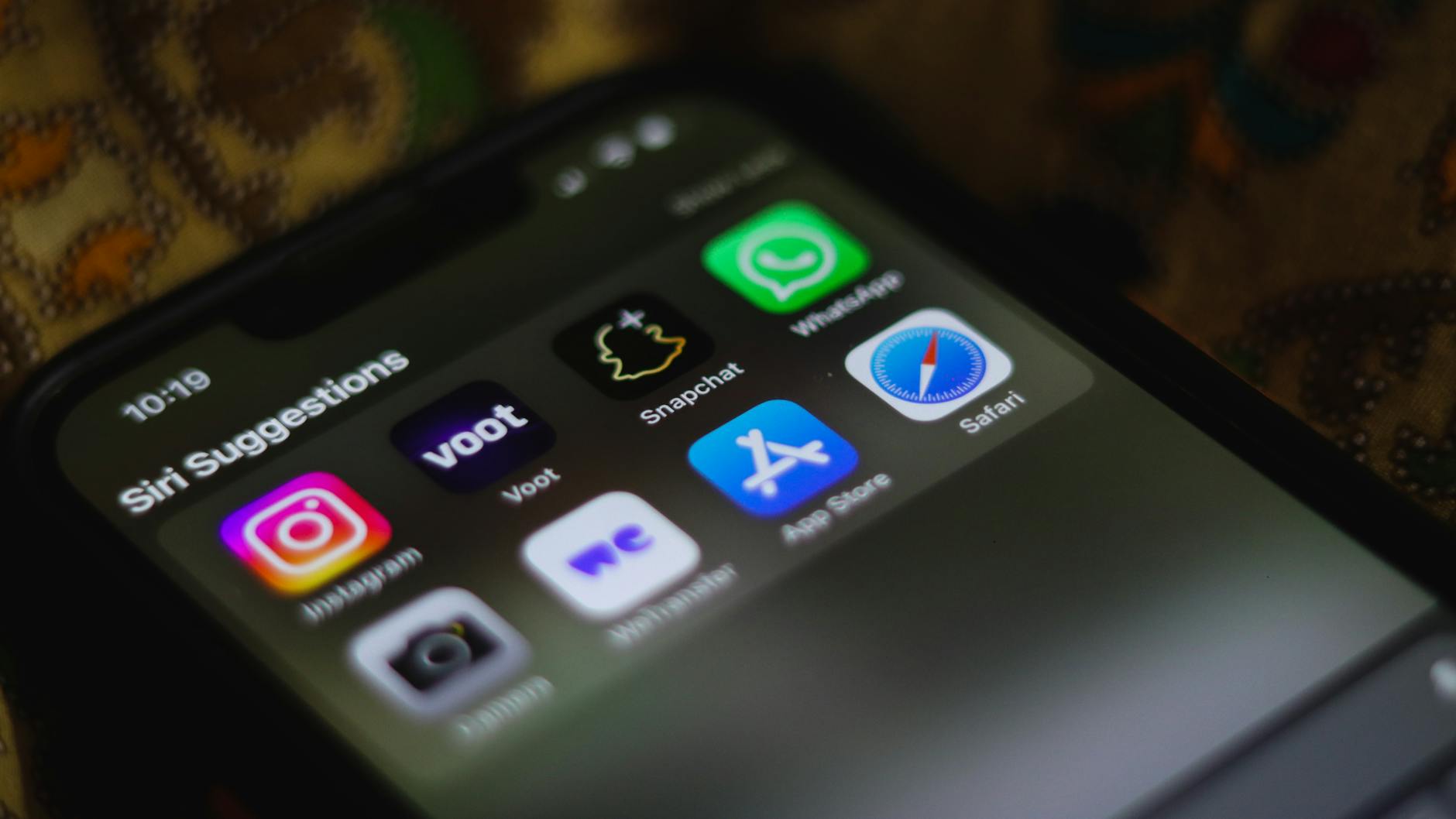
Start with the apps already on your phone. On iPhone, the Location Services menu breaks down access into three categories: “Never,” “Ask Next Time or When I Share,” “While Using the App,” and “Always.” That last one is the problem. An app with “Always” permission can pull your GPS coordinates in the background while you sleep, while you work, while you sit in a doctor’s waiting room. Research from NowSecure published in 2025 found that approximately 70 percent of Android apps accessed both sensitive data and tracking domains, and more than 60 percent requested permissions such as location, camera, or microphone. The sheer volume of apps quietly requesting location access means most people are being tracked by software they forgot they installed. The practical fix is straightforward but tedious.
Go through every app in your location settings and ask yourself whether that app genuinely needs to know where you are. A weather app might need your city. A flashlight app does not need your GPS coordinates. Set anything questionable to “While Using the App” at minimum, or “Never” if the app works fine without it. On Android, you can also check the location permissions timeline, which shows you exactly when each app last accessed your location and how often it does so. This is the single most effective step you can take in under five minutes.
How Carrier-Level Tracking Works Even When Location Services Are Off
Here is something most people do not realize: turning off Location Services on your phone does not make you invisible. Your cellular carrier still knows where you are because your phone must communicate with nearby cell towers to maintain a signal. That connection reveals your approximate location at all times, and carriers have historically shared or sold that data to third parties. Until recently, there was nothing you could do about it short of turning your phone off entirely. Apple addressed this gap in January 2026 with iOS 26.3, which introduced a “Limit Precise Location” setting that reduces the precision of location data shared with carriers from street-level accuracy down to neighborhood-level only. To enable it, go to Settings, then your Cellular Service, then Mobile Data Options, and toggle on “Limit Precise Location.” However, there are significant limitations.
The feature only works on devices with Apple’s C1 or C1X modem, which means it is currently limited to the iPhone Air, iPhone 16e, and cellular M5 iPad Pro. If you have an iPhone 15 or 16 Pro, you cannot use this feature. And at launch, the only U.S. carrier participating is Boost Mobile. Verizon, AT&T, and T-Mobile are not on board yet. So while this is a meaningful step forward, it does not help most iPhone users today.
Data Brokers Already Have Your Location History
Even if you lock down your phone today, companies you have never heard of may already possess years of your location data. The FTC’s enforcement actions over the past year paint a disturbing picture of the data broker industry. Mobilewalla, which the FTC banned from selling sensitive location data in January 2025, had collected more than 500 million unique consumer advertising identifiers paired with precise location data between January 2018 and June 2020. That is not a typo. Half a billion device identifiers, each tied to a trail of places visited.
The Kochava case, settled on February 27, 2026, was arguably worse. The company sold geolocation data showing visits to reproductive health clinics, addiction recovery centers, and domestic violence shelters. Under the settlement, Kochava must implement a privacy block for at least two years on data tied to sensitive venues and must give consumers a way to delete their data. The FTC also prohibited Gravy Analytics and its subsidiary Venntel from selling or disclosing sensitive location data except in limited national security or law enforcement circumstances. These cases confirm that your location data has likely already been collected, packaged, and sold multiple times over, regardless of what your current phone settings say.

How to Tell If Someone Is Actively Tracking Your Phone
Checking your privacy settings covers app-based and carrier-based tracking, but there is another concern: someone may have installed monitoring software on your device, or you may be unknowingly sharing your location through a built-in feature. The signs are not always obvious, but there are reliable indicators. Unexplained battery drain is one of the most common. Tracking software runs in the background and transmits data constantly, which burns through battery faster than normal usage. If your phone suddenly cannot make it through the day on a full charge and your usage has not changed, that is worth investigating. Similarly, unusual spikes in data usage can indicate a monitoring app sending location pings over your cellular connection.
Check your data usage breakdown in your phone’s settings to see if any unfamiliar apps are consuming data. Another telltale sign is the location icon appearing in your status bar when you are not using any app that should need your position. Before suspecting spyware, check the obvious first. On iPhone, open the Find My app and tap the People tab to see who can view your location. You might discover you are still sharing with an ex or a family member you forgot about. On Android, open Google Maps and check Location Sharing for the same thing. These built-in sharing features are the most common source of unwanted tracking, and they are the easiest to fix.
What Google Already Knows About Your Location
Google has faced significant legal consequences for its location tracking practices. The company paid 62 million dollars to settle a class action lawsuit over storing Location History data even when users had explicitly turned the setting off. The eligible class included anyone in the United States who used a mobile device with Google services between January 1, 2014, and December 4, 2023, while Location History was toggled off. Payment amounts ranged between 50 and 100 dollars per claimant. The claim deadline was June 30, 2025, and has now expired.
The important lesson from this settlement is not the payout. It is that disabling a setting labeled “Location History” did not actually stop Google from recording your location. Google’s other services, including Web and App Activity, continued collecting location data through searches, map queries, and other interactions. If you want to limit what Google knows, you need to go to myactivity.google.com and review both Location History and Web and App Activity separately. Turning off one does not affect the other. This is the kind of design choice that regulators have called a dark pattern, where the user interface suggests more privacy than the system actually provides.
California’s New Guidance on Limiting Mobile Tracking
In September 2025, the California Privacy Protection Agency published a consumer guide specifically addressing mobile app tracking. The guidance advised users to regularly audit app permissions and to use platform-level tracking controls like Apple’s App Tracking Transparency, which forces apps to ask before tracking you across other companies’ apps and websites.
While the guidance itself does not create new legal obligations, it signals that California regulators view mobile location tracking as a priority enforcement area. For California residents, the California Consumer Privacy Act already gives you the right to request deletion of your personal data from companies that collect it, including data brokers. You can submit deletion requests directly, though the process varies by company and is rarely simple.
Where Location Privacy Is Headed
The gap between what is technically possible and what most people can actually do remains wide. Apple’s carrier-level location limiting is a genuine innovation, but it only works on three devices and one carrier. The FTC is clearly escalating enforcement against data brokers, but the companies fined so far represent a fraction of the industry.
And while your phone’s permission settings give you meaningful control over app-level tracking, they do nothing about the data already collected and circulating in broker databases. The most likely path forward involves a combination of device-level privacy features expanding to more hardware, broader carrier participation in location-limiting protocols, and continued regulatory pressure. If the pattern of FTC settlements continues, data brokers will face increasing costs for handling location data carelessly. But for now, the responsibility falls on individual users to audit their settings, understand the limitations, and recognize that no single toggle eliminates location tracking entirely.
Frequently Asked Questions
Can my phone be tracked if Location Services is turned off?
Yes. Your cellular carrier can still determine your approximate location through cell tower connections regardless of your Location Services setting. Apple’s new Limit Precise Location feature in iOS 26.3 reduces the precision of carrier tracking, but it only works on iPhone Air, iPhone 16e, and cellular M5 iPad Pro, and currently only with Boost Mobile.
How do I check if a data broker has my location data?
There is no single database to check. However, under laws like the California Consumer Privacy Act, you can submit data deletion requests to known brokers. The FTC’s settlements with companies like Kochava now require them to provide consumers a way to delete their data, but you typically need to contact each broker individually.
Is the Google Location History settlement still open?
No. The claim deadline for the 62 million dollar Google Location History settlement was June 30, 2025, and has expired. The settlement covered U.S. users of Google services between January 1, 2014, and December 4, 2023, who had Location History turned off. Payments ranged between 50 and 100 dollars per claimant.
What is the difference between Location History and Web & App Activity in Google?
Location History records a timeline of where your device has been. Web and App Activity logs your searches, browsing, and app usage, which often includes location data embedded in those activities. Turning off Location History does not stop Web and App Activity from collecting location information. You need to disable both separately at myactivity.google.com.
Does Apple’s App Tracking Transparency stop location tracking?
It limits cross-app tracking by requiring apps to ask your permission before tracking you across other companies’ apps and websites. However, it does not prevent an app from collecting your location data for its own use if you have granted it location permission. You still need to manage location permissions separately in your privacy settings.
You Might Also Like
- How to Check If Your Biometric Data Was Leaked
- What to Do If Your Union Membership Data Is Breached
- What to Do If Your Fingerprint Data Is Compromised