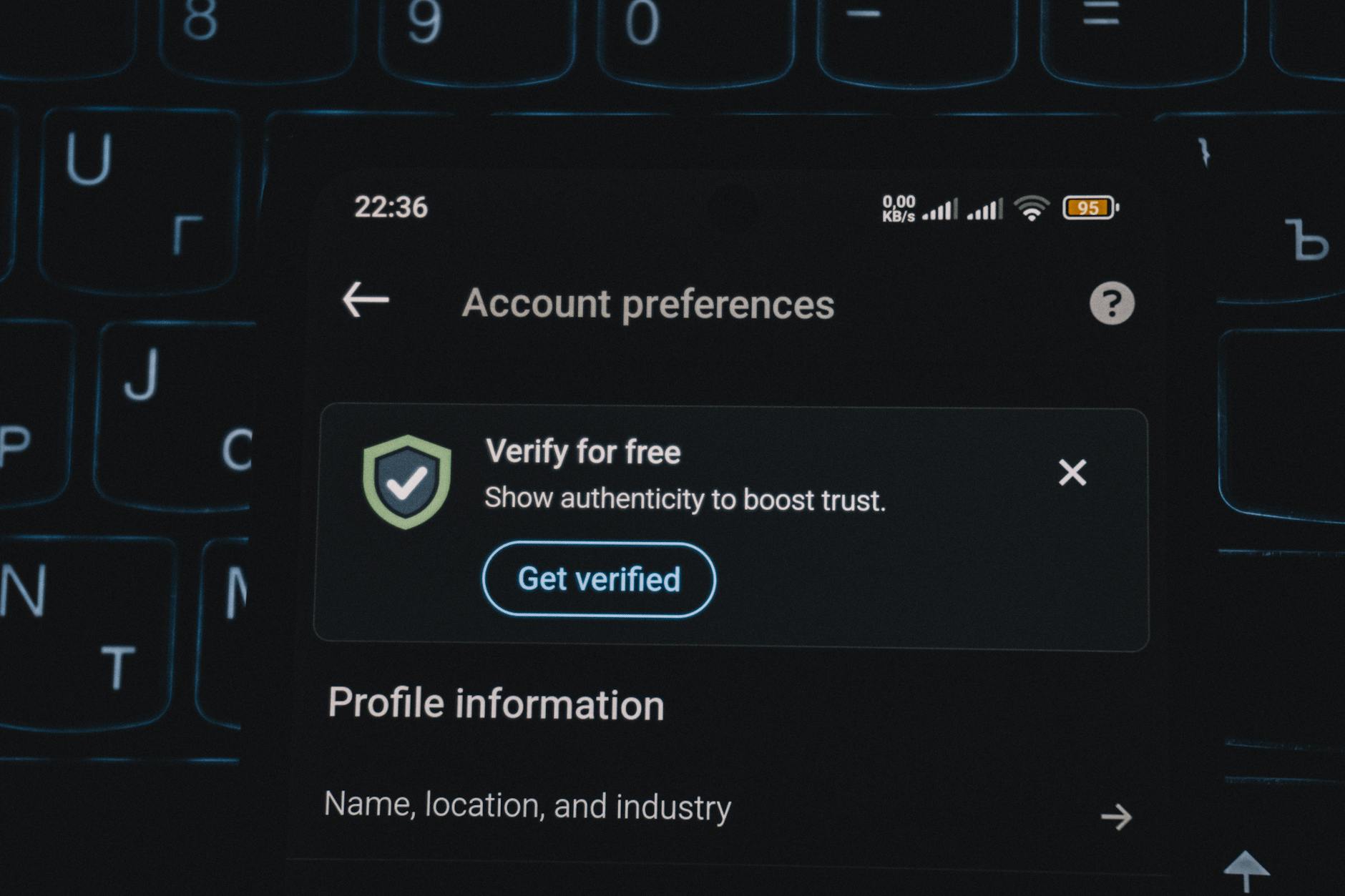
eBay’s privacy settings work through a layered approach that combines account security, personal information visibility, and communication preferences. The most critical setting is two-factor authentication (2FA), which prevents unauthorized access even if someone obtains your password. Beyond that, eBay allows you to control who sees your feedback, bidding history, and contact information.
For example, a seller who enables private bidding and restricts profile visibility can significantly reduce the risk of targeted harassment, price fixing, or identity theft based on their purchase patterns. Most eBay users leave default settings unchanged, which means their usernames appear in public auction bid histories, feedback ratings are publicly visible with links to their user profiles, and their email addresses may be exposed to sellers or scammers. The stakes are real: data from compromised eBay accounts has been leveraged in identity theft cases, account takeovers on linked services, and targeted phishing campaigns. Configuring your privacy settings takes less than 20 minutes but eliminates the majority of common exposure vectors.
Table of Contents
- What Privacy Settings Does eBay Actually Provide?
- Two-Factor Authentication and Account Lockdown
- Controlling What Appears on Your Public Profile
- Bidding Visibility and Purchase History Settings
- Contact Information Exposure and Communication Channels
- Payment Method Privacy and Seller Information Sharing
- Looking Forward: Multi-Platform Account Security
- Frequently Asked Questions
What Privacy Settings Does eBay Actually Provide?
eBay organizes privacy controls across several functional areas: account access, personal information display, bidding and purchase visibility, and communication channels. The account access section includes password strength requirements, two-factor authentication, trusted devices, and login notifications. The personal information section governs what appears on your public profile—your full name, location, feedback history, and selling record. The bidding visibility settings control whether your bids appear in auction bid histories and whether your purchases are linked to your username.
The communication section includes email preferences, phone number storage, and third-party data sharing. A concrete example: Sarah uses eBay primarily to purchase collectibles. By default, every person watching an auction can see her username appeared in the bid history for a rare item. If that item has significant resale value, bad actors can now associate her eBay username with a specific interest, research her profile feedback to learn her real name and general location, and then craft phishing emails specifically about similar items. By contrast, if Sarah enables private bidding and restricts her feedback display to public sellers only, her participation is invisible to other bidders.
Two-Factor Authentication and Account Lockdown
Two-factor authentication is non-negotiable for any account storing payment methods or personal information. eBay’s 2FA options include authenticator apps (Google Authenticator, Microsoft Authenticator, Authy), SMS text codes, and security keys. The limitation is that SMS-based 2FA remains vulnerable to SIM swap attacks, where a attacker calls your mobile carrier and tricks them into transferring your phone number to a new device. Security keys (physical USB devices conforming to FIDO2 standards) eliminate this risk entirely but require a separate hardware purchase and add friction during login.
Once 2FA is enabled, eBay allows you to manage trusted devices—computers or phones you’ve already verified. The downside is that trusting a device reduces security friction at the cost of increased risk if that device is later compromised. If your laptop has malware, a trusted device means the malware author can log in without providing a second factor. For high-risk users (those with valuable selling history, linked payment methods, or significant account value), disabling device trust and entering a code for every login is more secure but significantly more inconvenient. A middle-ground approach is to trust only devices you own and keep updated with security patches.
Controlling What Appears on Your Public Profile
Your eBay profile is a permanent public record visible to any person on the internet. By default, it displays your username, feedback score and detailed feedback comments, all items you’ve sold with prices and dates, and sometimes your general location. The bidding history of every auction you’ve participated in is also public, linked to your username. This creates a searchable database of your interests, spending habits, and price ranges for specific categories of items.
For example, a user with an extensive feedback history selling vintage cameras becomes identifiable as a photography enthusiast and collector. Someone researching this person’s eBay history can determine approximately when they acquire items, typical price ranges, preferences for specific brands, and geographic location. If that same person has a relatively unique username, this information is linkable to their identity through simple Google searches or social media research. Changing your privacy settings to hide your feedback, make your purchase history private, and disable public seller information creates a significant barrier to this kind of reconnaissance.

Bidding Visibility and Purchase History Settings
The “private bidding” setting removes your username from the public bid history of auctions. Instead of showing a list like “User A bid $15, User B bid $20, User C bid $25,” private bidding displays bids anonymously or not at all. For sellers, this setting is attractive because it reduces collusion concerns and sniping pressure. For buyers, it prevents competitors from seeing your maximum bid, identifying you as an active participant in a particular item category, or timing their bids specifically against yours. One limitation: private bidding does not hide information from the seller.
The seller still knows you won the auction and has your contact information for shipment. Private bidding also does not apply to fixed-price purchases, which always show the buyer’s username. For comprehensive purchase privacy, you should also adjust your feedback visibility to display feedback from sellers only, not feedback you’ve left about them—this prevents people from seeing what you’ve purchased by examining your left feedback. A comparison: a high-privacy configuration hides your bidding participation and purchase feedback from competitors but remains transparent to sellers and eBay. A low-privacy configuration leaves you exposed to public research and correlation attacks.
Contact Information Exposure and Communication Channels
eBay requires your legal name, address, and at least one contact method during account setup. The question is which of this information sellers and other users can see. By default, eBay does not display your full legal name or address to other buyers, but it does display a username and may show your city or state depending on settings. However, sellers can always request your address for shipment purposes, and that creates an opportunity for social engineering or phishing follow-ups. A significant risk: eBay’s contact information is sometimes compromised in third-party data breaches.
If you use an eBay-specific password and that password is reused anywhere else, attackers now have your name, address, and eBay username linked together. The warning is not to reuse passwords across services. Additionally, eBay’s email preferences determine whether you receive marketing emails, promotional offers, and third-party recommendations. Disabling these does not reduce your security directly, but it reduces the volume of emails that can be mimicked or spoofed in phishing attempts. When you receive far fewer emails from eBay legitimate channels, you’re more likely to notice when a convincing fake eBay email arrives.

Payment Method Privacy and Seller Information Sharing
Your payment methods (credit cards, debit cards, PayPal, Apple Pay) are stored within your eBay account but are not displayed to other users. However, eBay retains transaction records, and those records have been compromised in past security incidents. The 2015 eBay data breach exposed customer names, encrypted passwords, email addresses, and physical addresses—not payment card data directly, but enough to enable account takeovers and identity theft. For minimizing exposure, consider using PayPal or a virtual card number service (many credit card issuers offer single-use card numbers) rather than linking your credit card directly to eBay.
This approach isolates your eBay account from your primary card information. If eBay is breached again, attackers get a limited-use card number rather than your real card details. Additionally, review eBay’s data sharing settings to opt out of sharing your information with eBay partner companies for marketing purposes. Specifically, disable the “Personalized Ads” setting to prevent eBay from selling your behavioral data to advertising networks.
Looking Forward: Multi-Platform Account Security
As eBay accounts become increasingly linked to other services—PayPal, Google Pay, Apple Pay, cryptocurrency wallets—the privacy settings of your eBay account now affect the security of those downstream services. If someone gains access to your eBay account, they can reset passwords on linked accounts, change payment methods, or initiate disputes. The emerging best practice is to treat your eBay account as a primary identity account alongside your email account and to protect it accordingly with strong unique passwords, 2FA with security keys, and regular access audits.
Looking ahead, users should expect eBay to introduce more granular privacy controls—such as region-specific data handling (following GDPR and similar privacy regulations) and decoupled feedback systems. However, relying on future improvements is not a viable strategy. Your account privacy depends on the choices you make today within the existing framework.
Frequently Asked Questions
Does enabling private bidding increase my chance of losing an auction?
No. Private bidding only hides your participation from other bidders, not from the auction mechanism itself. The auction still works normally; other users simply cannot see your bids in the history.
Can eBay employees see my private feedback and hidden purchases?
eBay employees and moderators can access any user data for account recovery, fraud investigation, or dispute resolution. Privacy settings control what the public sees, not what eBay internally retains.
Is it safe to use a security key for eBay authentication?
Yes, security keys are considered among the most secure 2FA methods available. The downside is that if you lose the physical key, you may have difficulty recovering your account.
Does disabling personalized ads on eBay stop all tracking?
No. eBay still tracks your behavior for internal analytics, recommendations, and fraud detection. Disabling personalized ads prevents that data from being sold to advertising networks, but eBay retains it.
Should I change my eBay username to improve privacy?
Changing your username after having an account for years can be suspicious to sellers and may trigger account restrictions. If your username contains identifying information (like your real name or location), it’s worth changing during account setup, before you’ve built reputation.
What should I do if I receive suspicious emails claiming to be from eBay?
Verify by logging into eBay directly through the official website (not a link in the email) and checking your message center for official communications. Legitimate eBay security alerts always appear in your message center first; emails are secondary. Never click links or download attachments from unsolicited emails claiming to be from eBay.
You Might Also Like
- Best Privacy Settings for Shopping Apps
- Best Privacy Settings for Business Software
- What to Do If Your Saved Payment Method Is Exposed