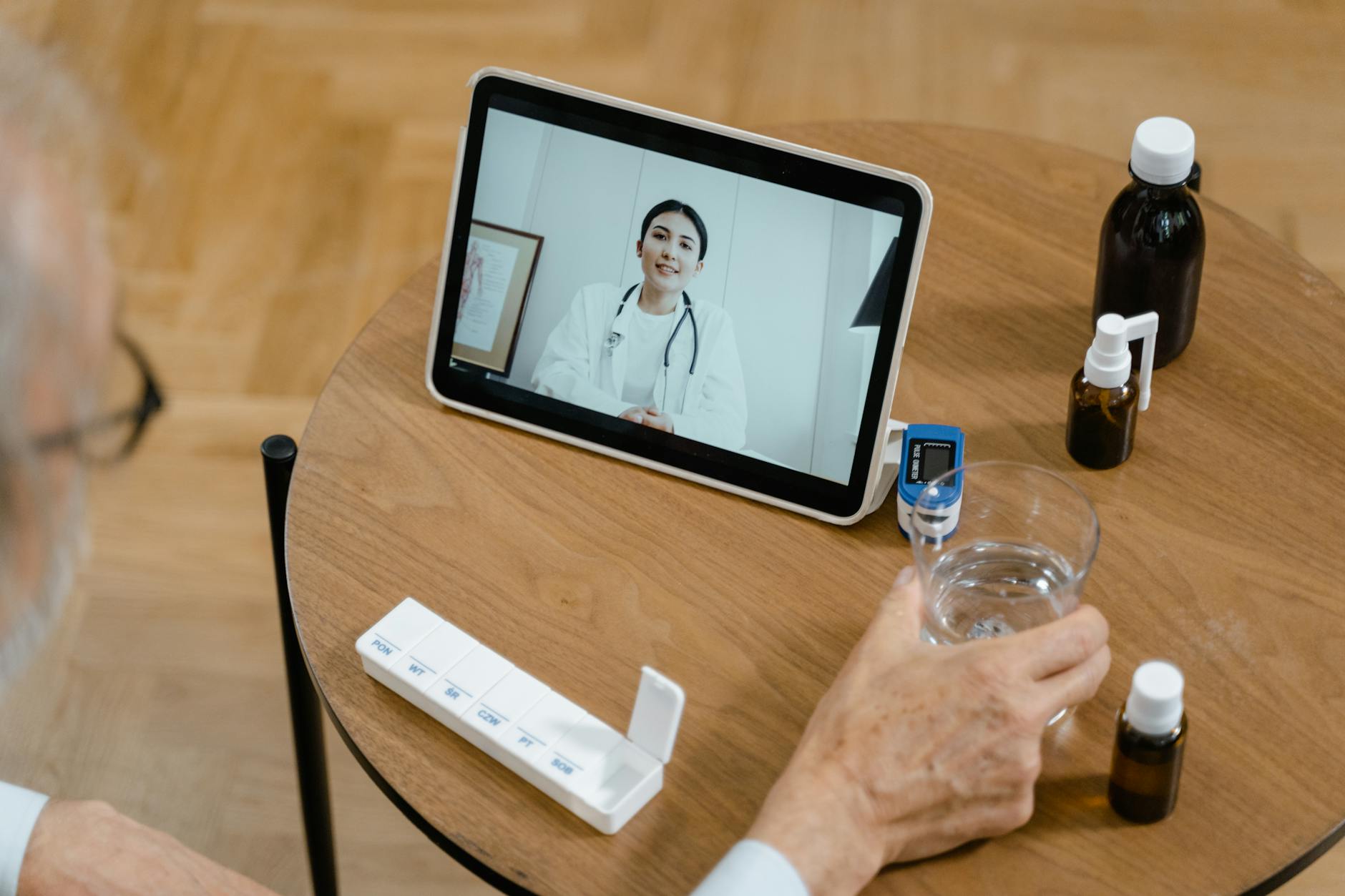
Securing your telemedicine account requires a multi-layered approach centered on multi-factor authentication (MFA), which blocks more than 99.9% of account-compromising attacks. As of 2026, MFA is now a mandatory requirement under updated HIPAA Security Rule guidelines with no exceptions or workarounds—meaning any legitimate telemedicine provider must enforce this protection before you can access patient records or communication features. Beyond MFA, you need to understand how your telemedicine platform encrypts your health data, recognize common attack vectors like phishing, and verify that the platform you’re using is actually HIPAA-compliant.
The stakes are substantial. In 2025 alone, 605 healthcare breaches were reported in the United States, affecting 44.3 million Americans. Healthcare data breaches cost an average of $7.42 million per incident—the costliest of any industry—and 30% of doctors have dealt with compromised patient data during telehealth sessions. The problem extends beyond healthcare providers: 42% of medical staff don’t understand how patient data is actually protected, meaning even well-intentioned telemedicine users may not know whether their accounts are truly secure.
Table of Contents
- How Multi-Factor Authentication Protects Your Telemedicine Account
- Encryption, PHI Protection, and Business Associate Agreements
- Recognizing Phishing and Social Engineering Attacks
- Device and Network Security for Telemedicine Sessions
- Monitoring Your Account and Responding to Compromise
- Choosing a HIPAA-Compliant Telemedicine Platform
- The Evolving Landscape of Telemedicine Security
How Multi-Factor Authentication Protects Your Telemedicine Account
Multi-factor authentication works by requiring two or more verification methods before granting access—typically something you know (a password), something you have (a phone or hardware key), and sometimes something you are (biometric data). The 99.9% protection rate against account-compromising attacks is well-documented, which is why regulatory bodies made it non-negotiable. The 2026 HIPAA Security Rule updates removed all exceptions: if a platform offers telemedicine services to patients, MFA is mandatory. Most legitimate telemedicine platforms now offer authenticator apps (Google Authenticator, Microsoft Authenticator) or push notifications as the second factor.
Some offer backup codes—typically 8-10 one-time codes you store somewhere secure—but relying solely on backup codes is riskier than pairing them with an active authenticator app. A concrete example: if a hacker obtains your password through a data breach or phishing attack, they cannot access your account without the second factor, even if you haven’t yet changed your password. One limitation worth noting is that authenticator apps themselves can become targets. If someone gains access to your phone, they could potentially use your authenticator app to bypass MFA on your accounts. For this reason, some healthcare organizations recommend hardware security keys (like YubiKey) as a more secure second factor, though they’re less commonly offered by consumer telemedicine platforms yet.

Encryption, PHI Protection, and Business Associate Agreements
Every telemedicine platform transmitting protected health information (PHI)—your medical history, diagnoses, symptoms, prescriptions—must sign a Business Associate Agreement (BAA) with your healthcare provider and encrypt all video, audio, and chat communications. Encryption means that even if someone intercepts your data in transit, they receive an illegible string of characters rather than readable patient information. This is a legal requirement under HIPAA, not optional. Telemedicine platforms are vulnerable to SQL injections, session hijacking, and data interception from weak encryption, according to security researchers at Kaspersky and other cybersecurity firms. SQL injection occurs when attackers insert malicious code into login fields to access databases directly.
Session hijacking happens when someone steals your active session token, allowing them to log in as you without knowing your password. These attacks specifically target poorly configured or outdated telemedicine applications. An example: if a platform doesn’t validate input on its login page, an attacker could type a query like `’ OR ‘1’=’1` to bypass password requirements entirely. It’s important to understand that COVID-era regulatory waivers allowing non-compliant consumer platforms (like Zoom or FaceTime for direct patient consultations) have expired as of 2026. Providers can no longer use non-compliant consumer platforms for patient interactions; all video, audio, and messaging must occur on HIPAA-compliant systems with the proper BAA in place. This means if your telemedicine provider has been using a consumer video platform, they must migrate to a compliant solution or stop offering telehealth services entirely.
Recognizing Phishing and Social Engineering Attacks
Phishing attacks targeting telemedicine users typically arrive as emails or text messages claiming to be from your healthcare provider. The messages request password resets, verification of billing information, or urgent action on an account issue. A real example: a patient receives an SMS stating “Your telemedicine appointment is at 2 PM. Confirm your identity here: [link].” The link leads to a fake login page, where entering credentials gives attackers direct access to the real account. These attacks succeed because healthcare communication is already stressful—patients often receive time-sensitive messages about prescriptions, appointment confirmations, and lab results. A phishing message inserted into this flow feels plausible.
Medical staff are especially vulnerable: 42% of staff don’t fully understand data protection measures, so they’re less likely to question suspicious requests. The solution is to never click links in unsolicited messages. Instead, navigate directly to your telemedicine platform’s official website by typing the URL into your browser, then log in and check for any notifications there. Social engineering escalates phishing by adding a human touch. An attacker might call, pretending to be from your healthcare provider’s technical support team, asking you to “verify” your password or security questions. A limitation of this approach is that it requires more effort than automated phishing, but it’s often more effective because people naturally trust voices more than emails. Always remember: legitimate support staff will never ask for your password over the phone or via email.

Device and Network Security for Telemedicine Sessions
Your telemedicine session is only as secure as the device and network you’re using. A compromised device—infected with malware or spyware—can expose everything on your screen, including video consultations and medication information. The most secure setup uses a device dedicated to work and healthcare (no social media apps, no untrusted downloads) connected to a network you control and trust. A comparison: using public Wi-Fi at a coffee shop to access your telemedicine account is riskier than using your home network, though both are acceptable if you use a VPN. A Virtual Private Network (VPN) encrypts the traffic between your device and the telemedicine platform’s servers, preventing others on the same network from seeing your data. However, choosing a reliable VPN requires caution—some VPN services log user activity or have poor encryption.
Reputable options include those recommended by security organizations, not free VPNs advertised aggressively on the internet. The tradeoff is that VPNs sometimes introduce minor latency, which could affect video or audio quality during a consultation, though most modern VPNs have minimal impact. Keep your operating system and all applications up to date. Security patches are released regularly to fix vulnerabilities that attackers actively exploit. A concrete example: in 2024, several telemedicine applications had exploitable bugs that were patched within weeks of discovery. Users who didn’t update remained vulnerable. Set your device to auto-update whenever possible so you don’t have to remember.
Monitoring Your Account and Responding to Compromise
Regularly reviewing your telemedicine account’s login history and active sessions helps you catch unauthorized access quickly. Most platforms show you the last login time, location, and device type. If you see a login from an unfamiliar city or device, change your password immediately and revoke that session. A warning: don’t assume a single unusual login is a false alarm—it could be the first sign of a breach affecting many users. Check your email account itself (which is often the recovery method for telemedicine accounts) and look for password reset attempts or login notifications you didn’t authorize.
A limitation of account monitoring is that sophisticated attackers can cover their tracks by logging in from a location that appears legitimate or at a time when legitimate use is expected. This is why continuous monitoring is important—multiple small anomalies together indicate a breach more reliably than a single unusual event. If you discover your account has been compromised, contact your healthcare provider’s security team immediately. They can review what information was accessed, whether your prescriptions were altered, and whether other patients’ data was exposed through your account. In 2025, healthcare breaches declined in frequency, with monthly large data breaches decreasing from 68.6 per month (April-August 2025) to 46.2 per month (September 2025-January 2026). This suggests that increasing security investments and regulatory enforcement are working, though the absolute number of incidents remains concerning.

Choosing a HIPAA-Compliant Telemedicine Platform
Not all telemedicine platforms are created equal. Before signing up, verify that the platform has a public Business Associate Agreement available, uses end-to-end encryption for communications, and has recent security certifications or third-party audits (such as SOC 2 compliance). A concrete example: some legitimate platforms publish their security practices transparently on their websites, including encryption methods, data retention policies, and how they handle data breaches.
If a platform is vague about these practices or claims “military-grade encryption” without explaining what that means, it’s a red flag. Ask your healthcare provider directly which platforms they use and why. A provider relying on compliant platforms has invested in proper infrastructure, whereas a provider using consumer-grade tools may be cutting corners on security.
The Evolving Landscape of Telemedicine Security
As telemedicine use grows, so do both the sophistication of attacks and the regulatory requirements protecting patients. The 2026 HIPAA updates mandating MFA represent a significant shift—regulators are no longer tolerating weak authentication.
Future updates will likely address emerging threats like deepfake-based fraud (using artificial video to impersonate patients or providers) and AI-powered phishing that generates highly convincing, personalized emails. Your role in this landscape is to stay informed about your platform’s security features, use available protections (like MFA), and report any suspicious activity. Telemedicine is genuinely valuable for healthcare access, but only when security measures are treated as essential infrastructure, not afterthoughts.
You Might Also Like
- How to Secure Your Medicare Account Access
- How to Secure Your Gas Company Account Online
- What to Do If Your Solar Panel Account Is Compromised