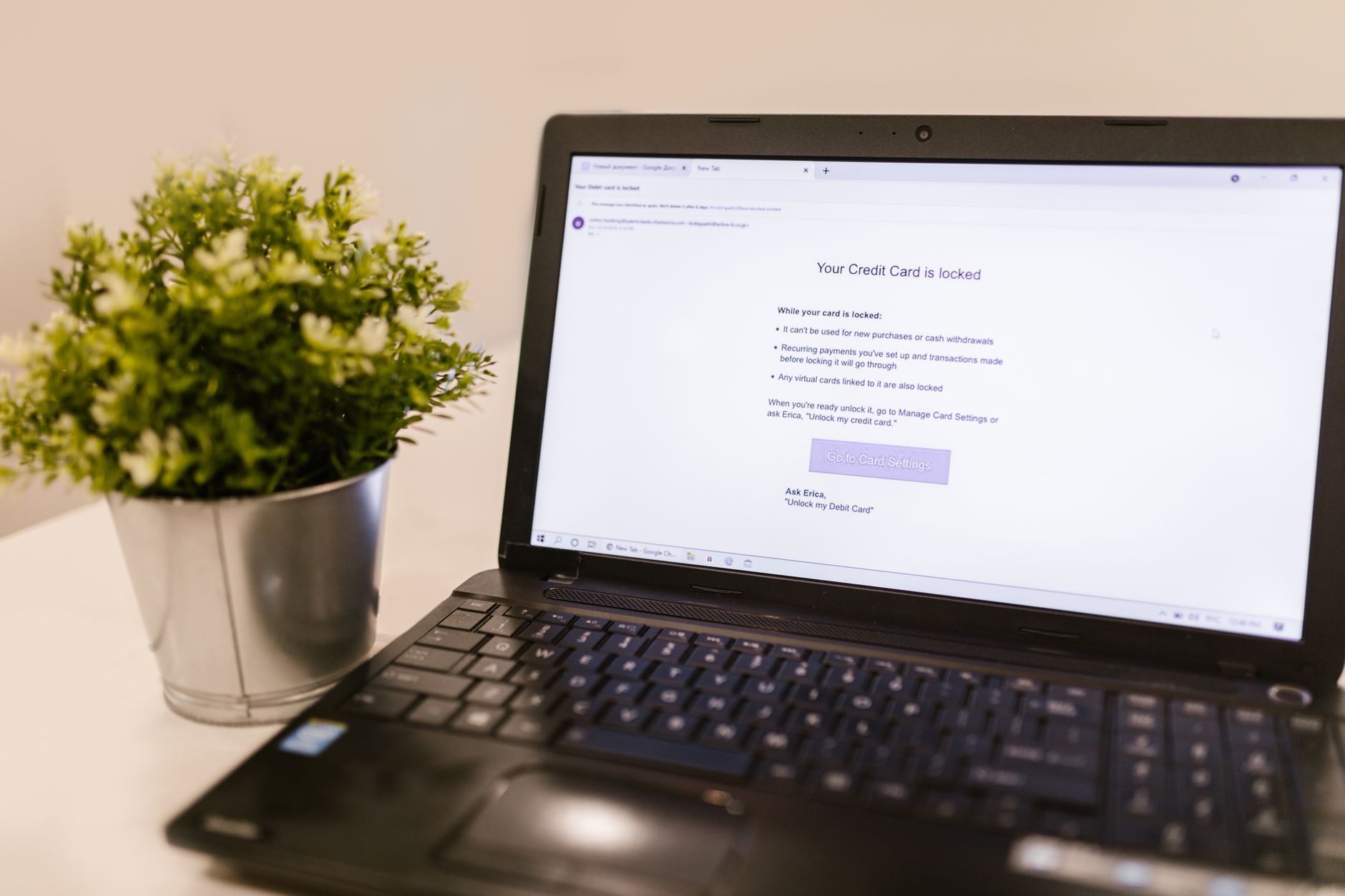
Your email server has likely been hacked if you notice unauthorized forwarding rules sending your messages to external addresses, failed login attempts followed by successful access from foreign IP locations, or suspicious messages in your Sent Items that you never composed. These are the most reliable indicators of account compromise, and they often appear in combination. A compromised email account becomes a gateway for attackers to access sensitive corporate information, launch phishing campaigns against your contacts, and establish persistence within your organization—making early detection critical.
The scale of email-based attacks has accelerated dramatically. Organizations reported 3.4 billion phishing emails sent daily in 2024-2025, with a 31% rise in phishing incidents year-over-year and a 36% increase specifically in credential-harvesting attacks. Fifty-eight percent of organizations experienced account takeover incidents in the last twelve months, and 79% of those attacks started with a single phishing email that stole login credentials. If your email server is compromised, you are not alone—but you need to act immediately.
Table of Contents
- TECHNICAL SIGNS OF UNAUTHORIZED ACCESS
- EMAIL FORWARDING AND ROUTING ANOMALIES
- BEHAVIORAL SHIFTS AND EXTERNAL WARNINGS
- PREVALENCE AND RISK SCALE
- DETECTION USING VERIFICATION TOOLS
- IMMEDIATE REMEDIATION STEPS
- ONGOING MONITORING AND BEHAVIORAL BASELINES
TECHNICAL SIGNS OF UNAUTHORIZED ACCESS
The most definitive technical indicator is login activity from locations and times inconsistent with your normal behavior. Check your sign-in logs for IP addresses from geographic regions where you don’t work, access timestamps during your sleeping hours, or a sudden spike in failed login attempts followed immediately by a successful authentication from an unfamiliar location. This pattern is characteristic of password spray attacks, where attackers use lists of compromised credentials against your account until one succeeds. Microsoft Defender for Office 365 logs these events with high precision—the IP address, timestamp, and authentication method are all recorded and available in your Entra sign-in logs. Unauthorized changes to your multi-factor authentication setup indicate an attacker has already gained access to your primary credentials. If you notice that MFA methods you didn’t enroll are now active on your account—such as a phone number you don’t recognize, an authenticator app you didn’t add, or a security key you never registered—an attacker has escalated their access and taken steps to lock you out.
Removing MFA devices requires knowledge of your password and previous MFA factors, so this change signals active, sophisticated compromise. Similarly, if you cannot log in with your normal password but you know it’s correct, or if you receive account lockout notifications you didn’t trigger, the attacker may have already changed your credentials. Configuration alterations in your account profile are less obvious but equally damaging. Review your Global Address List entry for unexpected changes to your display name, office location, phone number, or other details. Check the applications and services that have permission to access your email. Attackers often grant themselves access to backup or legacy applications to maintain persistence even after the initial compromise is remediated.
EMAIL FORWARDING AND ROUTING ANOMALIES
Suspicious inbox forwarding rules are among the easiest signs to miss and the most damaging to overlook. Check your inbox rules immediately: log into your email client, navigate to settings or rules, and review every single rule. Look for forwarding to external domains you don’t recognize, especially addresses at free email providers like Gmail or Yahoo. Look for rules that automatically move emails matching certain keywords—such as “finance,” “payment,” “wire,” “invoice,” or “password”—to your Junk or Notes folder or redirect them silently to an attacker’s mailbox. These keyword-based rules allow attackers to intercept sensitive business communications without your knowledge. An attacker might create a rule that automatically deletes emails from your IT security team or your CEO, or one that blindly forwards all incoming messages to their account while deleting the originals. Anomalies in your Sent Items are a strong indicator of compromise. Email in your Sent Items folder that you did not write—such as messages claiming you’re stranded in London and need someone to wire money immediately, or emails to contacts soliciting sensitive information—proves someone else has sent messages from your account.
The classic example is the urgent message to your finance team: “Hi, I’m in meetings all day. Can you wire $50,000 to this bank account for an urgent vendor payment?” When your contacts reply directly to the attacker’s instructions, they expose your organization to financial fraud. A high volume of sent emails during times you were not working, especially to unfamiliar recipients or with attachments you don’t recognize, is another red flag. Review your Sent Items folder sorted by date and recipient, and ask yourself: Do I recognize this contact? Is this the tone and urgency level I typically use? Missing or unexpectedly deleted emails in your inbox—without your action—indicate an attacker is covering their tracks. Some email compromise includes mailbox cleanup where the attacker deletes evidence of their reconnaissance. If important emails from your manager, security team, or external partners have disappeared, check your Deleted Items folder. If they’re not there either, the attacker has likely permanently purged them. Additionally, check whether SMTP forwarding is configured on your account. This is a less visible method of compromise where copies of every message you send and receive are forwarded to an attacker’s external account, independent of any rules you can see in your email client.
BEHAVIORAL SHIFTS AND EXTERNAL WARNINGS
Detect compromise by comparing your email behavior against your own historical baseline. Review your mailbox activity over the past six months: How many emails do you typically send per day? How many recipients do you normally email? What types of attachments do you typically send? What time of day are you usually active? When an attacker takes over your account, they deviate from this baseline in measurable ways. A sudden doubling or tripling of email volume, especially of messages containing attachments or links, is abnormal. Emails to previously untrusted recipients—people or domains you’ve never contacted before—are a behavioral shift. Urgent or out-of-character financial requests differ markedly from your normal communication style. Proofpoint’s behavioral anomaly detection research shows that organizations can flag internal messages deviating from six months of baseline data with high confidence, catching many compromises before external damage occurs.
The most reliable external signal is when your colleagues or clients tell you they received suspicious messages from your email address. Your manager forwards you a phishing email claiming to be from you asking them to click a malicious link. Your business partner mentions they got a strange money-transfer request from your account. A client service team reports that emails from your address contained unusual language or requests for sensitive data. These external reports are free threat intelligence—they tell you your account is already being weaponized against your organization and its partners. When you receive such a report, treat it as a confirmed compromise until proven otherwise.
PREVALENCE AND RISK SCALE
The financial and operational impact of compromised email accounts is severe. The average cost of a phishing-related breach to an organization is $4.88 million in 2025, according to breach data tracking. The Verizon 2025 Data Breach Investigations Report identifies Business Email Compromise as its own category, with organizations losing $6.3 billion globally in 2025 due to BEC fraud alone. These figures exclude the hidden costs of incident response, reputational damage, and lost productivity. A single compromised executive or finance employee can result in fraudulent wire transfers, unauthorized access to intellectual property, or pivots into broader network compromise.
The prevalence of these attacks makes them a near-certainty in large organizations: your question is not whether someone will attempt to compromise email accounts, but whether you will detect it before significant damage occurs. The attack methods driving these compromises remain consistent and effective. Ninety-seven percent of attacks still use password spray techniques as of 2025, meaning attackers are not relying on advanced exploits but on the simplicity of reused credentials. This underscores why detection of unusual login locations and times is so valuable—it’s not a sophisticated attacker covering their tracks, but a basic, high-volume attack that leaves obvious digital evidence. The second most common vector is MFA bypass or circumvention, which explains why attackers so aggressively target MFA settings once they’ve gained initial access.
DETECTION USING VERIFICATION TOOLS
Verify a suspected compromise using built-in tools before assuming catastrophic damage. In Microsoft environments, use PowerShell to check forwarding immediately: run `Get-Mailbox -Identity
This tool allows you to reconstruct the path of specific emails, confirming whether they passed through unexpected servers or were forwarded to unauthorized recipients. Review mailbox audit logs to see which actions were performed on which dates—this includes logins, forwarded emails, deleted items, and sent messages. When cross-referencing external notifications from colleagues or clients, ask them to forward the exact email they received so you can use Message Trace to determine its origin and routing. A message arriving in your contact’s inbox from your address does not necessarily prove your mailbox was compromised—email spoofing is possible—but if Message Trace shows it was routed through your organization’s servers, compromise is confirmed. The limitation of these detection tools is that they require access to your mailbox and logs, and if your account is fully locked by the attacker, you may need security team or administrator intervention to regain access and review the logs. Plan accordingly and escalate to your IT security team immediately if you suspect compromise—do not delay in hopes of investigating alone.
IMMEDIATE REMEDIATION STEPS
If you confirm a compromised email server, disable the account immediately to prevent the attacker from further persistence and damage. This is the first action recommended by Microsoft Defender—stopping the active threat supersedes data gathering. Reset your password to a strong credential containing uppercase, lowercase, numbers, and special characters, and ensure that you are the one performing the reset, not someone else claiming to do it “for security.” Revoke all active sessions associated with your account so that any stolen credentials or session tokens become worthless. Remove all unauthorized MFA devices and re-enroll only on devices you control. Audit and revoke suspicious applications that were granted permission to access your mailbox—an attacker often adds third-party apps with names like “Mail Backup” or “Data Sync” to maintain access after the password is reset.
Review and remove all forwarding rules and inbox rules, especially any that are hidden or unfamiliar. Even after the account is secured, one orphaned rule can silently forward sensitive information to the attacker’s account. Delete any rules where you don’t recognize the sender conditions, forwarding recipients, or actions. Finally, notify your contacts, manager, and the affected parties that your account was compromised and that any recent emails requesting money, sensitive data, or unusual actions did not originate from you. Document the timeline of compromise based on your logs—when was the account first accessed, when were MFA changes made, when did forwarding rules appear—so that your organization can assess the scope of potential damage.
ONGOING MONITORING AND BEHAVIORAL BASELINES
After remediation, establish ongoing monitoring to detect re-compromise quickly. Set up alerts in your email client or security system to notify you of login attempts from new geographic locations or unusual IP addresses. Review your inbox rules and forwarding settings monthly.
Monitor your Sent Items weekly for messages you don’t recognize, sorting by date to catch batches of attacker-sent email. The most effective organizations use 6+ months of baseline behavioral data to detect deviations automatically—if your normal send rate is 30 emails per day but the attacker sends 150 in a single night, that deviation is flagged by statistical models before manual review catches it. This baseline approach works because email behavior is consistent and personal—your volume, recipients, attachment types, and time-of-day patterns are unlikely to change dramatically, making anomalies stand out. Over 1 million unique phishing sites were detected in Q2 2025 alone, and credential-stealing attacks continue to evolve, so ongoing vigilance is a permanent requirement, not a temporary response.
- —
You Might Also Like
- Signs Your Hosting Account Has Been Hacked
- Signs Your Trello Board Has Been Accessed Unauthorized
- What to Do If Your SSO Provider Is Hacked