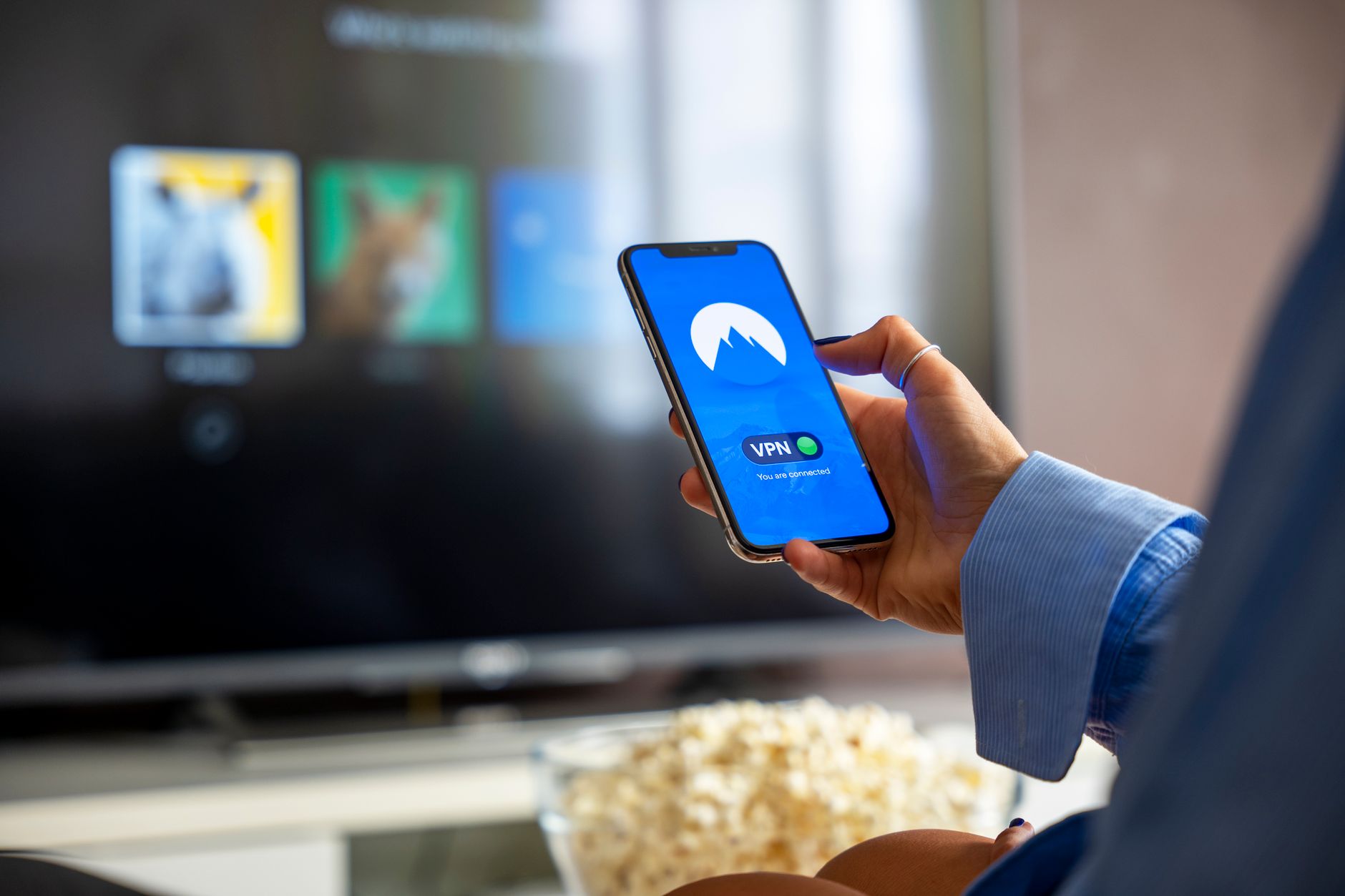
Streaming the World Cup abroad doesn’t require expensive roaming plans or tethered hotel connections. The most cost-effective approach combines three technologies: an eSIM for local data in your destination country (typically $10–$30 for a tournament week), a reliable VPN for bypassing geographical restrictions, and strategic use of local WiFi during off-peak viewing hours. A traveler in Mexico wanting to watch matches can activate a local eSIM data plan for roughly the price of two restaurant meals, then route streaming through a VPN to access their home region’s broadcast rights—eliminating the $100+ international roaming charges that most carriers impose.
The catch isn’t complexity; it’s security. The same technologies that lower your costs dramatically also require careful configuration to avoid exposing your location data, payment information, and streaming habits to network eavesdroppers, VPN operators, and broadcast detection systems. This guide walks through the legitimate economics of affordable World Cup streaming while addressing the security trade-offs and data privacy issues that cybersecurity-conscious travelers need to understand.
Table of Contents
- What Are eSIMs and How Do They Cut World Cup Streaming Costs Abroad?
- VPN Usage for Streaming: Security, Detection, and Legitimate Concerns
- Budget Internet Alternatives Beyond eSIMs and VPNs
- Building a Cost-Effective Tournament Setup: Comparison of Options
- Security Risks of Traveling with Tournament Streaming Data
- Geo-Blocking Detection and Streaming Platform Countermeasures
- Real-World Cost Breakdown and Data Limits for Tournament Streaming
What Are eSIMs and How Do They Cut World Cup Streaming Costs Abroad?
An eSIM (embedded SIM) is a programmable digital SIM card built into modern smartphones that lets you switch carriers without swapping a physical chip. Rather than paying your home carrier’s per-gigabyte roaming rates—often $10 to $15 per gigabyte in developed nations—you can activate a local or regional eSIM plan before departure and connect to a local network on arrival. A seven-day eSIM plan in most European, Asian, or Latin American countries offering 20–50 GB costs $15–$35, whereas your home carrier’s roaming would consume that data budget in 1–2 days of streaming.
The practical advantage for World Cup viewers is immediate: land in your destination, scan a QR code to activate an eSIM, and you have full-speed local data within minutes. No physical SIM cards to lose, no visiting a carrier store, no language barriers. Many carriers including Orange, Vodafone, and regional operators sell eSIMs directly through the iOS App Store or Android’s connectivity settings. A crucial limitation is that not all phones support eSIM—the feature requires a recent iPhone (XS and later) or a mid-range Android device from 2019 onward—so older devices still need a physical prepaid SIM purchased at the airport.
VPN Usage for Streaming: Security, Detection, and Legitimate Concerns
A VPN encrypted tunnel masks your IP address and routes traffic through a remote server, which technically allows you to appear as though you’re in your home country and access geo-blocked streams. However, streaming platforms actively detect and block VPN traffic; services like DAZN, ESPN+, and regional World Cup broadcasters maintain lists of known VPN IP addresses and will refuse connection or drop your stream mid-match. This is not illegal technology, but it is violating the platform’s terms of service, and platforms have become increasingly aggressive in enforcing these restrictions.
The security dimension is equally important: using an untrusted VPN exposes your decrypted browsing, payment data, and viewing logs to the VPN provider’s operators and infrastructure. A poorly configured or logging-prone VPN can actually make your travel internet less secure than a direct connection, especially when combined with public WiFi. If a VPN provider is subject to data retention laws, as some are in the EU or Five Eyes jurisdictions, law enforcement or copyright enforcement agencies can subpoena viewing records. Streaming World Cup matches through a VPN when you’re not in a jurisdiction with legitimate access rights creates a digital trail linking you to the unauthorized viewing, even if the stream itself is encrypted.
Budget Internet Alternatives Beyond eSIMs and VPNs
Local prepaid WiFi hotspots and public networks offer zero-cost or very-low-cost data during tournament viewing. Many hotels, cafes, stadiums, and airports provide free WiFi, though the bandwidth is often insufficient for reliable 720p streaming. Downloading World Cup matches in advance through a home connection and watching offline is the most practical budget option—most streaming platforms including Netflix and YouTube Premium allow offline viewing of certain content, and tournament highlights are typically available within hours of matches completing.
A 90-minute World Cup match in high definition requires roughly 3–4 GB when downloaded, which fits comfortably on modern phones. A significant security warning: public WiFi used for streaming without a VPN exposes your viewing activity, approximate location, and sometimes authentication credentials to anyone else on that network or monitoring the connection point. A café WiFi network where you authenticate to a streaming platform and watch a full match broadcasts your viewing habits in cleartext unless you separately use HTTPS (which most modern streaming apps do, but not all). An attacker with basic packet-sniffing tools can identify which matches you’re watching, potentially infer your location, and—if you’ve used that WiFi for payment or account access—capture data beyond just sports viewing.
Building a Cost-Effective Tournament Setup: Comparison of Options
Three realistic scenarios for a one-week World Cup trip illustrate the expense and security trade-offs. Scenario A: purchasing a local eSIM (€20), using only password-protected hotel WiFi and downloaded matches, total cost €20, security high. Scenario B: local eSIM (€20) plus a reputable paid VPN subscription ($10 for a month), allowing geo-spoofed streaming but relying on the VPN provider’s privacy claims, cost €30, security medium-to-high depending on VPN selection.
Scenario C: using only the hotel’s free WiFi and public hotspots without a VPN, relying on downloaded content and free clips, cost €0, security variable (depends on network encryption and your access patterns). The practical middle ground for most travelers is Scenario A with selective VPN use: purchase the eSIM for full-speed reliable data, download matches and highlights over your home WiFi before departure, and use the eSIM data to stream live only when necessary, optionally routing that stream through a VPN if the broadcast platform is geographically restricted. This approach keeps costs below $40 for the week, avoids relying entirely on a third-party VPN provider’s privacy practices, and maintains security by avoiding public WiFi for account access or payment.
Security Risks of Traveling with Tournament Streaming Data
Using streaming during international travel creates several security exposures specific to that context. Your phone or tablet broadcasts your location through IP geolocation databases—even with an eSIM, your local IP will resolve to your destination country, revealing your approximate travel pattern to anyone analyzing your connection logs. If you’re using a VPN to appear in a different country, you’re simultaneously hiding your real location from the streaming platform but potentially flagging yourself as a terms-of-service violator, which could result in account suspension or legal action in copyright-strict jurisdictions.
A practical risk many travelers overlook: public charging stations and USB ports in airports and hotels can be used to inject malware into phones during synchronization. Downloading large video files before travel and charging your phone only via AC power outlets, rather than public USB hubs, reduces the risk of malicious firmware being installed while you’re abroad. Additionally, traveling across multiple countries during a tournament means your phone will connect to many different networks; each connection is a potential interception point if you’re not consistently using HTTPS, a VPN, or both.
Geo-Blocking Detection and Streaming Platform Countermeasures
Broadcasting rights for the World Cup are fragmented by country and region, creating the geographic restriction problem that makes this guide necessary. If you legitimately paid for a streaming subscription in your home country, using a VPN to access it from abroad violates the service’s terms but is widely treated as a lower enforcement priority than unauthorized access. In contrast, accessing a stream without any paid subscription—regardless of VPN use—is unauthorized copyright infringement in most jurisdictions and carries actual legal risk.
Streaming platforms detect VPN usage by maintaining blocklists of known VPN IP ranges, analyzing traffic patterns that suggest proxying, and checking whether a user’s IP location contradicts their account’s historical access patterns. If you log into your streaming account from a US IP in the afternoon and then from a French IP minutes later, the platform knows something is wrong. A practical workaround is to log into your account before departure, then stream without re-authenticating while using the VPN, but this only works for services that cache authentication.
Real-World Cost Breakdown and Data Limits for Tournament Streaming
A typical World Cup group-stage match in 720p resolution uses approximately 500 MB to 1 GB per hour depending on the platform and stream quality. Streaming eight group-stage matches over seven days at moderate quality (not 4K, not lowest-quality SD) will consume 5–8 GB of data. A 30 GB eSIM plan at $25 provides more than enough capacity for a week of World Cup viewing, including non-sports browsing and messaging.
If you reduce stream quality to 480p or download matches instead of streaming live, consumption drops to 2–3 GB for the same week, leaving 27 GB for routine travel use. In contrast, a US carrier roaming to Europe typically charges $10 per gigabyte for data, meaning those same 5–8 GB would cost $50–$80 before any video buffering overages. A UK traveler roaming within Europe but using their home carrier faces similar or higher charges. The eSIM advantage is clear and immediate: the infrastructure and pricing difference between local and roaming data is so large that eSIMs have become the only rational option for data-intensive travel, making affordable World Cup streaming not just possible but nearly inevitable for informed travelers.
You Might Also Like
- Prevent World Cup Streaming Interruptions: Advanced VPN Server Switching Technology
- Your Graphics Processor Creates Digital Fingerprints That Defeat Most Privacy Protections
- Wildlife Database Breach: How Vulnerable Are Your State’s Digital Systems?