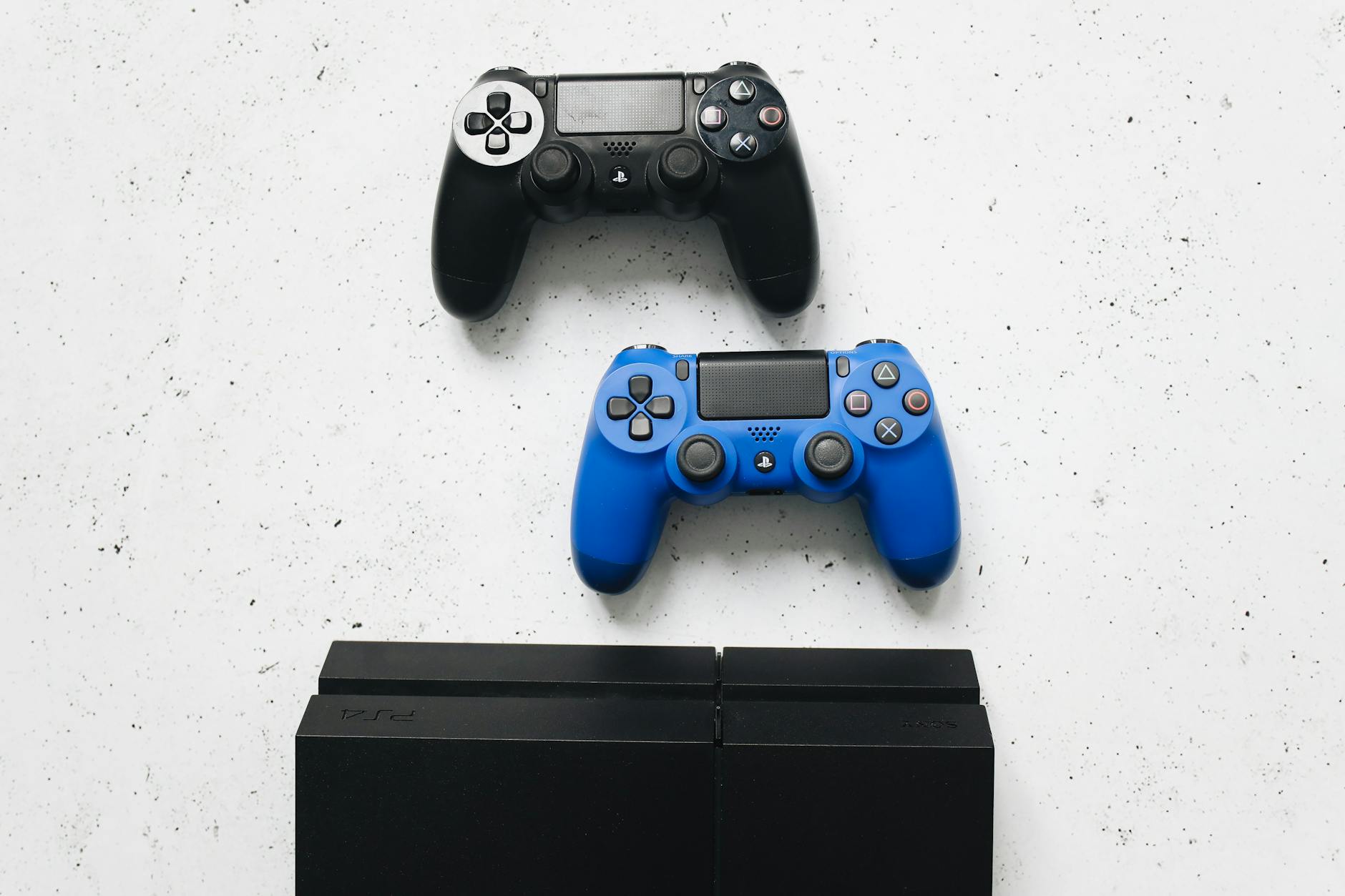
Protecting your PlayStation Network account requires a multi-layered approach that combines strong authentication, careful password management, and regular account monitoring. The most effective defense starts with enabling two-factor authentication and creating a unique, complex password—but that’s just the beginning. PlayStation accounts are valuable targets for attackers because they provide access to your gaming library, payment information, and personal profile data, making proactive security measures essential.
Consider what’s at stake: a compromised PSN account doesn’t just mean losing access to your games. An attacker could purchase titles and downloadable content using your stored payment method, steal your personal information, or impersonate you to other players. Someone in your household could also exploit account access to make unauthorized purchases without your knowledge. Understanding the specific security tools PlayStation provides and the common attack vectors targeting them puts you in control of your account’s safety.
Table of Contents
- WHAT IS TWO-FACTOR AUTHENTICATION AND WHY DOES IT MATTER FOR YOUR PSN ACCOUNT?
- MOVING BEYOND PASSWORDS WITH PASSKEYS—MODERN ACCOUNT SECURITY
- CRAFTING AND PROTECTING YOUR PLAYSTATION PASSWORD
- CONTROLLING PAYMENT SECURITY AND PREVENTING UNAUTHORIZED PURCHASES
- MONITORING YOUR ACCOUNT FOR UNAUTHORIZED ACCESS
- AVOIDING THIRD-PARTY ACCOUNT RISKS
- THE EVOLVING FUTURE OF PLAYSTATION ACCOUNT SECURITY
WHAT IS TWO-FACTOR AUTHENTICATION AND WHY DOES IT MATTER FOR YOUR PSN ACCOUNT?
Two-factor authentication, or 2FA, adds a critical second verification step when you log into your PlayStation Network account from a new device or unfamiliar location. Even if someone obtains your password through phishing, credential stuffing, or a data breach, they cannot access your account without this second factor. PlayStation Network offers 2-Step Verification that sends a unique verification code that expires quickly, making it nearly impossible for attackers to bypass even if they have your login credentials. PlayStation provides two distinct methods for receiving your authentication codes. The first is SMS text messages sent directly to your registered mobile phone—the fastest option that requires no additional apps.
The second uses authenticator applications like Google Authenticator or Authy, which generate time-based codes displayed within the app itself and are actually more secure than SMS because they don’t rely on cellular networks that could be spoofed. You scan a QR code provided by PlayStation to set up the app, and codes refresh every 30 seconds. The authenticator app method has no risk of SMS interception or SIM-swapping attacks that sophisticated criminals have used against high-value accounts. The limitation of 2FA is the friction it creates: you must have your phone available every time you log in from a new location, and losing access to your phone temporarily locks you out. If you use SMS and your phone number is associated with SIM-swap fraud, attackers could intercept codes. This is why many security experts now recommend pairing 2FA with newer alternatives like passkeys rather than relying on it alone.

MOVING BEYOND PASSWORDS WITH PASSKEYS—MODERN ACCOUNT SECURITY
PlayStation now supports passkeys, a modern security standard that replaces passwords entirely with a more secure verification method tied to your device. Rather than memorizing a password that must be typed each time you log in, you create a passkey through your Account Management settings in the Security tab under “Sign in with Passkey.” This uses cryptography to verify your identity without ever transmitting a password across the internet, eliminating the risk of password theft, phishing, or dictionary attacks. Passkeys use your device’s biometric authentication—your fingerprint, face recognition, or device PIN—making them far more convenient than traditional passwords while being exponentially more secure. If you use a passkey, attackers cannot gain access even if they obtain copies of your account data from a breach, because passkeys are mathematically impossible to crack without physical access to your device.
The tradeoff is that you cannot access your account from a completely unfamiliar device without backup methods, and if your device is lost or stolen before you set up recovery options, you may face account recovery delays. Setting up passkeys alongside 2FA creates a robust defense: your account requires both something you have (your device), something that is you (your biometric), and optionally something you know (a backup password). This defense-in-depth approach is becoming the security standard that major services like Apple, Google, and Microsoft now recommend. However, passkeys are relatively new to PlayStation, and not all players have adopted them yet—legacy passwords remain necessary for now.
CRAFTING AND PROTECTING YOUR PLAYSTATION PASSWORD
Your PSN password is the foundation of your account’s security, and weak passwords remain a primary entry point for account takeovers. An effective password for PlayStation should avoid dictionary words, never include personal information like your name or birth date, and should be completely different from passwords you use on other services. If you reuse the same password across gaming, email, social media, and banking accounts, a breach of any single service exposes all of them. Attackers routinely use credentials stolen from less-secure gaming platforms to attack gaming consoles and purchase services. The strongest PSN passwords are random combinations of uppercase letters, lowercase letters, numbers, and symbols—at least 12 characters long.
Rather than trying to memorize increasingly complex passwords for every online service, use a password manager like Bitwarden, 1Password, or KeePass to generate and store unique passwords securely. A password manager eliminates the human error that leads to reused or weak passwords while making logins faster and more convenient than trying to remember anything. One specific threat to be aware of: even excellent passwords can be compromised if you enter them on a phishing website that imitates PlayStation. Attackers create fake PSN login pages and promote them through emails, game chat messages, or fake posts to steal credentials directly. PlayStation will never request your password or personal details via email, direct message, or pop-up notifications. If a communication claims to be from PlayStation asking you to verify your account, log in through your browser directly to the PlayStation website rather than clicking any links in the message—that is the surest way to avoid phishing traps.

CONTROLLING PAYMENT SECURITY AND PREVENTING UNAUTHORIZED PURCHASES
PlayStation Store purchases can happen quickly and easily once payment is set up, which is convenient for you but dangerous if your account is compromised. To prevent unauthorized spending, you can activate a password protection feature specifically for PlayStation Store purchases. When enabled, anyone attempting to buy games, add-ons, or subscriptions must enter your password—even someone already logged into your console with your account. This stops a guest or family member from quietly spending money without your knowledge. However, the strongest payment protection comes from limiting what payment methods are directly connected to your PSN account.
Instead of storing credit or debit card information where attackers could abuse it if they breach your account, consider using PayPal as an intermediary or purchasing physical PlayStation gift cards from retailers. Gift cards limit damage to their balance rather than exposing your entire card or bank account, and they provide a natural spending cap that helps you control gaming expenses. If you do store a payment method directly, use a card with a low balance or one dedicated exclusively to gaming rather than your primary banking card. Another layer is regularly checking your transaction history for unfamiliar purchases. Log into your account, review your order history, and enable email notifications for all purchases so you receive alerts for activity even if you are not the one making purchases. This early warning system helps you spot account compromise within hours rather than weeks, when fraudulent charges might be easier to dispute.
MONITORING YOUR ACCOUNT FOR UNAUTHORIZED ACCESS
Detecting a compromise early makes recovery far simpler. PlayStation allows you to monitor several indicators of account health. Start by reviewing your profile activity and checking which devices have logged into your account—this is often the first sign of compromise. Go to Account Management > Security > Login Activity to see recent sign-ins with timestamps and device information. If you see login attempts from unfamiliar locations or devices you don’t own, your password may have been compromised. You should also review which third-party services and apps have permission to access your PlayStation account. If you have connected your PSN account to social media platforms, streaming services, or other applications to make logins easier, each of those external services becomes a potential attack vector.
While convenience increases, so does risk: a breach of the external service could expose your PSN credentials. Regularly audit these connections in Account Management > Connected Services and disconnect any services you no longer use or trust. One important limitation of account monitoring is that it only shows activity after the fact. By the time you notice unusual login activity, an attacker has already accessed your account. This is why proactive defenses like 2FA and passkeys are far more valuable than monitoring alone. If you do notice unauthorized activity, change your password immediately, enable or reset your 2FA settings, review your payment methods and transaction history for fraud, and contact PlayStation Support to investigate further. The faster you respond, the more likely you can recover your account before serious damage occurs.

AVOIDING THIRD-PARTY ACCOUNT RISKS
Linking your PSN account to social media platforms, Discord, Twitch, or other external services offers convenience—single sign-on, easier account recovery, and integration with streaming or social features. However, each connected service increases your security surface area. If someone compromises your Facebook, Twitter, or Steam account, they now have an additional way to access or recover your PlayStation account. Every connection is a potential weak link in your security chain.
When you connect external accounts to PSN, PlayStation shares certain personal information with those services—usernames, friend lists, profile data, and sometimes email addresses. Protecting your primary gaming account means being selective about which third-party integrations you enable. The genuine benefit of a Twitch or Discord integration for a casual player is usually outweighed by the additional security risk. If you do use third-party connections, ensure those external accounts are themselves secured with strong passwords and 2FA, because a breach of a secondary account can cascade into a PlayStation account compromise.
THE EVOLVING FUTURE OF PLAYSTATION ACCOUNT SECURITY
The shift toward passkeys and biometric authentication represents the direction account security is moving industry-wide. Sony is following the same standards that Apple, Google, and Microsoft have adopted, meaning skills you develop protecting your PlayStation account transfer to protecting accounts across all your digital services. As passkeys become more universal and older password-based authentication becomes obsolete, updating your account security practices now makes you resistant to future attack methods.
Staying informed about PlayStation security updates and new features ensures you’re using the latest protections available. PlayStation regularly releases security advisories and updates to the authentication options available—monitoring the official PlayStation Security Best Practices page and enabling notifications for account security changes keeps you ahead of emerging threats. The security landscape changes constantly as attackers develop new techniques, but accounts protected with 2FA, strong unique passwords, and now passkeys are exponentially harder to compromise than accounts relying on passwords alone.
You Might Also Like
- How to Protect Your E-Book Account Information
- How to Protect Your Audible Account Privacy
- How to Protect Your Watch History Privacy