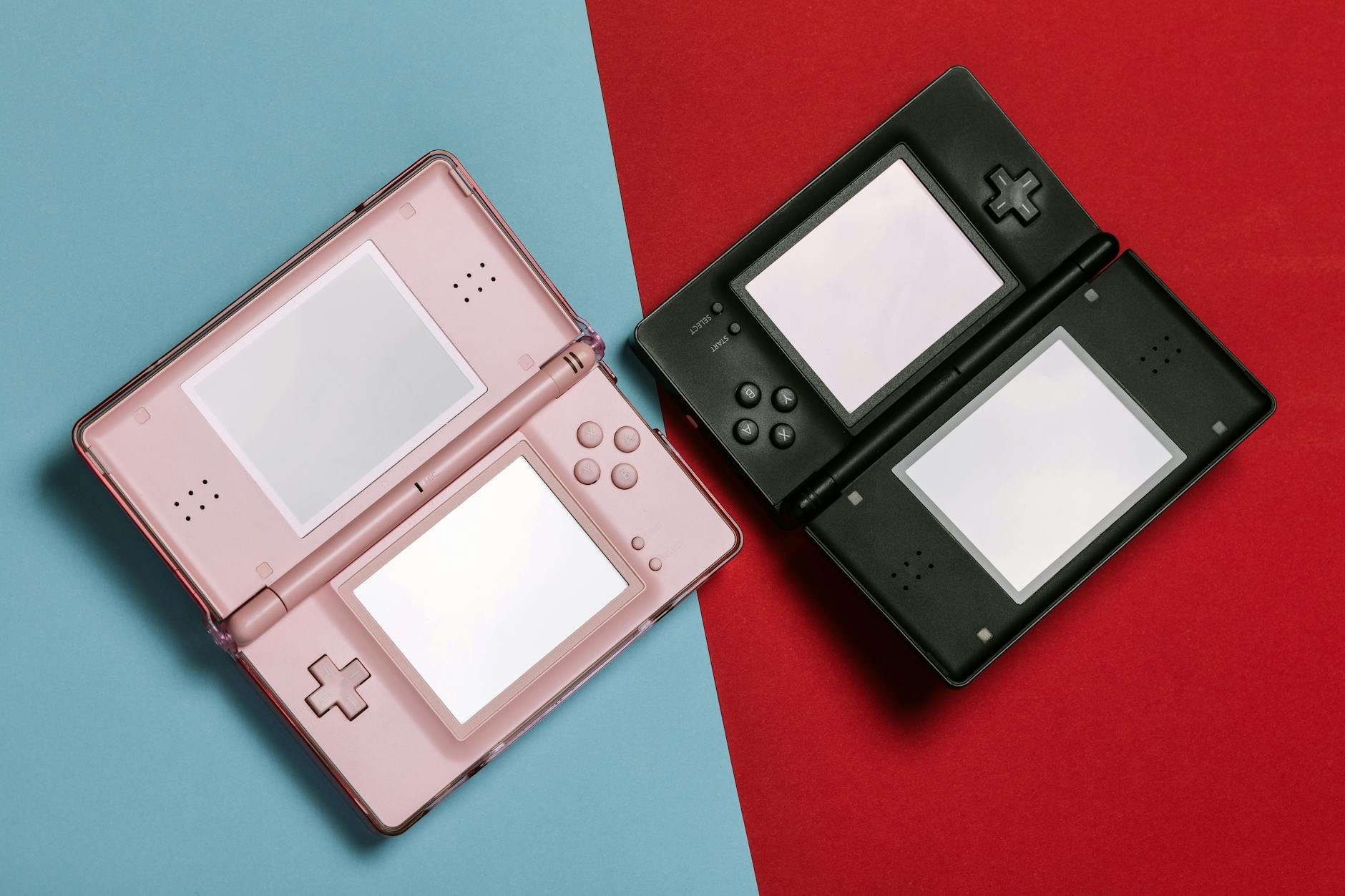
Securing your Nintendo account requires implementing multiple layers of protection, starting with 2-Step Verification and strong, unique passwords that cannot be guessed or reused across other services. While Nintendo has experienced security incidents—most notably in April 2020 when over 160,000 Nintendo Network IDs were breached, and again in 2025 when credential stuffing attacks compromised fewer than 1% of accounts—the company has never had user passwords or payment information exposed in these incidents. This means that with proper account security measures in place, your account can remain protected even in the event of broader security events.
Recent history shows the real threat landscape. In October 2025, hackers claimed to have accessed over 570 GB of Nintendo company data, but Nintendo confirmed that no sensitive player data or payment information was compromised. This distinction matters: your account security is fundamentally different from Nintendo’s internal data security. By taking specific steps recommended by Nintendo, you can ensure your account remains yours alone, regardless of what happens to Nintendo’s broader infrastructure.
Table of Contents
- Why 2-Step Verification Is Essential for Nintendo Account Protection
- Creating Strong Passwords Without Relying on Memory Alone
- Passkey Authentication as Your Next Layer of Defense
- Restricting Sign-In Methods to Prevent Email-Based Attacks
- Monitoring Your Account and Recognizing Unauthorized Access
- Removing Stored Payment Information to Limit Financial Exposure
- The Future of Nintendo Account Security
Why 2-Step Verification Is Essential for Nintendo Account Protection
2-Step Verification is the single most effective tool for preventing unauthorized account access, and it should be your first security priority. When enabled, anyone attempting to sign into your account—even if they have your correct password—must also provide a time-based, single-use verification code that only you can generate. These codes cannot be reused, cannot be guessed, and expire within minutes, making brute-force attacks essentially impossible. The 2025 credential stuffing attacks that compromised fewer than 1% of Nintendo accounts demonstrates why this matters in practice.
Attackers obtained lists of usernames and passwords from breaches at other companies, then tried those same credentials on Nintendo. Without 2-Step Verification, thousands of accounts would have been accessed. With it enabled, each account remained secure because the attacker had no way to generate the required verification code. You can set up 2-Step Verification through your Nintendo Account settings by following Nintendo’s official guide, which walks you through generating and storing your codes.
Creating Strong Passwords Without Relying on Memory Alone
Your Nintendo account password is the first barrier against unauthorized access, and it must be genuinely strong—meaning it should contain a random combination of uppercase letters, lowercase letters, numbers, and symbols, with no connection to personal information like birthdays, children’s names, or pet names. Passwords that contain such information are vulnerable to targeted guessing, even if they appear long. A password like “Mario2005Zelda!” is far weaker than “kR7$nM2pLq9xW4vB” because the former contains recognizable patterns and Nintendo references that attackers will specifically try.
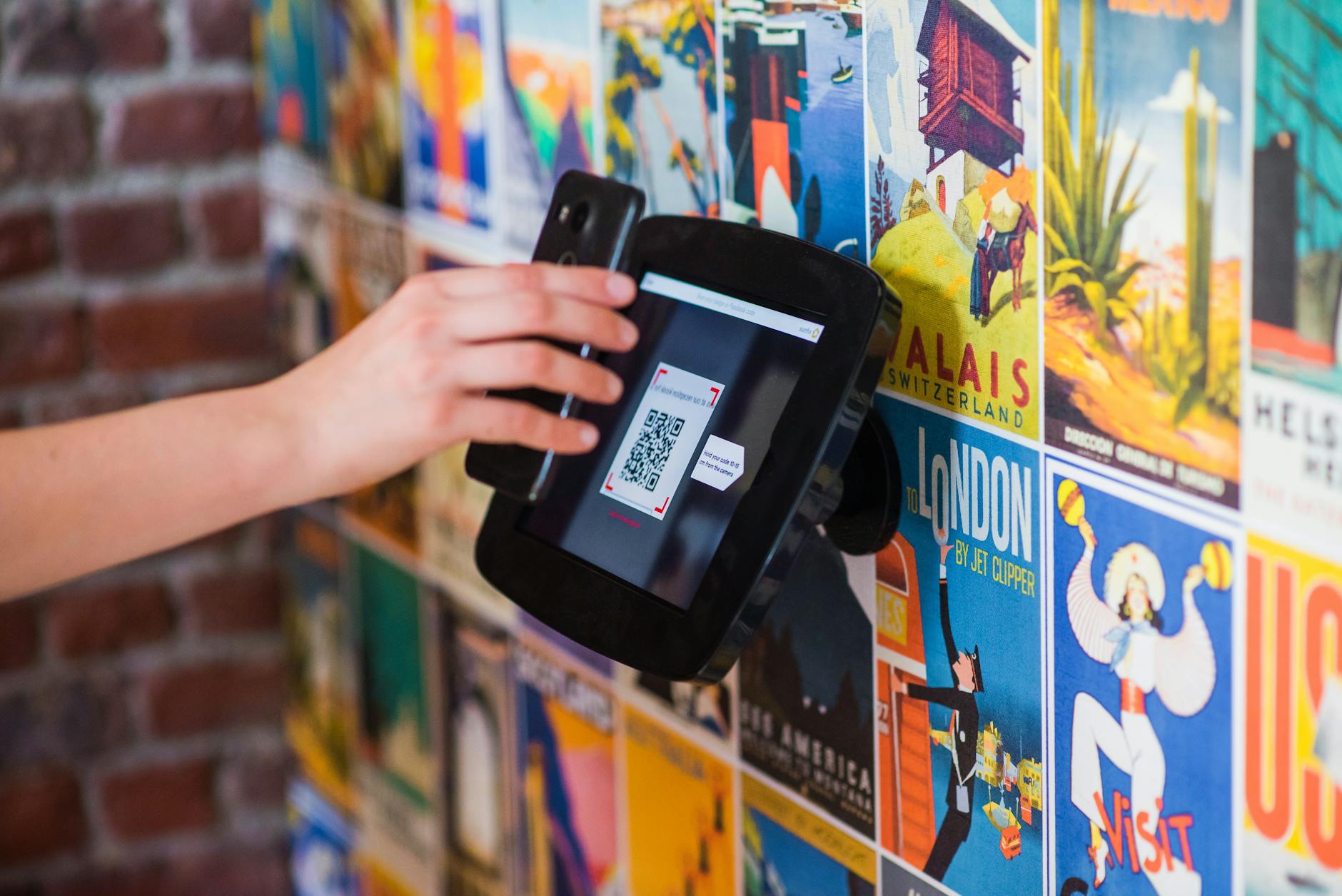
The limitation most people face is remembering truly random passwords, which is why password managers are essential. services like 1Password, Bitwarden, or KeePass generate and store complex passwords, allowing you to use unique, unguessable passwords for every account without the burden of memorization. The tradeoff is that you’re storing your passwords in another system, but a reputable password manager is far more secure than reusing weak passwords across multiple sites, which is how the 2025 attacks succeeded in the first place.
Passkey Authentication as Your Next Layer of Defense
Passkeys represent the future of account security and move beyond traditional passwords entirely. Rather than typing a password, you authenticate using something you have (like your phone or security key) and something you are (like a fingerprint or face). Nintendo now supports passkey registration, which adds a significant security layer because passkeys cannot be stolen through phishing or credential stuffing attacks—they’re cryptographically bound to your device and cannot be transmitted over the internet.
When you register a passkey on your Nintendo Account, you’re essentially telling Nintendo’s servers that only authentication attempts from your specific device should be trusted. If an attacker obtains your password and tries to sign in from another computer, they’ll fail at the passkey verification step. This is why security experts increasingly recommend passkeys over traditional 2-Step Verification. The tradeoff is that you need access to your registered device to sign in, which means if you lose that device or travel without it, you’ll need to use recovery methods to regain access to your account.

Restricting Sign-In Methods to Prevent Email-Based Attacks
Nintendo allows you to choose whether your account can be accessed using your email address or only using a custom Sign-in ID. Restricting your account to Sign-in ID only prevents a category of attacks where someone with your email address tries to guess your password. This is a practical security measure that costs you nothing but a minor inconvenience—you’ll need to remember your Sign-in ID instead of just using your email.
The comparison here is straightforward: allowing email-based sign-in gives attackers multiple username options to try (your email plus any variations), while restricting to Sign-in ID forces them to guess both your username and password. In the April 2020 breach when 160,000 accounts were compromised, many victims reported that attackers had used their publicly available email addresses to attempt account takeovers. By removing email as a sign-in method, you eliminate this attack vector entirely.
Monitoring Your Account and Recognizing Unauthorized Access
Even with strong security practices, you should regularly monitor your Nintendo Account for signs of unauthorized access. Check your login history within account settings, review connected devices, and watch for purchases or changes you didn’t make. The reality is that account compromise sometimes happens despite best efforts, and early detection can limit damage.
If you notice an unrecognized sign-in, Nintendo allows you to remotely sign out all sessions, forcing any attacker to re-authenticate—which they cannot do if you have 2-Step Verification enabled. One limitation of account monitoring is that attackers may access your account without immediately making visible changes. They might be waiting to sell your account credentials on the dark web, or they might be gathering information for future attacks. This is why removing stored payment information becomes crucial—it limits what an attacker can do even if they successfully compromise your account.

Removing Stored Payment Information to Limit Financial Exposure
Your Nintendo Account can store credit card and PayPal information for faster eShop purchases, but this creates a financial risk if your account is compromised. An attacker with access to your account could make unauthorized purchases immediately, and while Nintendo often refunds fraudulent transactions, the dispute process takes time and attention. The straightforward solution is to remove all stored payment information from your account and re-enter it only when making a purchase.
This approach trades convenience for security. Yes, you’ll need to re-enter your payment information each time you buy something on the eShop, but you’ve eliminated the scenario where account compromise immediately translates to financial damage. Many security-conscious users follow this practice for all online accounts, not just Nintendo.
The Future of Nintendo Account Security
Security is not a fixed state but an ongoing process as threats evolve and new protections emerge. Nintendo’s recent additions of passkey support and sign-in restrictions reflect industry movement toward more modern security practices.
As phishing attacks become more sophisticated and credential stuffing more widespread, the accounts that survive intact will be those with multiple overlapping protections rather than reliance on any single security measure. The combination of 2-Step Verification, passkeys, strong passwords managed through a password manager, and restricted sign-in methods creates a security posture that resists virtually all common attacks. Even if Nintendo experiences another security incident affecting company infrastructure, these account-level protections ensure your personal account remains secure and under your control alone.
You Might Also Like
- Signs Your Online Learning Account Is Compromised
- How to Protect Your Music Library Online
- Best Privacy Practices for Online Learning Platforms