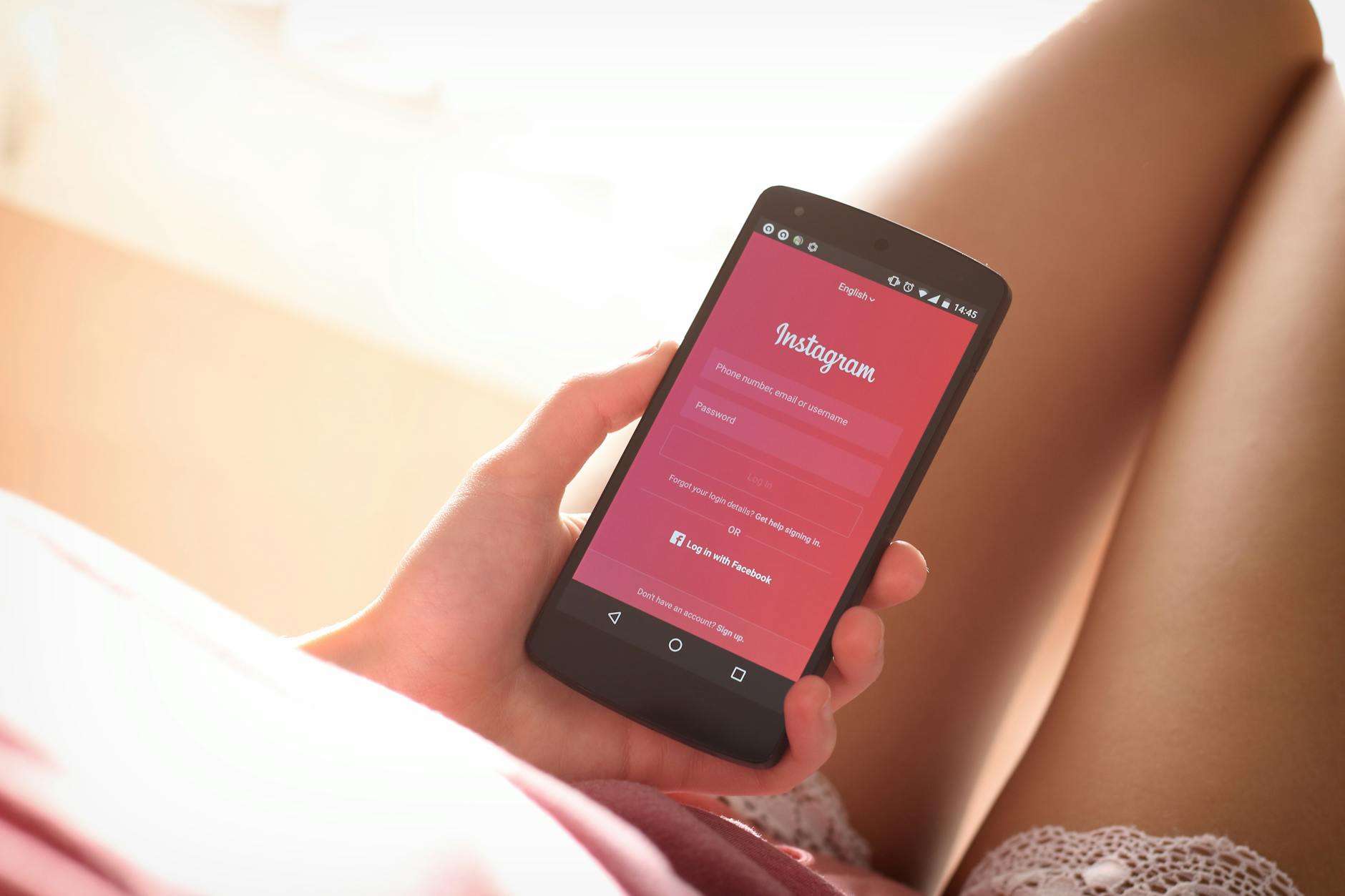
The best privacy settings for social media apps start with restricting who can see your profile and posts, limiting data collection, and controlling third-party access to your information. Most popular social platforms—Facebook, Instagram, TikTok, Twitter, and LinkedIn—collect extensive personal data by default, making it critical to adjust privacy controls immediately after account creation. For example, on Facebook, your default settings typically allow friends of friends to see your posts and search for you, while Instagram’s default account type is public, meaning anyone can find and follow you without approval.
These default settings exist not because they’re secure, but because they maximize user engagement and data collection for advertising purposes. The platforms generate billions in revenue by studying your behavior, location, interests, and connections. Privacy settings are available to comply with regulations like GDPR and to reduce legal exposure, but most users never explore the options. Taking an hour to configure privacy settings properly can significantly reduce your exposure to identity theft, harassment, stalking, and targeted scams.
Table of Contents
- What Privacy Controls Do Social Media Apps Actually Offer?
- How Data Collection Continues Even With Privacy Settings Enabled
- Privacy Settings for Direct Messages and Contact
- Adjusting Audience and Tagging Restrictions
- Recognizing the Gap Between Privacy Settings and Real Privacy
- Controlling Third-Party App Access and Integrations
- The Future of Social Media Privacy and What to Expect
- Frequently Asked Questions
What Privacy Controls Do Social Media Apps Actually Offer?
Most major social platforms offer three categories of privacy controls: who can contact you, who can see your content, and what data is collected about you. The first category includes options to restrict message requests, friend/follow requests, and comments. The second covers profile visibility, post visibility, tagging permissions, and search discoverability. The third category—data collection—is where platforms are often deceptive, offering limited transparency about what they track.
Facebook, for instance, allows you to choose between a public profile, friends-only profile, or private profile, but it still collects extensive data about your behavior, location, device type, and websites you visit outside Facebook through tracking pixels. Instagram offers similar options but defaults to a public account, meaning your posts, follower list, and tagged photos are visible to anyone. TikTok goes further by automatically enabling profile visibility and allowing the “For You” algorithm to prioritize recommendations to unknown users. Twitter’s default is also public, though users can make their account private and control who can see their tweets.
How Data Collection Continues Even With Privacy Settings Enabled
Even when you set your profile to private and restrict who can see your posts, social platforms continue collecting metadata about you. Metadata includes information like when you access the app, how long you spend on specific pages, which accounts you view, which ads you interact with, and your general location. This data is valuable for advertising purposes and is often shared with third-party companies, including data brokers, advertisers, and sometimes government agencies through legal requests.
A significant limitation of privacy settings is that they do not stop ad targeting based on your profile and behavior data. If you’ve adjusted facebook‘s privacy settings to restrict post visibility, Facebook still tracks your clicks, searches, and interests to sell targeted ads to marketers. Similarly, limiting who can message you on instagram doesn’t prevent Instagram’s parent company (Meta) from collecting and analyzing your browsing behavior across the web through their advertising network. Privacy settings protect your content from being visible to specific people, but they do not prevent the platform from surveilling your behavior for profit.
Privacy Settings for Direct Messages and Contact
Most social platforms allow you to control who can send you direct messages, a crucial setting for preventing harassment and scams. On Facebook, you can filter message requests from non-friends into a separate inbox, ensuring that unsolicited messages don’t clutter your main feed. Instagram offers similar functionality with message requests, and you can block specific users or make your account private so only approved followers can message you.
TikTok’s direct messaging can be restricted to friends only, though the default allows followers to message you. Controlling message access is particularly important if you’re a public figure, work in a visible position, or handle sensitive information. For example, a financial advisor might restrict messages to existing clients only by making the account private and vetting all follow requests. Similarly, someone in a domestic violence situation might use the maximum privacy settings—private account, message requests filtered, and specific users blocked—to prevent an abuser from contacting them through the platform.
Adjusting Audience and Tagging Restrictions
One of the most underutilized privacy settings is controlling who can tag you in photos and posts. By default, most platforms allow anyone to tag you, which can result in unflattering or sensitive images being associated with your name and profile. Facebook allows you to review tags before they appear on your profile, preventing unwanted photos from being publicly visible. Instagram offers similar features through its approval settings for tagged posts.
The tradeoff here is convenience versus visibility. If you enable tag approval, you’ll be notified each time someone tags you, but it takes time to review and approve each tag. If you disable it, friends and followers can freely tag you, potentially exposing you to privacy issues. For most people, enabling tag approval is worthwhile, especially if you interact with many people on the platform. Additionally, you can use the privacy settings to limit who can see posts you’re tagged in, so even if someone tags you in a public post, only your approved followers might see it.
Recognizing the Gap Between Privacy Settings and Real Privacy
A critical warning: privacy settings on social media platforms do not provide actual privacy. They provide visibility controls—they determine who among the platform’s users can see your content. They do not prevent the platform itself from monitoring, storing, and analyzing everything you share. This is a crucial distinction that most users misunderstand.
Enabling a “private” account on Instagram does not prevent Instagram from analyzing your interests, tracking your location, and selling that data to advertisers. Additionally, privacy settings can be circumvented by sophisticated attackers. Hackers can create fake accounts to infiltrate private groups, impersonate trusted friends to gain access to restricted content, or use social engineering to manipulate people into sharing sensitive information. Law enforcement can also bypass privacy settings through legal requests or subpoenas. If you’re sharing genuinely sensitive information—legal case details, medical information, financial data—social media is not the appropriate platform regardless of privacy settings.
Controlling Third-Party App Access and Integrations
Many users connect third-party apps to their social media accounts—games, fitness trackers, productivity tools—without realizing what data these apps can access. When you authorize a third-party app on Facebook or Instagram, you’re typically granting it access to your profile information, friends list, and sometimes your posts. These apps then collect and potentially sell this data to other companies. To reduce this risk, regularly audit your connected apps on each platform.
On Facebook, go to Settings > Apps and Websites > Active and remove any apps you no longer use. Check what permissions each remaining app has requested and whether you actually need it to have that access. For example, a photo editor app doesn’t need access to your friend list or email address. Revoking unnecessary permissions significantly reduces the amount of data flowing from your social media accounts to third parties.
The Future of Social Media Privacy and What to Expect
As regulations like GDPR, CCPA, and others expand globally, social platforms are gradually offering more transparency and control over personal data. The EU’s Digital Services Act requires platforms to provide better data access and deletion tools. However, these regulations don’t prevent data collection—they primarily mandate transparency and user choice.
Future versions of privacy settings may include more granular controls over ad targeting, better insight into how your data is used, and easier data deletion. In the meantime, expect privacy settings to become more complex as platforms add new features and monetization methods. The best approach is to treat privacy settings as a foundational layer, not a complete solution. Combine privacy settings with other protective measures like using a VPN, avoiding public Wi-Fi when accessing social media, enabling two-factor authentication, and limiting how much personal information you share in the first place.
Frequently Asked Questions
Can I make my TikTok account truly private?
TikTok allows you to set your account to private, which restricts who can see your videos and comment on them. However, TikTok still collects extensive data about your behavior, including what videos you watch, how long you watch them, and your general location. Privacy settings on TikTok control visibility, not data collection.
Should I delete old posts or keep them private?
Deleting old posts is preferable to keeping them private because deletion removes them from the platform’s servers (in theory), while private posts remain stored. If the content is sensitive or outdated, delete it. If you want to keep it but make it less visible, setting it to private and restricting visibility to close friends is a middle ground.
Does enabling two-factor authentication on social media protect my privacy?
Two-factor authentication protects your account from unauthorized access but does not protect your privacy. It prevents hackers from logging into your account, which is important, but it doesn’t prevent the platform from collecting and analyzing your data.
Can I prevent social media apps from tracking my location?
You can disable location permissions at the operating system level (in your phone’s settings), which prevents the app from accessing your precise location. However, platforms can still estimate your general location based on IP address, network information, and user behavior. Disabling app-level location access is worthwhile.
What should I do if I find people I don’t recognize viewing my profile?
If your account is private, check your follow request list to see if unknown accounts are trying to follow you. Block suspicious accounts. If your account is public and strangers are viewing your profile, consider making it private or removing sensitive information. Be aware that some profile views may come from people checking you out after a mutual connection or before sending a message.
Are “private” accounts on Twitter/X actually private?
Yes, when you set your Twitter account to private, only approved followers can see your tweets. However, Twitter collects the same behavioral data about you as public accounts do. Additionally, anyone can still find your account by searching your username, and they can request to follow you.
You Might Also Like
- Best Privacy Settings for Reading Apps
- How to Protect Your Social Media Message History
- Best Privacy Settings for Gaming Platforms