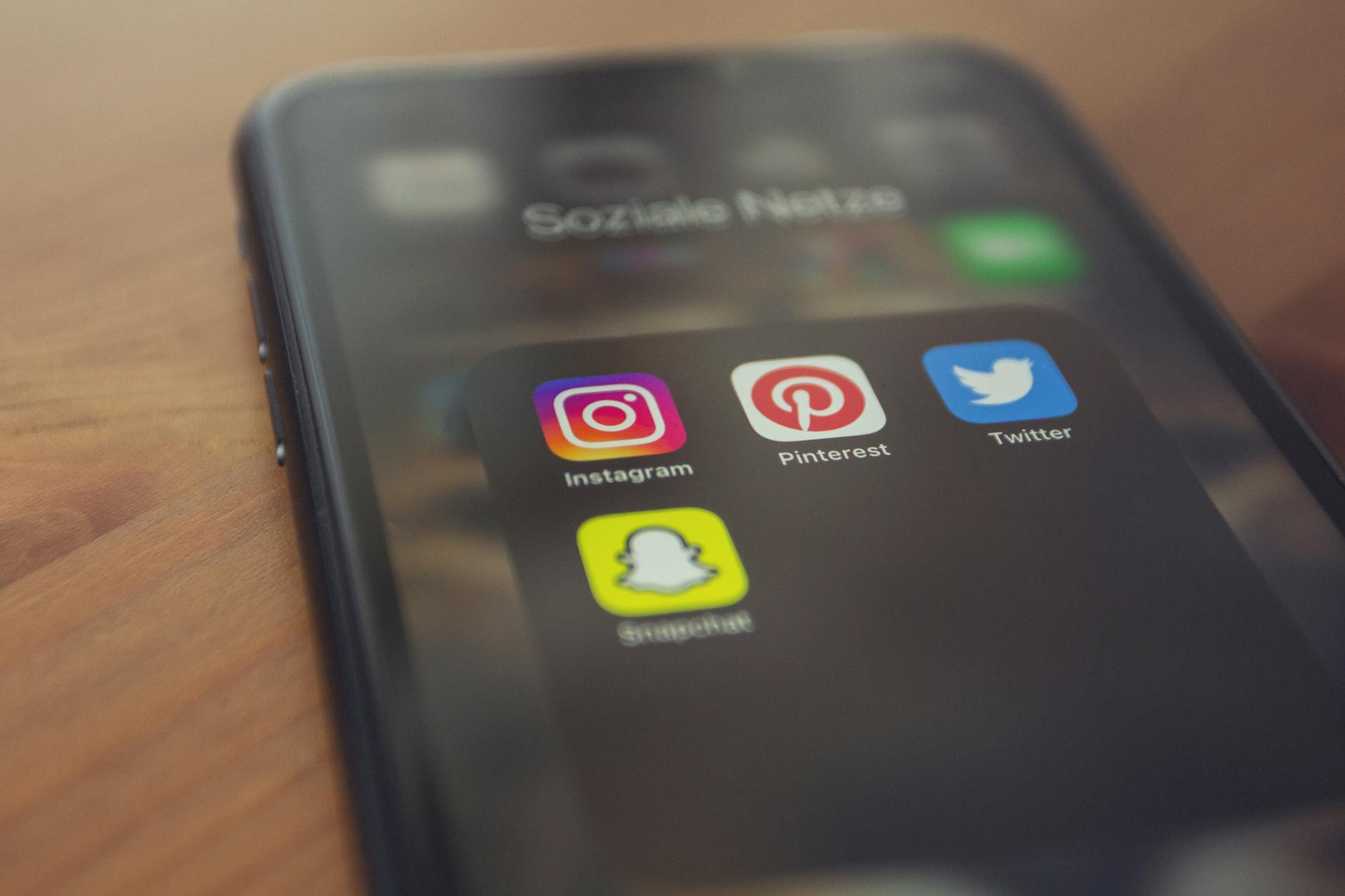
Securing your Pinterest account starts with enabling two-factor authentication (2FA) and maintaining a unique, strong password—the two most effective steps you can take today. When you enable 2FA, Pinterest requires both your password and a verification code sent to your phone or email each time you log in from a new device, making it exponentially harder for attackers to access your account even if they steal your credentials. For example, if your password is compromised in a data breach at another website, an attacker still cannot log into your Pinterest account without that second verification code.
Beyond these fundamentals, Pinterest offers privacy controls and automated security features designed to protect your account and personal data. The platform uses encryption to protect data during transactions, monitors accounts with automated fraud detection to catch suspicious login attempts from unusual locations, and provides granular privacy settings to control who sees your pins and boards. However, recent security incidents affecting Pinterest users—including the July 2024 data leak that allegedly exposed millions of user records—demonstrate why taking a proactive approach to account security matters even when using major social platforms.
Table of Contents
- What Are the Essential Steps to Secure Your Pinterest Account?
- Understanding Pinterest’s Built-In Security Features
- Two-Factor Authentication: Your First Line of Defense
- Password and Privacy Settings: Taking Control of Your Account
- Recognizing and Preventing Credential Stuffing and Phishing Attacks
- Recent Security Incidents: What Pinterest Users Should Know
- Business Accounts and Enhanced Security Requirements
- Frequently Asked Questions
What Are the Essential Steps to Secure Your Pinterest Account?
The foundation of Pinterest account security rests on three essential actions: enabling two-factor authentication, creating a unique and complex password, and verifying your login attempts. Two-factor authentication is the single most important step because it protects your account even if your password is compromised. A unique password matters because if your email address and password combination are exposed in a breach on another website—a scenario called credential stuffing—attackers will attempt to use those same credentials across multiple platforms, including Pinterest.
Your third line of defense is verifying that you’re logging into the legitimate Pinterest website or app. Phishing attacks often direct users to fake login pages designed to steal credentials. Before entering your password, verify the URL in your browser address bar shows “pinterest.com” or confirm you’ve opened the official Pinterest mobile app from your device’s app store. Keep your browser and antivirus software updated with the latest security patches, as outdated software is vulnerable to exploits that could compromise your device and any accounts accessed from it.
Understanding Pinterest’s Built-In Security Features
Pinterest has implemented automated fraud detection technology that monitors your account for suspicious activities like login attempts from new countries or devices. When the system detects unusual activity, it may temporarily restrict your account or ask you to verify your identity before allowing access. This feature runs continuously in the background without requiring any action from you, but it’s important to recognize that automated systems can’t catch every threat—they’re one layer of protection, not a complete guarantee.
The platform also uses encryption to protect your personal information during transactions and while data is stored on Pinterest’s servers. However, it’s crucial to understand that encryption in transit and at rest is just one aspect of security. The July 2024 data leak that allegedly exposed six million Pinterest user records—containing emails, usernames, and IP addresses—demonstrates that even encrypted data can be accessed if attackers compromise a company’s systems or use credential stuffing attacks to gain legitimate account access. Pinterest stated they found no evidence that their systems were directly breached, suggesting this incident stemmed from attackers using credentials stolen from other websites to log into Pinterest accounts.
Two-Factor Authentication: Your First Line of Defense
Pinterest offers two-factor authentication to all users through multiple verification methods, including text messages and authenticator apps. To enable 2FA on your account, navigate to your settings, select “Security,” and choose “Two-Factor Authentication.” You can select whether you want to receive verification codes via text message or use an authenticator app like Google Authenticator or Authy. Authenticator apps are generally more secure than text messages because they’re immune to SIM swapping attacks, where attackers fraudulently port your phone number to a device they control to intercept SMS messages.
For business accounts, Pinterest allows administrators to enforce 2FA across their workspace. Businesses can set two-factor authentication as “Required for everyone” or “Required for managers,” ensuring that all team members or leadership must use 2FA when accessing the business account. This is a significant security advantage for organizations storing brand assets and accessing advertising data. If you manage a business account with multiple team members, enabling mandatory 2FA protects not only your brand’s assets but also the personal data of your followers and customers associated with that account.
Password and Privacy Settings: Taking Control of Your Account
Your password is the primary key to your account, so creating a strong, unique password is non-negotiable. Use a combination of uppercase letters, lowercase letters, numbers, and special characters—and make sure it’s at least 12 characters long. Never reuse passwords across different websites because if one service is breached, attackers can attempt to use your credentials elsewhere. Consider using a password manager like Bitwarden, 1Password, or Dashlane to generate and securely store unique passwords for each website you use.
Pinterest also offers privacy settings that control who can see your pins and boards. You can make your profile private, which restricts visibility to only those followers you’ve explicitly approved. You can additionally hide your profile and individual boards from search engine results, preventing them from appearing in Google, Bing, or other search engines. The tradeoff is that private profiles and hidden content have significantly reduced discoverability—if your goal is to grow an audience or build a following, making everything private may limit your reach. Evaluate your privacy settings based on whether you’re using Pinterest for personal curation, brand marketing, or a mix of both.
Recognizing and Preventing Credential Stuffing and Phishing Attacks
Credential stuffing is an attack method where hackers use lists of email and password combinations stolen from other websites to automatically attempt login across multiple platforms. If your email address appears in any of the numerous data breaches that occur each year, your credentials are potentially on sale in dark web marketplaces. Pinterest cannot prevent this type of attack, but enabling two-factor authentication stops credential stuffing attempts in their tracks—even if an attacker has your correct password, they cannot log in without the verification code. Phishing attacks target Pinterest users through emails, messages, and social media posts that impersonate Pinterest or use urgent language to pressure you into clicking malicious links.
These fake emails might claim there’s unusual activity on your account, request you verify payment information, or ask you to confirm your password due to a security incident. Never click links in unsolicited emails claiming to be from Pinterest. Instead, navigate directly to pinterest.com by typing the URL in your address bar or using a bookmark. If you’re concerned about account activity, log in directly through the official site and check your settings and security log rather than following links in emails.
Recent Security Incidents: What Pinterest Users Should Know
In May 2024, Pinterest disclosed that a third-party vendor, Infosys, experienced a data breach that exposed personal information of approximately 600 Pinterest employees. This incident was reported to the California Attorney General on May 30, 2024, and highlights a common vulnerability across large tech companies: dependence on third-party vendors whose security practices may not match the platform’s standards. While this breach affected employees rather than the general user base, it underscores that even major platforms cannot fully control security risks introduced by external partners.
More significantly, in July 2024, a threat actor claimed to have leaked six million Pinterest user records on a data leak forum, allegedly containing emails, usernames, and IP addresses. Pinterest investigated and stated they found “no evidence of a compromise of our system or user data,” attributing the leaked data to credential stuffing attacks from other data breaches. This distinction is important: the data wasn’t stolen from Pinterest directly, but rather users whose credentials were exposed in other breaches had those credentials used to access their Pinterest accounts without authorization.
Business Accounts and Enhanced Security Requirements
If you manage a Pinterest business account, you have access to enhanced security controls beyond what personal accounts offer. Business account administrators can require two-factor authentication for all team members or just managers, control who can access the business account, and review activity logs to see who logged in and what changes were made. These controls are essential for protecting your brand’s pins, followers, and advertising data, especially if multiple employees have account access.
Additionally, in 2024, the privacy organization Noyb filed a complaint with European regulators alleging that Pinterest invades the privacy of 136 million European users through unauthorized personalized advertising practices, suggesting that the platform’s data practices may face regulatory scrutiny. As privacy regulations like the EU’s General Data Protection Regulation (GDPR) become increasingly strict, social platforms are under pressure to give users better control over how their data is used. In the coming years, expect Pinterest and similar platforms to offer more granular privacy controls and transparency about data collection and advertising targeting.
Frequently Asked Questions
What is two-factor authentication and why is it important for Pinterest?
Two-factor authentication (2FA) requires both your password and a verification code—usually sent via text message or generated by an authenticator app—to log in. It’s important because even if someone steals your password, they cannot access your account without the second factor. Pinterest offers 2FA to all users, and enabling it is the single most effective step you can take to prevent unauthorized access.
Can I recover my Pinterest account if someone else logs in?
If you suspect unauthorized access, change your password immediately through Pinterest’s login page. You can also review your recent activity log in settings to see login locations and devices. Enable two-factor authentication if you haven’t already, and check your email address against public data breach databases to determine if your credentials were exposed elsewhere.
Is it safe to use the same password on multiple websites?
No. If one website is breached and your password exposed, attackers will attempt to use that same password on other websites like Pinterest. Use a unique password for each major website. A password manager like Bitwarden or 1Password can help you generate and manage unique passwords without having to memorize them.
What should I do if I receive a suspicious email claiming to be from Pinterest?
Do not click any links in the email. Instead, navigate directly to pinterest.com by typing the URL in your address bar, log in, and check your account security settings directly. Pinterest does not send emails asking you to verify passwords or payment information via email links. If you’re concerned about an issue, contact Pinterest through the official website.
Should I make my Pinterest profile private?
Making your profile private restricts visibility to approved followers only and prevents your pins from appearing in search results. This is appropriate if you use Pinterest for personal curation. However, if you’re a content creator or marketer trying to build an audience, a private profile significantly limits discovery. Choose based on your actual use case.
What does Pinterest do if it detects suspicious login activity?
Pinterest’s automated fraud detection monitors for unusual logins from new countries or devices. If suspicious activity is detected, Pinterest may ask you to verify your identity, temporarily restrict your account, or send you a security alert. Check your email and account notifications if you receive these alerts, and verify that you recognize the login attempts. If you don’t, change your password immediately.
You Might Also Like
- How to Secure Your Nintendo Account Online
- How to Protect Your Music Library Online
- How to Secure Your News App Account Access