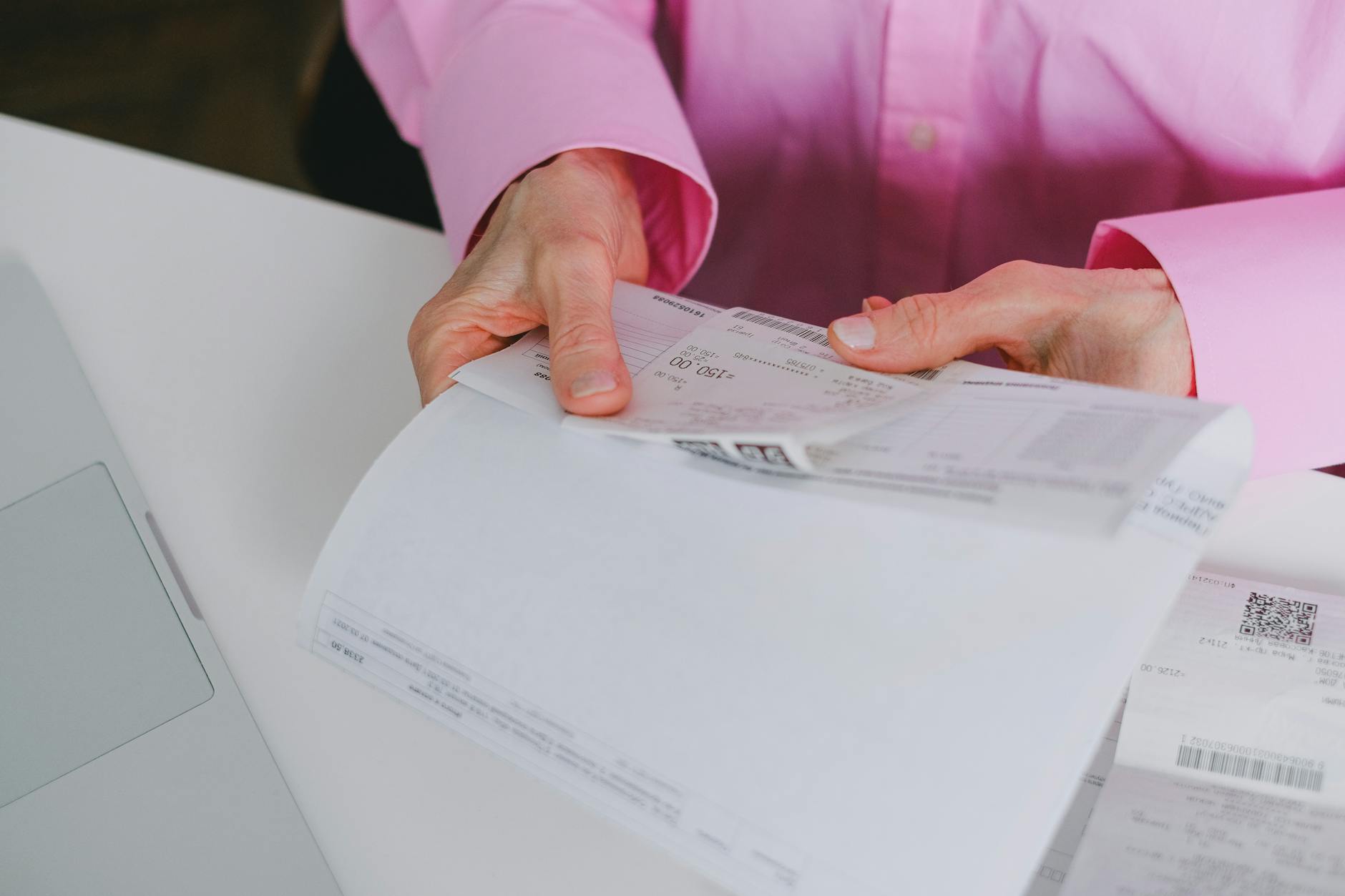
Protecting your transaction records online requires a multi-layered approach combining secure storage, selective sharing, and regular monitoring of where your financial data lives. The most practical first step is to stop viewing your transaction records as something you access once and forget about—instead, treat them as sensitive assets that need the same protection you’d give to your passwords or bank account numbers. For example, if you log into your bank’s website to check a transaction, that session data, along with your browsing history and cookies, can be intercepted by someone on your network unless you’re using a VPN or a secure connection.
The stakes are real. Transaction records typically contain information a thief needs to impersonate you: dates, merchants, amounts, and sometimes account numbers or personal identification details. A single compromised record, when combined with data from other breaches, can provide the roadmap for identity theft, fraudulent charges, or account takeovers. Protecting these records involves decisions about how you store them, who you share them with, what devices you use, and how actively you monitor for unauthorized access.
Table of Contents
- Where Are Your Transaction Records Stored and How Vulnerable Are They?
- The Risks of Exporting and Storing Transaction Records
- Using Your Bank’s Built-In Tools vs. Third-Party Services
- Practical Steps to Secure Transaction Records on Your Devices
- Monitoring for Unauthorized Access and Early Warning Signs
- The Role of Passwords and Two-Factor Authentication
- Looking Forward: New Technologies and Emerging Threats
- Frequently Asked Questions
Where Are Your Transaction Records Stored and How Vulnerable Are They?
Your transaction records exist in multiple places simultaneously, and each has different security characteristics. Your bank’s secure servers are heavily protected by encryption, authentication systems, and regulatory oversight, making them generally safer than anywhere else your records exist. However, the moment you export a bank statement to your computer, email a receipt, or share an account screenshot with an accountant, you’ve moved those records beyond the bank’s protection into environments where you’re responsible for security. Many people store transaction records in plaintext formats like PDF or spreadsheet files on their hard drive, in cloud storage services, or in email.
This is a significant vulnerability. If your computer gets infected with malware, if a cloud storage service suffers a breach, or if your email account is compromised, those records are exposed. A 2024 survey found that nearly 40% of people store financial documents in unencrypted cloud storage or email, with no additional protection. Compare this to the security of keeping sensitive financial information only in your bank’s app or website—services that are required by law to meet specific encryption and authentication standards.
The Risks of Exporting and Storing Transaction Records
When you download a bank statement as a PDF, you lose the dynamic protections your bank provides. The statement becomes a static file that can be read by anyone who gains access to it, and it contains a snapshot of your financial life. This is why financial advisors and accountants often ask you to share statements—but before you do, you need to understand the security implications. The biggest risk is that exported statements often contain far more identifying information than you initially realize. A typical bank statement includes your full account number, the last four digits, your address, transaction dates, merchant names, and amounts.
An identity thief doesn’t need to break into the bank’s systems to find this information if they can access the files on your computer or phone. Additionally, once you’ve shared a statement with someone else—even an accountant or lawyer—you’ve lost control over where that document goes next. There’s no guarantee they’re using encrypted storage or secure deletion methods. A practical limitation to remember: cloud storage services like Google Drive, Dropbox, or OneDrive offer encryption in transit and at rest, but they are not zero-knowledge systems. This means the company could theoretically be compelled to provide access to files during a law enforcement request, a civil lawsuit, or a security investigation. If maximum privacy is your priority, you’d need to encrypt files before uploading them to the cloud, using a tool like 7-Zip, WinRAR, or VeraCrypt, which gives you control over the encryption key rather than relying on the storage service.
Using Your Bank’s Built-In Tools vs. Third-Party Services
Most banks now offer secure message centers, secure download options, and mobile apps with transaction history features. These are significantly safer than forwarding statements to email or storing them elsewhere because the bank controls the encryption and access controls. However, many people bypass these tools in favor of convenience, downloading everything to their computer or saving PDFs in email. Some people use third-party financial aggregation services like Mint (now part of Intuit), YNAB, or Plaid to automatically import transactions from multiple banks into a single dashboard.
These services add convenience but introduce additional security considerations. You’re trusting a third-party company with your banking credentials (or your bank’s authorization) to access your accounts. While reputable services use strong security, any service that touches your financial data represents an additional attack surface. If the aggregator is breached, the attacker could potentially access multiple accounts at once. An important example: Equifax, the credit monitoring company, suffered a massive 2017 breach affecting 147 million people—they were trusted with sensitive data, yet the breach still happened because security measures were inadequate.

Practical Steps to Secure Transaction Records on Your Devices
Start with the device itself. If you’re storing transaction records on a computer, that computer needs to be updated regularly with security patches, have antivirus software running, and be protected by a strong password and full-disk encryption. Windows has BitLocker, macOS has FileVault, and most Linux systems have LUKS. Full-disk encryption means that if your laptop is lost or stolen, the data on it remains protected. This is especially important for anyone who travels or accesses transaction records outside their home. For files themselves, create a dedicated folder for transaction records and encrypt it separately from the rest of your drive, even if you’ve already enabled full-disk encryption.
This provides a second layer of protection and ensures that even if someone gains limited access to your system, they can’t easily access your financial data. Windows allows you to right-click a folder and select “Encrypt,” macOS users can create an encrypted container using Disk Utility, and all operating systems support encrypted archive formats like password-protected ZIP files or 7-Zip with AES-256 encryption. The tradeoff is convenience versus security. Encrypting files makes them harder to access—you’ll need to enter a password each time you want to view or edit them. Keeping records only in your bank’s app means you can’t easily share them with an accountant without downloading them first, which creates a security step. Many people find a middle ground acceptable: store a few years of current records in an encrypted folder on their encrypted hard drive, delete old records after the relevant tax or legal period has passed, and rely on their bank’s secure message center for anything they need to share.
Monitoring for Unauthorized Access and Early Warning Signs
Protecting transaction records isn’t passive—it requires ongoing monitoring. Set up alerts on your bank accounts for any transaction above a certain amount, any new login from a different device or location, or any changes to your account settings. Most banks allow you to customize these alerts through their settings, and they’ll notify you via email or text message. This way, if someone has somehow accessed your account, you’ll know within hours rather than discovering it weeks later on a statement. Additionally, monitor your credit reports regularly. By law, you’re entitled to one free credit report per year from each of the three major reporting agencies (Equifax, Experian, and TransUnion).
Fraudulent transactions might not show up on your bank statement immediately, but they often appear as inquiries or new accounts on your credit report. Check your reports at least annually, and more frequently if you’ve had any security incident. A major limitation of credit monitoring is that it can only alert you to problems after they’ve already been reported to the agencies—sometimes weeks after the actual fraud occurs. By that time, the fraudulent accounts might already exist. Another early warning is to watch for physical mail you weren’t expecting. If a collection agency sends you a letter about an account you didn’t open, or a bank statement arrives for an account you don’t recognize, someone may have used your identity to commit fraud. This is one of the few warning signs that happens outside the digital realm, which is why it’s important to check your mail regularly and shred anything with financial information before discarding it.

The Role of Passwords and Two-Factor Authentication
Your bank account is the gateway to your transaction records, so the password protecting it needs to be exceptionally strong. Use a unique password for your bank account—not a variation of a password you use elsewhere—and make it at least 16 characters long, combining uppercase letters, numbers, and symbols. A password like “BankAccess2024!Spring#456” is far stronger than “MyBank123” or “MyPassword1,” even though both are technically “strong” by minimum standards.
Two-factor authentication (2FA) adds a second layer of protection by requiring something you know (your password) plus something you have or are (a code from your phone, a biometric scan, or a physical security key). Enable 2FA on your bank account if available, and prefer methods that are resistant to interception—security keys and biometric authentication are stronger than text message codes, which can be intercepted through SIM swapping or interception attacks. Many banks now offer 2FA through their mobile app, which is a solid option as long as your phone itself is secure.
Looking Forward: New Technologies and Emerging Threats
The landscape of financial data protection is evolving. Banks are increasingly moving toward passwordless authentication using biometrics and push notifications, which can be more secure than traditional passwords while still being convenient. At the same time, threats are evolving—AI-powered fraud and deepfake authentication attempts are becoming more sophisticated, and the overall volume of compromised financial data continues to grow.
As more of your financial life moves online, the responsibility for protecting transaction records is shifting. Banks will continue to strengthen their own security, but individual users need to meet them halfway by not storing records unnecessarily, encrypting sensitive files, monitoring accounts actively, and using strong authentication. The future of transaction record protection likely depends on regulatory pressure (stronger data breach notification laws, GDPR-style privacy regulations in more countries) and technological solutions (zero-knowledge storage, decentralized finance platforms that don’t require central authorities to store data). For now, the most practical approach is to assume that any digital system can be breached, and to structure your behavior accordingly.
Frequently Asked Questions
Is it safe to store transaction records in Gmail or Outlook?
Storing transaction records in email is generally less secure than storing them in a bank’s system or in encrypted files on your computer. While Gmail and Outlook use encryption and have basic security measures, email is less defensible than dedicated financial tools. Additionally, if your email account is compromised, an attacker immediately gains access to years of transaction history. If you need to keep records in email, encrypt the PDFs before attaching them.
What’s the difference between backing up records to iCloud or Google Drive versus storing them on my computer?
Cloud storage adds convenience and redundancy (protection against losing the records if your device fails), but it requires trusting a third-party company with access to your data. The company itself could face a breach, or could be compelled by law to provide access to your files. Local storage gives you more control but requires you to manage backups manually to prevent data loss. A middle-ground approach is to store records locally in an encrypted folder and maintain an encrypted backup on a secure external hard drive.
How long should I keep transaction records?
For tax purposes, the IRS recommends keeping records for at least three years, though six years is safer if you’ve reported less than 75% of your income. For other records (credit card disputes, warranty claims), keep them as long as they might be relevant. The key is to delete old records once they’re no longer needed—don’t accumulate years of transaction data on your devices unnecessarily.
Is a password manager safe for storing bank passwords?
Yes, reputable password managers like Bitwarden, 1Password, or Dashlane use encryption so strong that even the company operating the password manager cannot access your passwords. The security of a password manager is generally higher than using the same weak password across multiple sites, which is the behavior it replaces. Use a password manager combined with two-factor authentication for maximum security.
What should I do if I suspect my transaction records have been exposed in a breach?
Contact your bank immediately to report the incident and ask if they recommend changing your password or account details. Monitor your credit reports and bank statements closely for unauthorized activity. Consider placing a fraud alert or credit freeze with the three major credit bureaus (Equifax, Experian, TransUnion), which makes it harder for an attacker to open new accounts in your name.
Can I safely use public WiFi to access my transaction records?
Public WiFi is not secure for accessing sensitive financial data. Traffic on unencrypted WiFi can be intercepted by anyone with basic tools. If you must access transaction records on public WiFi, use a VPN (a service that encrypts all your internet traffic) to protect the data in transit. Better practice is to only access financial data on networks you control, like your home WiFi or your phone’s cellular connection.
You Might Also Like
- How to Protect Your Social Media Message History
- How to Protect Your Vendor Contracts Online
- How to Protect Your Invoice Information Online