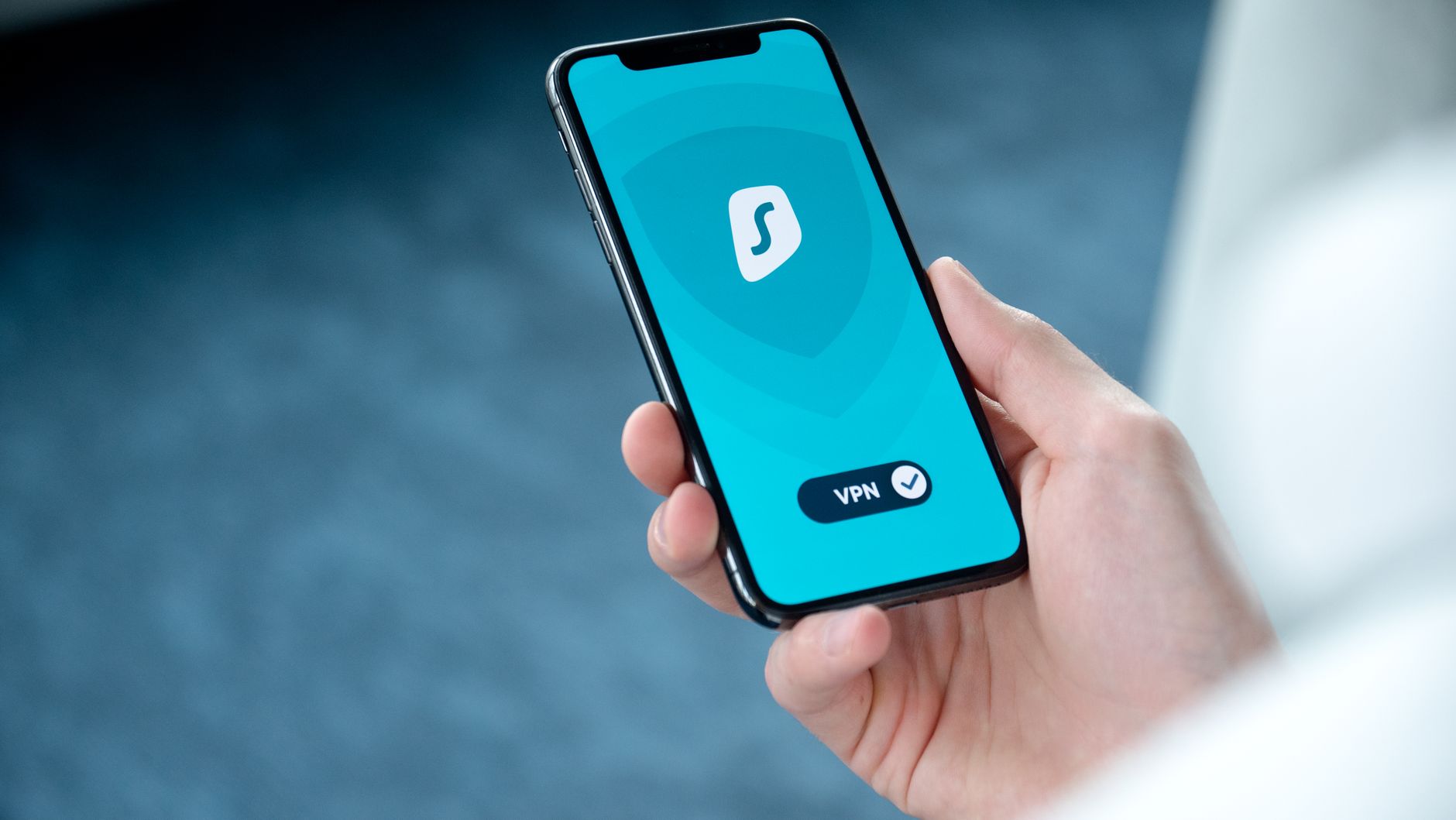
Fake app notifications help retail data breaches spread by borrowing the trust of a legitimate shopping app. Attackers turn one stolen employee or vendor login into mass push alerts, and those alerts steer shoppers toward phishing links, malware, or account mistakes. A push notification is a message sent by an app directly to a phone screen. When it arrives inside the official retail app, shoppers treat it as safe and act fast.
Table of Contents
- Why a fake alert inside a real app works
- How one login reaches thousands of phones
- Why repeated prompts get an "Accept" tap
- What turns a scare into a wider breach
Why a fake alert inside a real app works
Attackers impersonating a trusted contact stole an ASOS employee login, then used a connected third-party communications platform to send a "HACKED" alert through the official ASOS app, Enterprise Security Tech reported in its ASOS breach analysis. The message did not need a fake copycat app. It rode the retailer's own distribution channel.
Thousands of customers saw that in-app alert, and many treated it as authentic because of its source, according to Malwarebytes. That borrowed credibility raises the risk of added phishing or malware-link exposure. Shoppers lower their guard inside an app they already use for payment.
How one login reaches thousands of phones
Retail apps often connect to outside vendors for marketing messages, customer support, and push delivery. One compromised staff account can therefore open a broadcast path to an entire customer base. The attacker does not hack each phone.
The human opening matters at scale. Verizon's 2025 breach study of more than 22,000 incidents and 12,195 confirmed breaches found the human element in about 60% of breaches, while third-party involvement doubled from 15% to 30%, as described in the Verizon breach report. Retail is exposed on both counts: staff can be tricked, and vendors extend access.
Why repeated prompts get an "Accept" tap
A second route uses MFA push prompts, the approve-or-deny notices sent to verify a login. A joint CISA and FBI advisory on Scattered Spider says the group sent repeated MFA push prompts until employees pressed "Accept" and posed as IT or help-desk staff to obtain one-time codes, password resets, and MFA transfers, as detailed in the AA23-320A advisory.
Fatigue and urgency do much of the work. CISA urges organizations to adopt phishing-resistant MFA. The agency says organizations still using mobile push-based MFA should add number matching to mitigate MFA fatigue, while warning that number matching is a weaker interim control.
What turns a scare into a wider breach
A fake notification alone does not empty a retailer database. CISA's phishing-resistant MFA guidance frames the limit this way: spread requires a second step such as credential reuse, an approved MFA prompt, sideloaded malware, or pivoting through vendor access. The alert creates contact; the victim's next action creates entry.
Malware is one follow-on path. Google reported blocking more than 1.75 million Play Store submissions in 2025, while expanded Play Protect fraud protection blocked 266 million risky installs from 872,000 high-risk apps across 185 markets, according to BleepingComputer. That volume shows why an alert-linked install is dangerous. Shoppers and staff can break the chain with a few consistent checks, an approach also reflected in Google's 2026 Play safety guidance:.
- Open the retailer's official app or site yourself instead of tapping the notification link.
- Treat urgent "hacked," reset, or payment warnings as prompts to verify, not to click.
- Keep Play Protect enabled and avoid sideloading apps from links.
- Use phishing-resistant MFA where offered, with number matching where available.
You Might Also Like
- Retail Data Breach Notices: Why They Rarely Mention Passwords
- Can You Get Compensation After a Retail Data Breach Like ASOS?
- Burger King Japan Data Breach: 11.18 Million App Member Records Leaked