
How to Protect Your DNS Privacy Settings
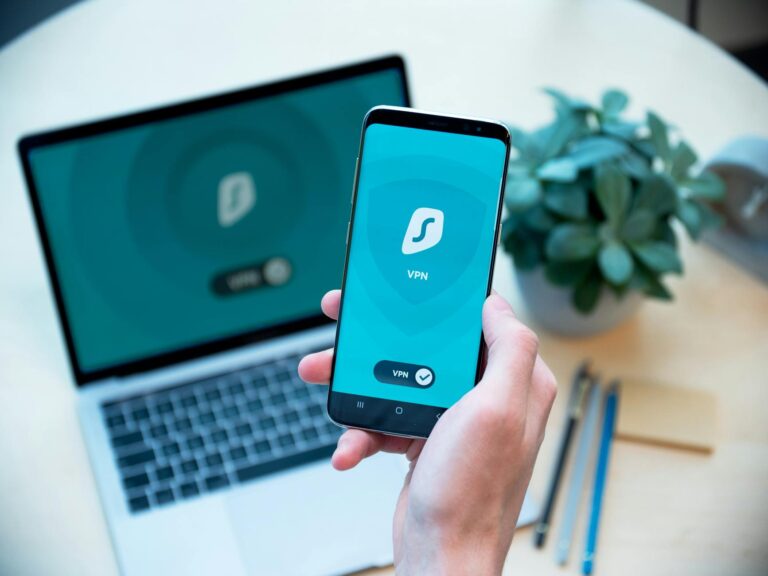
To protect your DNS privacy settings, you need to switch from your ISP's default DNS resolver to an encrypted alternative using DNS over HTTPS (DoH) or...

To protect your DNS privacy settings, you need to switch from your ISP's default DNS resolver to an encrypted alternative using DNS over HTTPS (DoH) or...

When an ISP's data is breached, the fallout is uniquely severe because internet service providers hold an extraordinarily detailed picture of their...

Securing your home network properly starts with three foundational steps: upgrading your router's encryption to WPA3, changing all default credentials,...
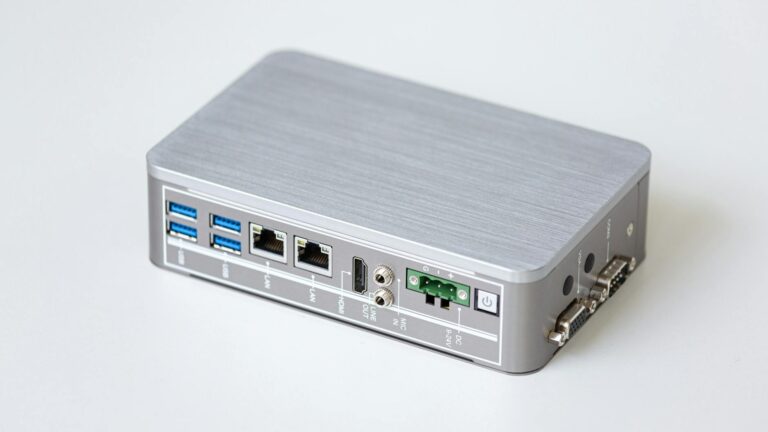
Your router is compromised when an attacker has gained unauthorized access to it — and the signs are usually hiding in plain sight.

The most effective way to protect your browsing history online is to use a combination of tools: a reputable VPN, a privacy-focused browser or browser...

If your internet service provider has been hacked, the first thing you need to do is change your passwords — starting with your ISP account itself, then...

The most reliable way to recognize a tech support scam after a data breach is to remember one rule: legitimate companies do not contact you.

The best privacy settings for a Google account start with one toggle: Web & App Activity. Turning it off at Google Account > Data & Privacy > Web & App...

To protect your call history privacy, start by locking down your phone account with a PIN or passcode, disabling call log syncing to cloud services you...

Telecom breaches expose an unusually broad and sensitive category of personal data, ranging from call and text metadata to Social Security numbers,...