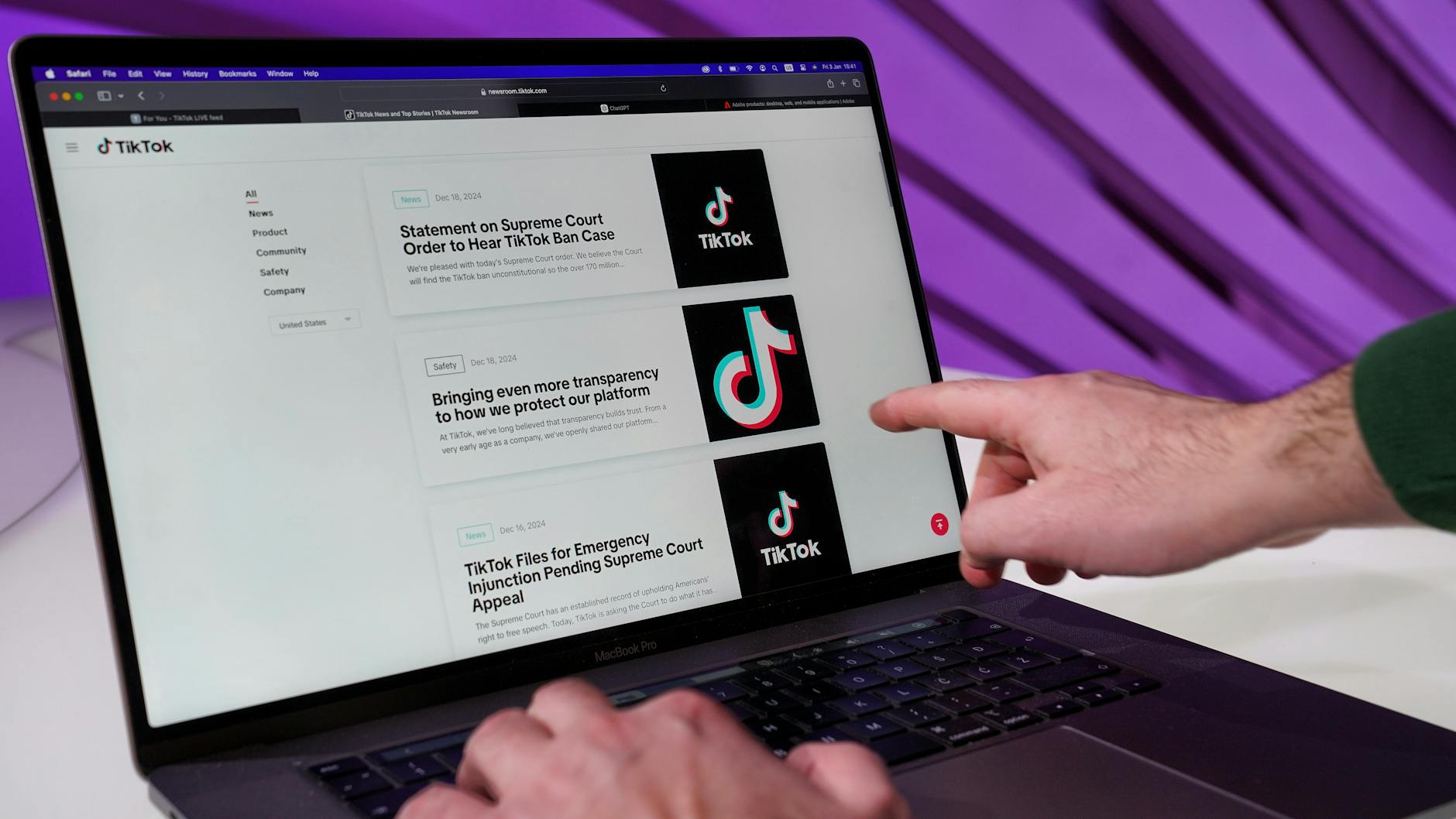
Protecting your TikTok account privacy requires a multi-layered approach that goes beyond a strong password. The platform collects extensive behavioral, location, and biometric data on its roughly 1.5 billion users, making deliberate privacy configurations essential. In 2023, TikTok paid a $5.7 million FTC settlement for violating the Children’s Online Privacy Protection Act and mishandling user data, illustrating the stakes involved.
You can significantly reduce your exposure through account settings, permission controls, and understanding what TikTok collects—but these protections require active management rather than relying on defaults. TikTok’s algorithm-driven design means the app requests permissions far beyond what most users realize: location tracking, camera and microphone access, contact lists, and calendar data. The company has faced repeated scrutiny from security researchers and lawmakers about data transfers to entities outside the United States, particularly Chinese parent company ByteDance. While complete privacy on any social media platform is unrealistic, implementing the steps outlined here will substantially limit what TikTok can collect and who can access your account.
Table of Contents
- What Privacy Settings Does TikTok Actually Offer?
- Understanding TikTok’s Data Collection and Its Limitations
- Controlling Who Can See Your Profile and Content
- Managing App Permissions and Location Tracking
- Two-Factor Authentication and Account Security Risks
- Limiting Personalized Advertising and Third-Party Data Sharing
- The Larger Privacy Ecosystem and Future Outlook
- Frequently Asked Questions
What Privacy Settings Does TikTok Actually Offer?
TikTok provides privacy controls, though they’re scattered across multiple menu sections and don’t always prevent the platform from collecting data internally. The account privacy toggle (switching from public to private) is the most visible setting, but it only controls who can view your videos—it doesn’t restrict TikTok’s data collection practices. A private account requires followers to request access, limiting your discoverability to the algorithm and preventing strangers from downloading your content without permission, but TikTok still tracks your behavior, location, and engagement metrics. The messaging privacy setting allows you to restrict who can send you direct messages, a feature worth enabling immediately if you receive unsolicited contacts.
You can also control who can comment on your videos and see your liked videos list. However, these settings address visibility to other users rather than your privacy from TikTok itself. For comparison, Meta’s instagram offers similar granular controls but faces the same underlying issue: the platform collects the same data whether your account is public or private. The real privacy bottleneck isn’t visibility settings—it’s the data collection happening in the background.

Understanding TikTok’s Data Collection and Its Limitations
TikTok collects a staggering amount of information: how long you pause on each video, which users you interact with, your search history, device identifier, IP address, and biometric data including face and voice recognition patterns. The company also requests permission to access your contact list and calendar, ostensibly for friend suggestions and event-based content recommendations. Once granted, these permissions remain active until you manually revoke them in your phone’s settings. One significant limitation to understand is that disabling these permissions doesn’t erase data TikTok already collected—it only prevents future collection.
The platform’s privacy policy explicitly states that data may be shared with ByteDance’s offices globally, raising concerns about data residency and government access. TikTok claims it has implemented measures like “Project Texas” (a data isolation system), but independent verification of these protections is limited. A crucial warning: clearing your app cache and cookies in TikTok’s settings does not delete your profile data, account history, or watched videos—it only clears temporary data. Users often mistakenly believe clearing cache is a privacy measure equivalent to app reinstallation, but TikTok retains comprehensive behavioral records on its servers regardless.
Controlling Who Can See Your Profile and Content
Beyond the public/private toggle, TikTok offers profile visibility options that affect who can find and contact you. You can restrict duets and stitches (features that allow other users to build on your content), disable comments entirely, or allow comments only from people you follow. You can also control whether your account appears in searches and recommendations, though opting out of recommendations requires navigating to the “Personalized ads” settings rather than an obvious privacy menu.
A specific example illustrates the importance of these controls: a user’s TikTok video went viral unexpectedly, attracting thousands of comments from strangers, some including unsolicited requests for personal information. If that user had restricted duets, stitches, and comments to followers only, the exposure would have been substantially limited. Another important distinction is between profile privacy and content privacy—your profile can be private (requiring follow approval) while your liked videos remain public if you haven’t disabled that setting separately. This disconnect has led to privacy incidents where users discovered their video likes exposed to classmates or colleagues who found their profile through searches.

Managing App Permissions and Location Tracking
Your phone’s operating system (iOS or Android) controls what data TikTok can actually access, regardless of in-app settings. On iOS, go to Settings > TikTok and review which permissions are enabled: Location (never necessary for TikTok), Camera, Microphone, Photos, Contacts, Calendar, and Health data. On Android, access this through Settings > Apps > TikTok > Permissions. You should disable Location, Contacts, and Calendar immediately unless you have a specific need for these features.
Location tracking, in particular, carries no legitimate purpose for a video-sharing app and is a major privacy risk. Disabling microphone and camera access is safer than relying on TikTok’s settings because the phone-level restriction prevents even accidental activation. However, this creates a tradeoff: you’ll need to manually grant permission each time you want to record a video for TikTok, which most users find inconvenient and ultimately leads them to re-enable broad permissions. Photo library access is harder to manage granularly on most phones—you can restrict it or allow full access, but you cannot grant TikTok access to only certain albums. A practical comparison: Instagram offers the ability to select which photos to share when posting, while TikTok gets broader photo library access when enabled.
Two-Factor Authentication and Account Security Risks
Enabling two-factor authentication (2FA) is essential for preventing account takeover, which can occur through credential stuffing, phishing, or SIM swapping attacks. TikTok supports 2FA via authenticator apps, SMS, or email, though SMS-based 2FA is less secure due to SIM swapping vulnerabilities. If you have a phone number linked to your TikTok account, attackers can potentially convince your carrier to transfer your number to their device, bypassing SMS-based 2FA entirely. The warning here is that 2FA provides security against unauthorized access but doesn’t address privacy—an authenticated attacker can still see your data.
A common misconception is that privacy concerns and security concerns are identical. They’re related but distinct: strong 2FA ensures only you can log in, but TikTok still collects everything you do. Users who don’t use 2FA face a different risk profile—their accounts can be hijacked and used to impersonate them, potentially exposing their viewing history and contacts to whoever gains access. The limitation of 2FA is that it protects your account ownership but not the data TikTok holds. Even with perfect account security, your video watch history, search history, and interaction patterns remain in TikTok’s databases, vulnerable to data breaches or government requests.
Limiting Personalized Advertising and Third-Party Data Sharing
TikTok uses your behavior to build an advertising profile sold to brands and advertisers. You can disable “Personalized ads” in Settings > Privacy > Ads, though this doesn’t prevent targeted ads—it just makes them less targeted and theoretically less relevant. Disabling personalized ads is a tradeoff: you’ll see more generic ads that are often less useful, but TikTok still collects the data to build the profile. The platform claims it doesn’t sell personal data directly to advertisers, but it does allow advertisers to target audiences based on interests, device information, and behavioral patterns.
Third-party tracking through pixels and SDKs embedded in TikTok is harder to control directly. Many websites use TikTok’s tracking pixel to measure conversions and build audiences for TikTok advertising campaigns. If you visit a website with the TikTok pixel installed, TikTok learns about your browsing even when you’re not on its platform. A specific example: you browse a retailer’s website considering a purchase, leave without buying, and then see ads from that retailer on TikTok—that’s the tracking pixel at work. Disabling this tracking would require blocking cookies or using privacy-focused browsers across your entire internet usage, not just on TikTok.
The Larger Privacy Ecosystem and Future Outlook
Individual privacy protections on TikTok exist within a broader landscape of data collection across platforms and devices. Even if you restrict TikTok perfectly, your phone’s operating system, ISP, and other apps collect overlapping behavioral data. Regulatory efforts like the Restrict Act (proposed U.S. legislation to address TikTok specifically) and GDPR (enforced in Europe) are attempting to address platform data practices at a legislative level rather than relying solely on user-level controls.
The outcome of these regulatory efforts will likely determine TikTok’s future in certain markets and the nature of permissible data handling. Looking ahead, the privacy landscape around TikTok will probably shift based on geopolitical considerations as much as privacy principles. The platform has committed to data residency improvements in certain jurisdictions, but these commitments are difficult to independently verify and subject to change. For users who want stronger guarantees, reducing TikTok usage rather than simply adjusting settings may be the most effective privacy strategy, though for many users the platform’s value is worth the privacy tradeoffs.
Frequently Asked Questions
Does making my TikTok account private prevent TikTok from collecting my data?
No. A private account prevents other users from viewing your videos and accessing your profile, but TikTok still collects the same behavioral, location, and biometric data on private accounts as it does on public ones. Privacy settings control who can see your account, not what TikTok collects about you.
Can I prevent TikTok from accessing my contacts and calendar?
Yes. Disable these permissions in your phone’s settings (Settings > Apps > TikTok > Permissions on Android, or Settings > TikTok on iOS). TikTok may prompt you to enable these permissions when attempting certain features, but you can decline. Disabling these permissions doesn’t erase data TikTok already collected.
Is deleting my app the same as deleting my account?
No. Deleting the TikTok app from your phone does not delete your account or any data TikTok has collected. Your videos, comments, and profile remain on TikTok’s servers. To actually delete your account, you must log in through the app or website and navigate to Settings > Account > Delete Account, or contact TikTok support.
Does two-factor authentication on TikTok protect my privacy?
Two-factor authentication protects your account from unauthorized access—it prevents someone else from logging in. It does not protect your privacy from TikTok itself or prevent the platform from collecting your data.
Why does TikTok need access to my microphone and camera?
TikTok needs microphone access to record videos with sound and camera access to record video content. However, these permissions are not necessary for browsing TikTok or watching other users’ videos. Disable these permissions unless you actively create video content on the platform.
Can I opt out of personalized ads on TikTok?
You can disable “Personalized ads” in Settings > Privacy > Ads, but this doesn’t prevent ads entirely—it only makes them less targeted. TikTok still builds an advertising profile based on your behavior; the setting simply tells advertisers not to use personalized targeting.
You Might Also Like
- How to Protect Your Cloud Photo Privacy
- How to Protect Your Audible Account Privacy
- How to Protect Your Watch History Privacy