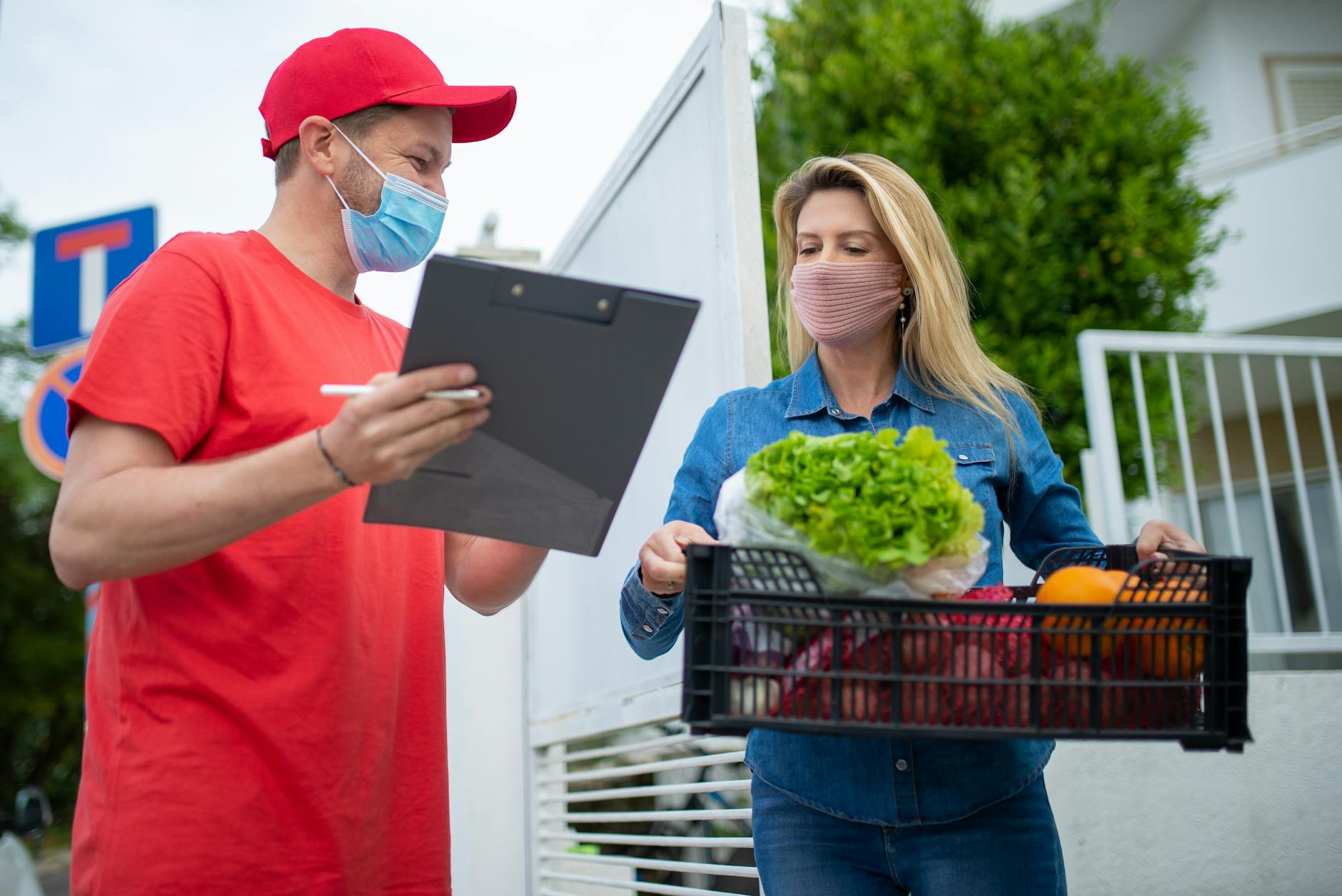
Your grocery delivery account is compromised when an unauthorized person gains access to your login credentials and can view or use your account. The most obvious signs include orders you didn’t place appearing in your history, charges from stores you don’t use, or notification alerts about login activity you don’t recognize.
For example, if you check your DoorDash or Instacart account and see an order for groceries placed at 2 AM when you were asleep—with delivery to an address you’ve never saved—that’s a clear compromise indicator. Grocery delivery account breaches are particularly concerning because they connect to your payment methods, saved addresses, phone number, email, and potentially your order history that reveals eating habits and patterns. Attackers exploit these accounts for multiple reasons: placing fraudulent orders that don’t charge you (instead hitting a stolen payment method linked to your account), gathering personal information for identity theft, or using your account as a staging point to access linked financial services.
Table of Contents
- How Do You Know If Someone Is Using Your Grocery Delivery Account Without Permission?
- What Changes to Your Account Settings Should Alarm You?
- What Payment and Billing Red Flags Suggest Account Takeover?
- How Should You Verify Your Account Status and Secure It Immediately?
- Are There Financial Warnings Beyond the Obvious Fraudulent Orders?
- How Can You Tell If Your Login Credentials Were Stolen in a Broader Data Breach?
- How Has Account Security Changed and What Should You Expect Going Forward?
How Do You Know If Someone Is Using Your Grocery Delivery Account Without Permission?
The clearest indicator is finding orders in your account history that you never placed. These orders typically appear in your app’s “Past Orders” section or your email receipts. An attacker might order basic groceries, high-value items like alcohol or electronics (depending on what the platform offers), or expensive specialty products. The frustrating limitation here is that fraudulent orders might be placed using a stolen payment method rather than your actual card, so the charges might not immediately appear on your bank statement—you’ll only see them in your delivery app’s transaction history.
Another common sign is receiving delivery notifications from apps you use, or being notified about orders when you know you didn’t order them. Some attackers place orders but have them delivered to different addresses than your main one, which means you might not notice until you review your account carefully. If you receive a “Your order has been delivered” notification but never placed that order, check your app immediately and look at the delivery address. This gap between when the order was placed and when you discover it can range from hours to days.
What Changes to Your Account Settings Should Alarm You?
Your email address, phone number, and saved delivery addresses are prime targets for modification. If you log into your grocery app and notice your primary email has changed, or a new phone number has been added to two-factor authentication settings, your account has definitely been compromised. This is a deliberate move by attackers to lock you out of your own account—by changing these contact details, they prevent you from receiving notifications or password reset codes.
Be aware that some platforms don’t always send notifications when these critical details change, which is a significant limitation in their security design. You might not find out until you try to log in and find that your password no longer works, or you receive a password reset email you didn’t request. Similarly, if your saved addresses suddenly include locations in different cities where you’ve never lived or received deliveries, that’s a red flag. Check your account regularly—don’t assume everything is fine just because you haven’t seen alerts.
What Payment and Billing Red Flags Suggest Account Takeover?
Look for declined charges or payment errors when you didn’t attempt to order, as well as successful charges for amounts you didn’t authorize. Some attackers make small test purchases first ($3-5) to verify the payment method works, then make larger purchases. These might appear as pending transactions on your bank statement before clearing. Additionally, if you notice new payment methods saved to your account—credit cards you don’t recognize or different card variations of your own card—that’s a strong compromise indicator.
A real-world scenario: A user checks their Instacart account one morning and finds a $140 order was placed and charged to their linked debit card. The order included luxury ice cream, imported cheeses, and premium protein items—nothing they would typically order. Worse, the delivery address was their home address, so the attacker intended to either receive the groceries (perhaps posing as a guest or getting the box off the porch), or they simply wanted to rack up charges on the victim’s account. The account owner contacted their bank, but the transaction had already processed, creating the burden of disputing the charge.

How Should You Verify Your Account Status and Secure It Immediately?
Start by logging into your account through the official app or website (not through a link in an email, as attackers sometimes send phishing messages). Check your “Account Settings” section and review every detail: email, phone number, delivery addresses, and payment methods. Compare this against what you know is correct. Look at your order history for the past 30-90 days and cross-reference every order against your own records.
If you find unauthorized activity, the next step is changing your password immediately—use a strong, unique password that you’ve never used before on any other account. Then, remove any unrecognized payment methods and add a legitimate one if yours was compromised. You should also enable two-factor authentication if the platform offers it, which adds a second security layer requiring you to verify your identity with a code from your phone. However, one tradeoff is that two-factor authentication can make logging in slower and more cumbersome, particularly if you access the app frequently or on multiple devices.
Are There Financial Warnings Beyond the Obvious Fraudulent Orders?
Yes. Attackers sometimes don’t immediately use stolen payment methods; instead, they test access by making one small purchase to confirm the account is compromised. If you see recurring small charges (under $10) that you don’t recognize, that’s often a testing phase. Additionally, watch for multiple failed payment attempts in your app’s history, which suggest someone was trying to use different stolen payment methods to see which one would go through.
One important limitation: Some grocery delivery platforms batch multiple orders together before charging, or they hold pending charges before they settle. This delay means there can be a lag between when an order is placed and when the charge appears on your bank statement. During this time, attackers may have already placed additional orders. Additionally, if your account uses a payment method that’s linked across multiple platforms (like PayPal or Apple Pay), a compromised grocery delivery account could potentially expose those broader accounts. Be especially vigilant if you use a shared payment system.
How Can You Tell If Your Login Credentials Were Stolen in a Broader Data Breach?
One way to check is using your email address in breach-checking services like Have I Been Pwned, which aggregates data from known compromises and can tell you if your email appears in any breached databases. If it does, it means your email (and potentially your password if the service stored them improperly) may have been exposed. This doesn’t automatically mean your grocery account is compromised, but it increases the risk—especially if you used the same password across multiple platforms.
You can also look for login notifications in your app. Many grocery delivery services send alerts when your account is accessed from a new device or location. If you see notifications for logins from IP addresses or geographic locations you don’t recognize, that’s a compromise indicator. Review your login history or active sessions if your app provides that feature, and log out any sessions that appear unauthorized.
How Has Account Security Changed and What Should You Expect Going Forward?
Grocery delivery platforms have gradually improved their security by adopting two-factor authentication, biometric login options, and real-time fraud monitoring. However, the landscape remains challenging because users often reuse passwords across multiple services, and many grocery apps still allow account creation with minimal verification. As more people sign up for delivery services and add payment methods to these platforms, attackers will continue targeting them as a vector to steal payment information and personal data.
Moving forward, expect more platforms to offer account monitoring features that alert you to unusual activity in real-time. Some services now allow you to set spending limits or restrict the times when orders can be placed on your account. Additionally, more platforms are shifting toward partnership integrations where you log in through your Google or Apple account, which can improve security by leveraging these companies’ stronger authentication systems.
You Might Also Like
- Signs Your Yoga Studio Account Is Compromised
- Signs Your Theater Subscription Is Compromised
- Signs Your Fantasy Sports Account Has Been Hacked