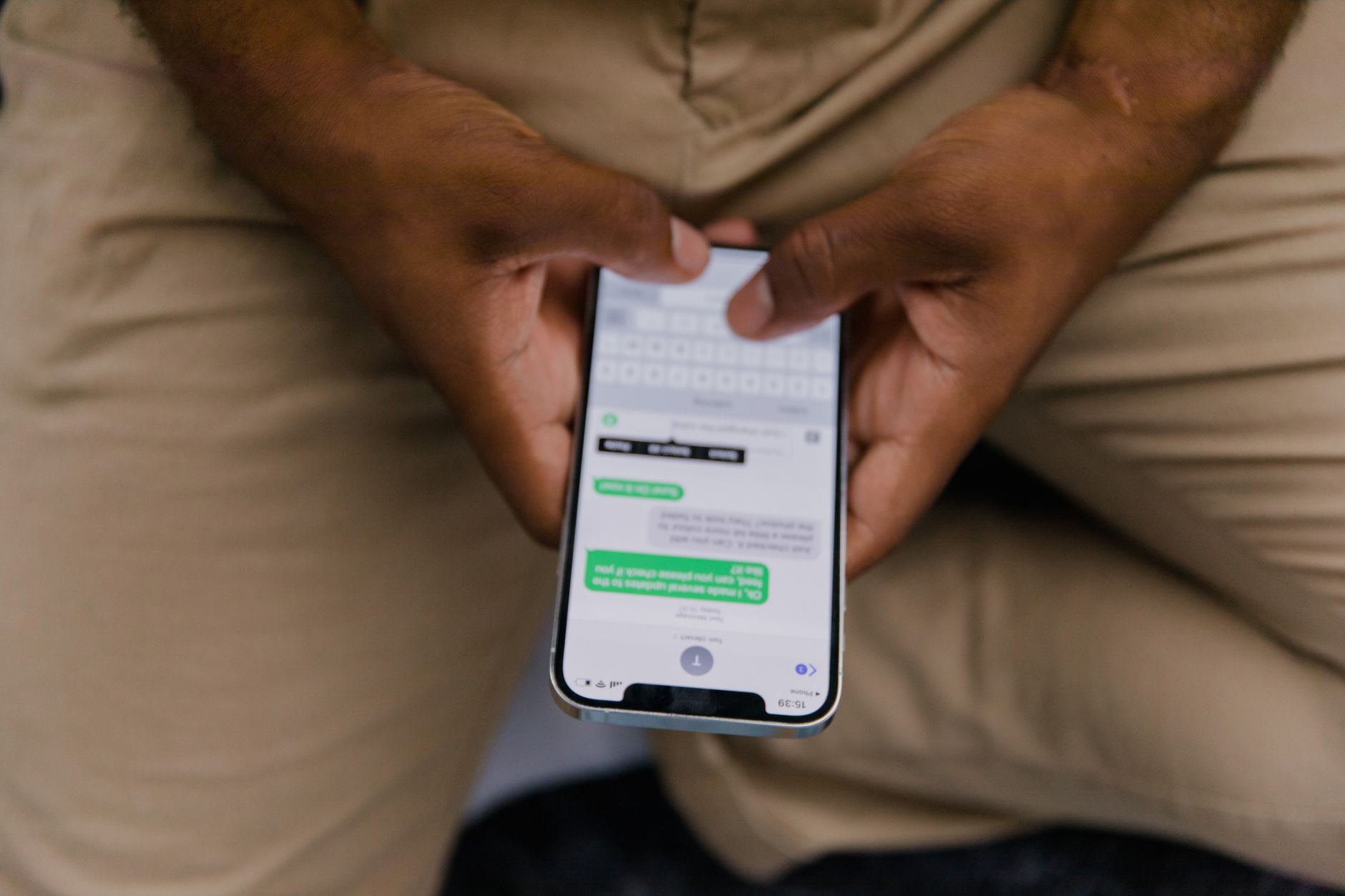
A one-time code sent by text message is still far better than protecting an account with a password alone, but among the second factors banks and websites offer, it is the weakest. The U.S. Cybersecurity and Infrastructure Security Agency (CISA) says texted and voice codes should be a last-resort choice, and the federal government’s identity standard puts them in a category of their own.
That ranking matters because SMS two-factor authentication is the default at many banks. If your account offers anything stronger, it is usually worth a few minutes to switch. Here is why, and how to do it without getting locked out.
How sms two-factor authentication works, and where it breaks
Two-factor authentication asks for something beyond your password before letting you in. With SMS, that something is a short code the service texts to the number on file. The idea is that only the person holding your phone can read it.
The weak point is that the code travels over the ordinary phone network and is tied to your phone number rather than to your device. Whoever controls the number, or can listen in on the network, gets the code. CISA’s fact sheet on multifactor authentication puts the general problem in one line: “However, not all forms of MFA are equally secure.”
Five ways a text code can let an attacker in
1. SIM swaps and port-outs. A criminal sweet-talks or bribes phone-company staff into shifting your line onto a SIM, or to a provider, under the criminal’s control. The FBI described the payoff in a 2022 alert: “Using SMS-based two-factor authentication, mobile application providers send a link or one-time passcode via text to the victim’s number, now owned by the criminal, to access accounts.” New FCC requirements aimed at this scheme take effect for carriers in December; we explain them in our report on the FCC’s SIM swap rules.
2. Interception on the network. The signaling system that routes calls and texts between carriers is called SS7, and CISA warns that attackers “exploit SS7 protocol vulnerabilities in communications infrastructure to obtain MFA codes sent via text message (SMS) or voice to a phone.” Its December 2024 guidance adds that “SMS messages are not encrypted”, so anyone with access to a carrier’s network who grabs one can read it.
3. Phishing that asks for the code. A fake sign-in page can ask for your password and then for the code you were just texted, and pass both to the real site within seconds. This attack is not unique to SMS; it works on any code you type in by hand.
4. A caller who talks you out of it. Scammers who pose as your bank’s fraud team can trigger a real code and then ask you to read it back, supposedly to confirm who you are. Any code you can see, you can be talked into sharing.
5. No signal. The least dramatic failure needs no criminal at all. NIST’s authentication guideline notes that some people “may be unable to use PSTN to deliver out-of-band authentication secrets in areas with limited telephone coverage, particularly without mobile phone service.” A carrier outage, a basement office, a flight or a foreign trip can all leave you unable to get into your own bank. Wells Fargo makes a related point when it describes its hardware token as useful for travel, because it can generate codes “even if other forms of digital communication are not available during your trip.”
| How a text code fails | Does an authenticator app stop it? | Does a passkey or security key stop it? |
|---|---|---|
| SIM swap or port-out | Yes | Yes |
| Interception on the phone network (SS7) | Yes | Yes |
| Fake login page that asks for the code | No | Yes |
| No signal, outage or travel abroad | Yes, codes work offline | Usually; needs the device |
| Caller talks you into reading the code aloud | No | Yes, nothing to read out |
What NIST and CISA actually say
The National Institute of Standards and Technology writes the federal government’s digital identity guidelines, and its August 2025 revision of SP 800-63B says: “At the time of publication of these guidelines, there is one restricted authenticator: the use of the PSTN for out-of-band authentication”. The PSTN is the public switched telephone network, which in practice means codes sent by text message or voice call.
Restricted does not mean banned. NIST concedes that restricted authenticators “remain necessary for some government-to-public applications,” because not everyone has a smartphone or a security key. But an organization that accepts them must, among other things, offer “at least one alternative authenticator that is not restricted”. NIST also tells services to watch for warning signs such as a recent SIM change or number port before sending a code at all.
CISA goes further for one group. Its December 2024 mobile guidance, issued after CISA identified hackers affiliated with the Chinese government targeting commercial telecommunications infrastructure, says flatly: “Do not use SMS as a second factor for authentication.” That advice is aimed at highly targeted people, such as senior government and political officials. For everyone else, CISA’s fact sheet keeps the bigger picture in view: “While any form of MFA is better than no MFA and will reduce an organization’s attack surface, phishing-resistant MFA is the gold standard”.
The stronger options, from best to good
- Passkeys and hardware security keys use the FIDO standard. CISA’s guidance says “Only FIDO authentication is phishing-resistant,” because the key will only answer the real website and there is no code to hand over. See our explainer on passkey security and why a bank may still ask for a second step.
- Authenticator apps and code tokens generate codes on the device itself, so a SIM swap or network snoop gets nothing. They can still be phished, a limit CISA states openly. Our guide to how TOTP authenticator apps work covers setup and backups, and we compare popular apps in the best two-factor authentication apps.
- Push approvals with number matching, where the sign-in page displays a number that you must enter in the bank’s app before it approves, sit alongside app codes in CISA’s ranking. CISA names app- or token-based codes and push with number matching as the best options when phishing-resistant methods are not yet possible.
The FBI’s SIM swap alert gives consumers similar advice: “Use strong multi-factor authentication methods such as biometrics, physical security tokens, or standalone authentication applications to access online accounts.”
Why banks still default to texting you
Almost every customer can receive a text, and nothing has to be installed. That reach helps explain why NIST still tolerates phone-based codes for some public-facing services. It is also why some banks offer little else. Wells Fargo’s two-step verification page, for example, lists codes sent “via push notification, text message, email, or phone call” plus a hardware RSA SecurID token that customers can buy from Wells Fargo. Push through the bank’s own app avoids the phone network, so where it is offered it is generally a better pick than text.
How to move an account off SMS safely
- Add the stronger method first. Set up the passkey, security key or authenticator app and confirm you can sign in with it before touching anything else.
- Then remove text as an option, if the service allows it. CISA warns that “Enrollment in authenticator-based MFA does not automatically unenroll the account’s SMS.” A forgotten text fallback leaves the weak door open.
- Expect recovery to fall back to text. CISA notes that some services use SMS for account recovery anyway, and that it may not be possible to remove it entirely. That makes the next step important.
- Lock down the phone account. CISA recommends you “Add a PIN and MFA to your mobile carrier account to reduce the risk of SIM-swapping techniques.” If your carrier has a SIM lock or a number-transfer lock, switch it on.
- Save backup codes offline. Most services that offer app or key sign-in give you one-time recovery codes. Keep them on paper in a safe place or inside a password manager; a text thread is the wrong home for them.
- Watch for a dead phone. The FBI tells consumers to be aware of “changes in SMS-based connectivity.” If your phone loses service for no clear reason, call your carrier from another line.
Frequently Asked Questions
Is SMS two-factor authentication better than nothing?
Yes. A texted code still blocks most attackers who only have your password. Security agencies rank it the weakest second factor because SIM swaps, network interception and phishing can defeat it, not because it is useless.
Why is SMS two-factor authentication considered insecure?
The code is tied to your phone number and sent over the phone network. A criminal who takes over your number in a SIM swap or port-out receives your codes, text messages are not encrypted in transit, and a fake login page can simply ask you to type the code in.
What is safer than a text message code?
Passkeys and hardware security keys, which use the FIDO standard, are the strongest because they cannot be phished. Authenticator apps and push approvals with number matching are next. All of them avoid the phone network, so a SIM swap does not expose them.
If I add an authenticator app, are text codes switched off?
Not necessarily. CISA warns that SMS can stay enrolled after you add an app, leaving a weaker fallback in place. Check the security settings and remove text messages as a sign-in method if the service lets you.
What should I do if my bank only offers text codes?
Keep two-factor authentication on, since a text code is still better than none. Put a PIN and any available SIM or port-out lock on your mobile carrier account, use push approval in the bank’s app if offered, and ask the bank whether it supports passkeys, security keys or authenticator apps.
Sources
- Implementing Phishing-Resistant MFA — Cybersecurity and Infrastructure Security Agency (CISA), October 2022
- Mobile Communications Best Practice Guidance — Cybersecurity and Infrastructure Security Agency (CISA), December 18, 2024
- NIST Special Publication 800-63B-4: Digital Identity Guidelines, Authentication and Authenticator Management — National Institute of Standards and Technology, August 2025
- Criminals Increasing SIM Swap Schemes to Steal Millions of Dollars from US Public (I-020822-PSA) — Federal Bureau of Investigation, IC3, February 8, 2022
- How adding two-step verification helps protect your accounts — Wells Fargo, accessed November 20, 2026
This article is general consumer-security information, not legal or financial advice. Sign-in options, menus and fees change; confirm each setting on the official website or app of your bank, broker or wireless carrier before relying on it. Data Breach Radar is not affiliated with any bank, broker, carrier or app named here, and no company paid to be mentioned.