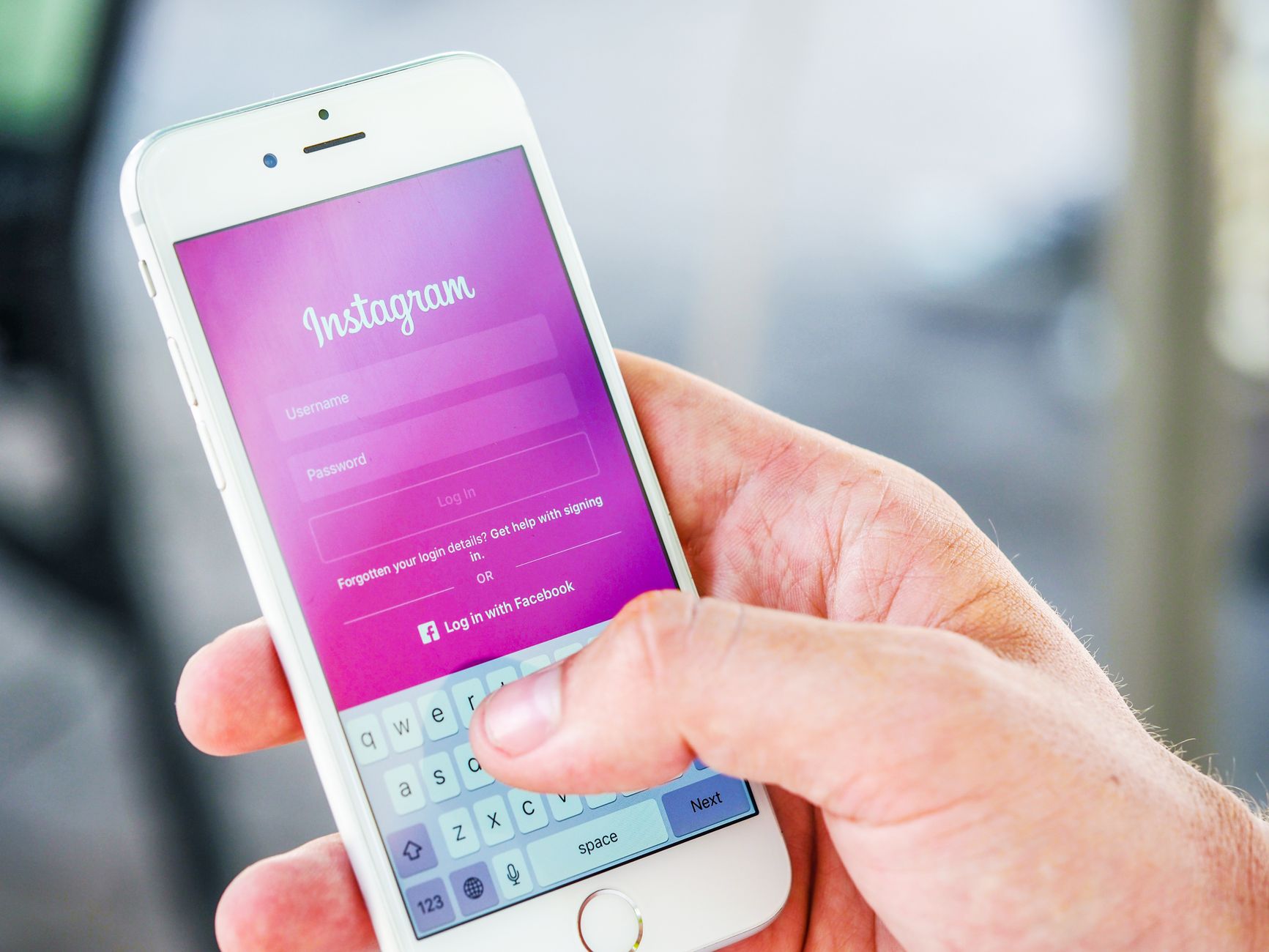
Yes, Instagram two-factor authentication works with third-party authenticator apps; Instagram announced that option in 2018. Beyond that, Instagram’s readable official statements say little about texts, security keys or passkeys, so this guide sticks to what the company has put on the record.
A note on sources, because it shapes everything below. Instagram’s Help Center pages load only inside a full browser session, so their current text could not be retrieved for this review in November 2026. What we could read are two posts on Instagram’s official blog, from August 2018 and December 2022, plus Meta’s newsroom. Treat any menu names below as approximate, and check the security settings inside your own app. Other services are compared in our list of who supports authenticator apps.
Instagram two-factor authentication: the confirmed facts
| Question | Answer from Instagram’s own posts |
|---|---|
| Third-party authenticator apps? | Yes, rolled out from 2018 |
| Text-message codes? | Not described in the posts we could read |
| Hardware security keys? | Not mentioned |
| Passkeys for Instagram? | Not mentioned (Meta’s passkey post covers Facebook and Messenger) |
| Help if locked out of 2FA? | Yes, through Instagram.com/hacked |
The authenticator option dates to a 2018 post by Mike Krieger, then Instagram’s co-founder and chief technology officer. He wrote: “Finally, soon you will soon be able to use third-party authenticator apps to log into your Instagram account.” The rollout began straight away, and the post said support “has begun to roll out and will be available to the global community in the coming weeks.”
The setup then involved choosing an option labeled Authentication App inside the two-factor settings. If no app was installed, Instagram said it would send you to the App Store or Google Play “to download the authenticator app of your choice.” That last phrase matters: Instagram did not require its own app or a particular brand. Any standard code generator that follows the TOTP standard, which produces a fresh code every 30 seconds by default, should do.
Why the authenticator app beats a text
Instagram accounts are popular targets for takeover, especially accounts with short usernames, large followings or business ties. A texted code depends on your mobile number staying yours. The FBI warned in 2022 that criminals were hijacking numbers through SIM swaps to intercept sign-in codes, and it recommended “standalone authentication applications” among the stronger alternatives. Our explainer on the problems with SMS sign-in codes covers the details, and our TOTP primer explains why app codes are not exposed the same way.
One limit applies to every code-based method, Instagram’s included. CISA warns that “authenticator codes are better than SMS, they are still vulnerable to phishing.” A message claiming your account will be deleted, with a link to a convincing login page, can still capture a code if you type it in. Instagram’s own advice in its 2022 post is to keep a strong password and enable two-factor authentication, and the same post points to its Security Check-Up for reviewing account security.
Locked out of your second factor
The most useful part of Instagram’s 2022 post concerns recovery. Instagram said it built a single page for people who cannot get in: “To support accounts that are experiencing access issues or may have been hacked , we created Instagram.com/hacked.” On that page you can say whether you think “you’ve been hacked, forgot your password, lost access to two-factor authentication or if your account has been disabled,” and follow the steps for that case.
The same post describes a friend-based check: “If you find yourself locked out of your account, you will be able to choose two of your Instagram friends to verify your identity and get back into your account.” That is a reason to keep a couple of trusted friends among your followers, and a reason to be suspicious of anyone who messages asking you to vouch for them in a hurry.
Passkeys and security keys
Meta’s June 2025 passkey announcement covers Facebook, with Messenger added that September. It does not name Instagram. We found no official Instagram statement on passkeys or hardware security keys in the sources we could read, so we cannot say either is available. Meta says Facebook passkeys are managed in Accounts Center, so if Instagram gains passkeys, check there as well as in Instagram’s own security settings.
Until then, the strongest confirmed setup is an authenticator app as your second factor, a secured email address on the account, and a removed or locked-down phone number, since CISA notes that turning on app-based codes “does not automatically unenroll the account’s SMS.”
Frequently Asked Questions
Does Instagram accept Google Authenticator codes?
Yes. Instagram announced support for third-party authenticator apps in 2018 and said you could download the authenticator app of your choice.
What do I do if I lose access to Instagram two-factor authentication?
Instagram says to go to Instagram.com/hacked and choose the option for losing access to two-factor authentication, then follow the steps shown.
Does Instagram support passkeys?
We found no official Instagram statement on passkeys as of November 2026. Meta’s 2025 passkey announcement covers Facebook and Messenger.
Can friends help me get back into Instagram?
Yes. Instagram said in 2022 that locked-out users can choose two Instagram friends to confirm their identity.
Sources
- Updates to Verification and Authentication Tools — Instagram (Mike Krieger, Co-Founder & CTO), August 28, 2018
- Continuing to Keep Instagram Safe and Secure — Instagram, December 15, 2022
- Introducing Passkeys on Facebook for an Easier Sign-In — Meta Newsroom, June 18, 2025 (updated September 23, 2025)
- Mobile Communications Best Practice Guidance — Cybersecurity and Infrastructure Security Agency (CISA), December 2024
- Criminals Increasing SIM Swap Schemes to Steal Millions of Dollars from US Public — FBI Internet Crime Complaint Center (IC3), February 8, 2022
- RFC 6238: TOTP: Time-Based One-Time Password Algorithm — Internet Engineering Task Force (IETF), May 2011
This article is general consumer-security information, not legal or financial advice. Sign-in options, menus and fees change; confirm each setting on the official website or app of your bank, broker or wireless carrier before relying on it. Data Breach Radar is not affiliated with any bank, broker, carrier or app named here, and no company paid to be mentioned.