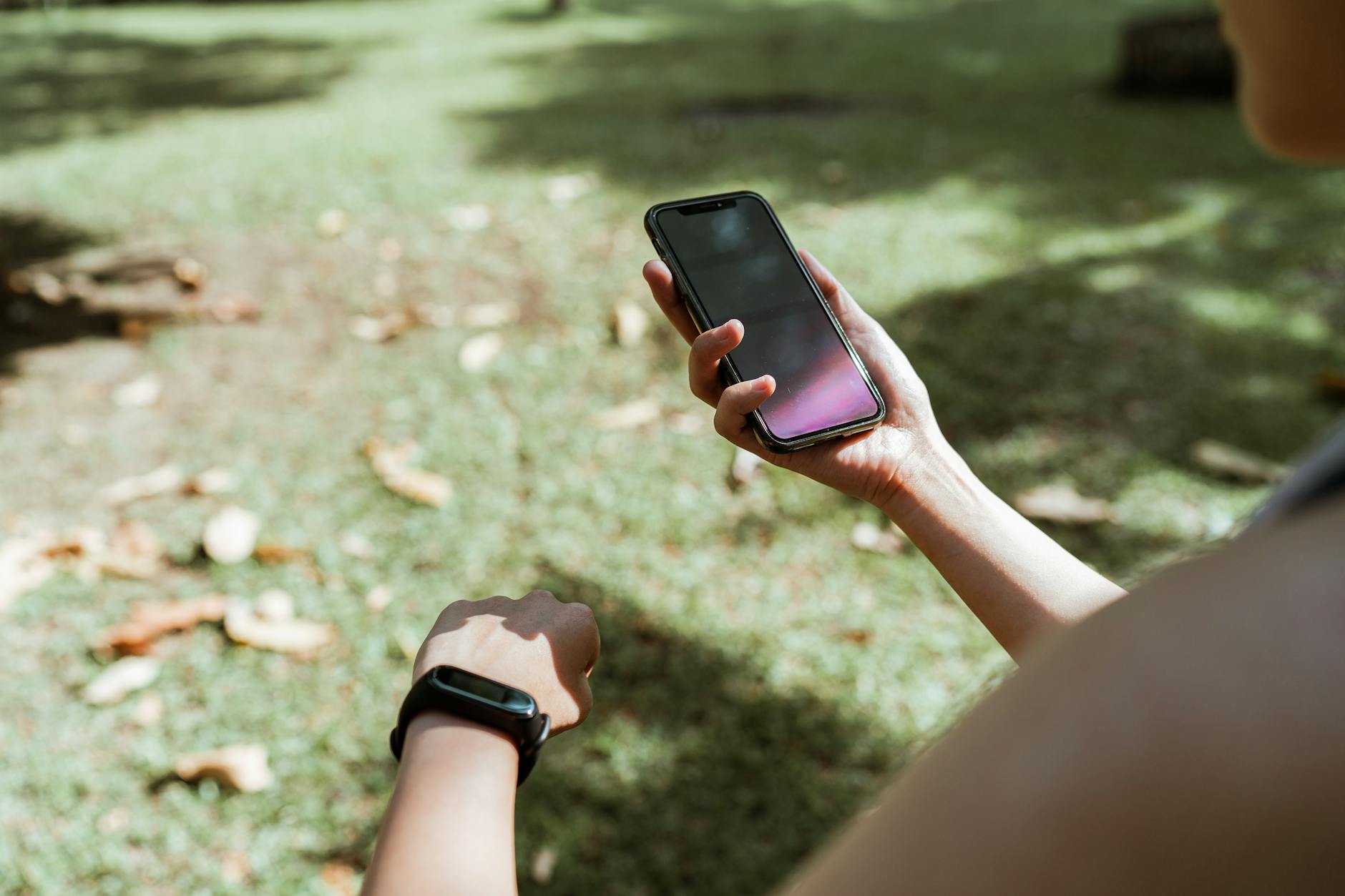
Yes, your fitness data is almost certainly being shared without your full knowledge. According to a Duke University study, 79% of popular health and fitness apps share user data with third parties, yet only 28% of users were aware this was happening. To check if your data has been shared, you need to review the connected apps and permissions on your fitness platform, examine your phone’s privacy settings, and read the data sharing sections of your app’s privacy policy. But here’s what makes this urgent: in summer 2025, a Swedish newspaper discovered that bodyguards to the country’s Prime Minister and royal family had uploaded over 1,400 workouts to Strava, the popular fitness tracking app.
Those uploads exposed the locations of private residences and venues where heads of state were meeting—a vivid reminder that fitness apps don’t just track your exercise, they can expose your security, your habits, and your location to whoever wants to look. The problem runs deeper than most people realize. A reported data breach exposed 61 million fitness tracker records, demonstrating that even when companies promise to protect your data, breaches happen. And most fitness apps and wearables aren’t covered by HIPAA, meaning they operate outside health privacy regulations and can legally share your personal information with marketers, data brokers, and other third parties. If you’ve never checked what’s connected to your fitness app or where your data goes, you’re far from alone—but you should know how to find out.
Table of Contents
- Why Fitness Apps Share Your Data More Than You Realize
- Understanding the HIPAA Gap and Regulatory Blindspots
- Real-World Location Exposure and Why It Matters
- How to Check Data Sharing on Google Fit and Apple Fitness
- Monitoring App Network Connections and Data Sharing Behavior
- Reading Privacy Policies and Understanding Data Sharing Terms
- Taking Action and Limiting Your Fitness Data Exposure
Why Fitness Apps Share Your Data More Than You Realize
The business model of fitness apps depends on data. When you wear a fitness tracker or use a fitness app, you’re generating valuable information: your location patterns, your exercise habits, your heart rate, your sleep schedule, and often your age, weight, and health conditions. companies monetize this by selling access to your data to advertisers, insurance companies, health researchers, and data brokers. This isn’t accidental or hidden—it’s central to how most free and freemium fitness apps survive. The Duke study revealed the scale of the problem. Of the fitness apps examined, 79% shared data with third parties, but the companies disclosed this practice only in dense privacy policies that most users never read.
The gap between what’s happening and what users know creates a massive privacy problem. Meanwhile, the 61 million fitness tracker records exposed in a major breach show that even when companies intend to keep your data private, criminals can steal it. That breach revealed names, email addresses, passwords, birthdates, and fitness metrics—the kind of information that can be used for identity theft, targeted scams, or social engineering attacks. What makes fitness data particularly valuable is its specificity. Unlike a simple list of interests, your fitness data reveals when you’re home, where you work, which gym you attend, and when you’re away from your house. This is exactly why the Strava location exposure was such a security nightmare: attackers could identify where high-value targets like government officials and security personnel lived and worked simply by analyzing where they exercised.
Understanding the HIPAA Gap and Regulatory Blindspots
Here’s a critical limitation that catches most people off guard: most fitness apps and wearables are not covered by HIPAA, the federal law that protects health information. HIPAA only applies to covered entities—primarily doctors, hospitals, and insurance companies. A fitness app, even one marketed as a health tool, doesn’t fall into that category. This means a fitness company can legally share your heart rate data, your sleep patterns, and your location with advertisers, insurance companies analyzing population health trends, or data brokers building detailed profiles of millions of people. There’s no federal law stopping them. This regulatory gap is enormous. Under HIPAA, a doctor sharing your blood pressure with a third party without consent would be committing a violation.
But a fitness app company doing the exact same thing with data you entered yourself can do it legally because they’re not a covered entity. They can collect your data, share it, sell it, and monetize it as they see fit—as long as they disclose the practice somewhere in their terms of service (however buried). This is why reading the privacy policy matters so much: the law isn’t protecting you, so the only protection you have is understanding what you’ve agreed to and then deciding to limit the data you generate or share. The regulatory blindspot extends to data breaches. While HIPAA-covered entities face significant fines and scrutiny for data breaches, fitness app companies face minimal legal consequences for the same breach, as long as they notify users within a reasonable timeframe. This creates a weaker incentive to invest in top-tier security. The 61 million records exposed in that fitness tracker breach came with no significant regulatory punishment for the company involved—just reputational damage and a few lawsuits from affected users.
Real-World Location Exposure and Why It Matters
The Strava incident in summer 2025 illustrates why fitness data isn’t just a privacy issue—it’s a security issue. Strava is a social fitness app where users upload their workouts and share them with friends or publicly. The Swedish newspaper discovered that security personnel protecting the Prime Minister and members of the royal family had uploaded their workouts, complete with GPS data showing exact routes and locations. Bodyguards running near official residences, guards exercising at secure facilities, personnel working from undisclosed locations—all of it was visible on a public map because Strava’s default sharing settings showed where users were exercising. What made this particularly dangerous is that Strava doesn’t just show a single point—it shows the full route with a heatmap. If you run the same route every morning, someone can figure out that you’re home or at a specific location at a specific time every day.
For security personnel, this is catastrophic. For ordinary people, it reveals when you’re away from home, which could be useful information for burglars. For people in abusive relationships, it could reveal their location to a stalker. For anyone, it shows a pattern that could be exploited. This exposure happens because fitness apps are designed to be social—they encourage sharing, they make sharing the default, and they integrate with social media. What feels like a harmless way to celebrate your fitness achievement with friends can expose your patterns, your location, and your routine to a much wider audience than you realize. Even if you set your profile to private, the data may still be shared with third parties behind the scenes.

How to Check Data Sharing on Google Fit and Apple Fitness
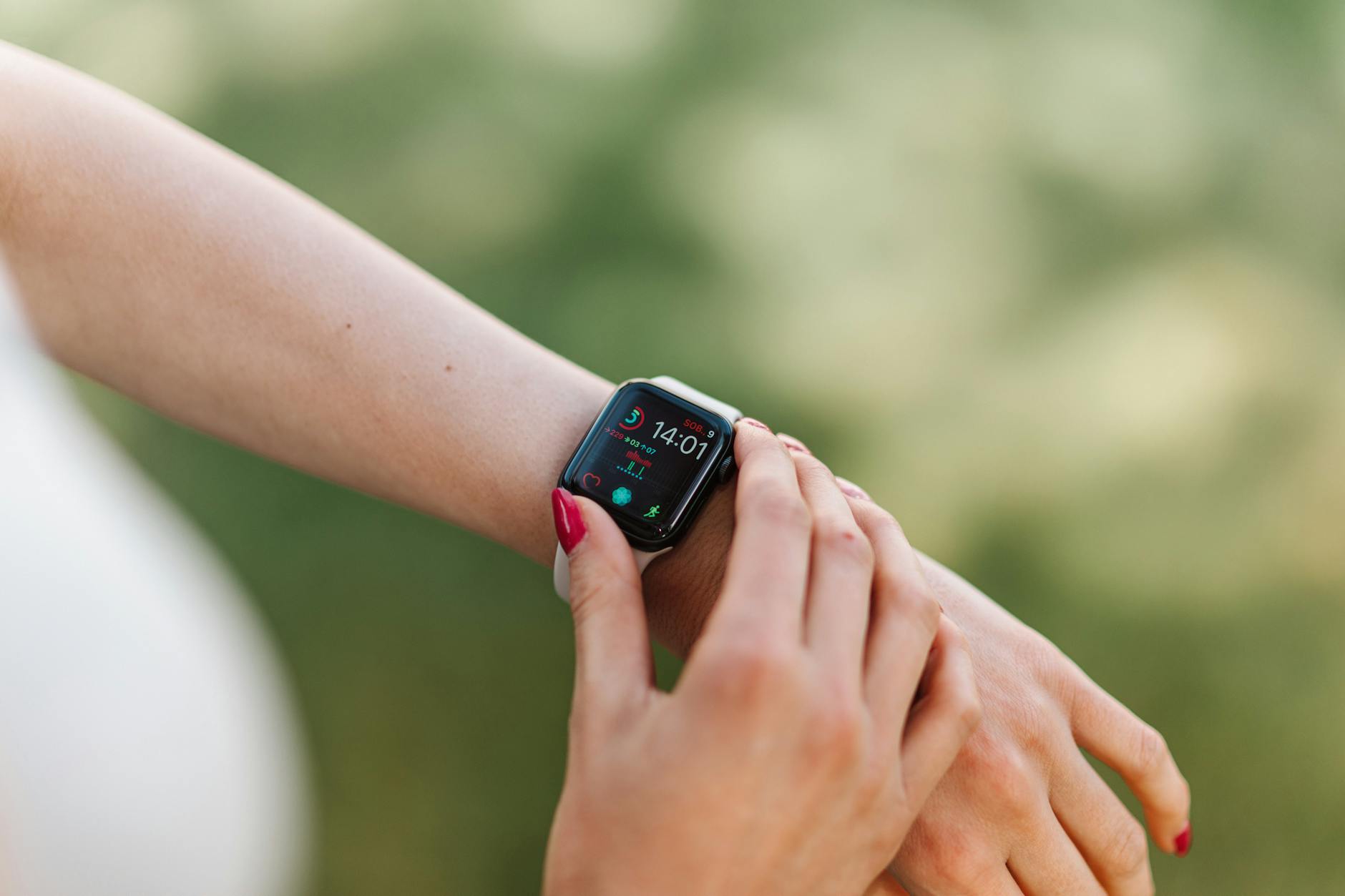
For Android users with Google Fit, checking connected apps is straightforward. Open the Google Fit app, tap the down arrow next to “Google Fit apps & devices,” and you’ll see a list of every app and device connected to your account. Tap on any app to see what data it can access and to disconnect it if you choose. This is where you’ll find apps you may have forgotten about—that gym app you tried once, the health insurance company’s wellness app, the smartwatch manufacturer’s tracking software. Each one can see your step count, heart rate, or other fitness metrics. If an app has access but you don’t actively use it, disconnecting it reduces the number of entities collecting your data. Apple Fitness users can check the Sharing menu within the Fitness app to see which friends or family members have access to your fitness data.
But Apple’s approach is somewhat different from Google’s—you’re primarily controlling who in your personal network can see your data, not which third-party apps can access it. To see which apps have access to health data on iOS, you need to go to Settings > Privacy & Security, then find the Health or Fitness-related permissions. Tap on each app to see what data categories it can access, and revoke permission for apps you don’t need. The key limitation here is that disconnecting a connected app or revoking permissions only stops *future* data collection. The data that’s already been shared or sold is gone. Some apps store historical data on their own servers, and disconnecting the app doesn’t retrieve or delete that past data. That’s why checking these settings sooner rather than later matters—the less data that gets shared in the first place, the smaller your exposure.
Monitoring App Network Connections and Data Sharing Behavior
Beyond the official app controls, you can get more visibility into what your fitness app is actually doing with your data by monitoring its network connections. On iOS, Apple provides an App Privacy Report: go to Settings > Privacy & Security > App Privacy Report, and you’ll see a summary of which apps have accessed sensitive data and which domains they contacted. This can reveal external services that your fitness app communicates with—tracking companies, analytics platforms, and data brokers. On Android, you can use network monitoring apps to see which external servers your fitness app contacts. Apps like Charles or Wireshark (on a computer connected to the same network) can capture traffic from your fitness app and show you which companies your data is being sent to.
This is more technical, but it gives you concrete visibility into where your information is going. You might upload your steps to your fitness app, but if it’s sending that data to five different analytics companies and two advertising networks, you’d see it in the network logs. This kind of monitoring has a limitation, though: it shows you where data is being *sent*, but not how it’s being *used* once it arrives. A fitness app might send your heart rate data to a company called “health-analytics.com,” and you’d see that exchange in your network logs, but you wouldn’t know if that company is selling the data to insurers, using it for research, or storing it indefinitely. That’s where reading the privacy policy becomes essential—the app’s disclosure should explain which third parties receive your data and what they’re allowed to do with it.

Reading Privacy Policies and Understanding Data Sharing Terms
Most fitness apps publish their data sharing practices in their privacy policy and terms of service, but these documents are deliberately difficult to navigate. Look for sections titled “Third-Party Partners,” “Data Sharing,” “Data Retention,” or “How We Use Your Information.” Within those sections, you’ll find the names of companies and categories of third parties that receive your data. A privacy policy might say something like: “We share your fitness data with our advertising partners and analytics providers to help improve our services and show you personalized advertisements.” That sentence is saying your data is going to ad companies. Pay special attention to the difference between “anonymized” data and “de-identified” data.
A company might claim it only shares “anonymized” data, which sounds safe, but anonymized data can sometimes be re-identified if combined with other information. If a company shares your age, gender, location, and exercise patterns, that combination might be unique enough to identify you even without your name attached. Look for details about data retention, too—how long does the company keep your data? Some keep it indefinitely. Others delete it after a certain period. This matters because the longer your data is stored, the longer it’s vulnerable to breaches or misuse.
Taking Action and Limiting Your Fitness Data Exposure
Now that you understand how your data is being shared, you have several options. The most straightforward is to disconnect any third-party apps and integrations you don’t actively use. If you don’t use the Apple Health integration, turn it off. If you connected a sleep app or a nutrition app years ago and never use it, disconnect it. Each disconnection reduces the number of companies collecting data about you. However, understand that simply disconnecting doesn’t delete the data that’s already been shared. If you want stronger privacy protection, consider switching to a fitness app that explicitly promises not to share data or sell it to third parties.
Some privacy-focused fitness apps or open-source options exist, though they may lack some features of mainstream apps. Alternatively, you can simply generate less detailed data—use a basic step counter instead of an app that tracks heart rate, location, and sleep. The less data you create, the less you have to worry about being shared. You can also consider using a fitness tracker that doesn’t connect to the cloud at all, though this limits the ability to track progress over time. Each of these choices involves a tradeoff between privacy and convenience or features. The most practical approach for most people is a hybrid strategy: use your preferred fitness app, but regularly review and disconnect unnecessary integrations, adjust privacy settings to the most restrictive option available, and understand which third parties have access to your data through the privacy policy. This doesn’t eliminate your privacy exposure, but it significantly reduces it.
You Might Also Like
- What to Do If Your Rehabilitation Center Data Is Exposed
- Signs Your Medical Device Data Is Compromised
- Signs Your Clinical Trial Data Is Compromised