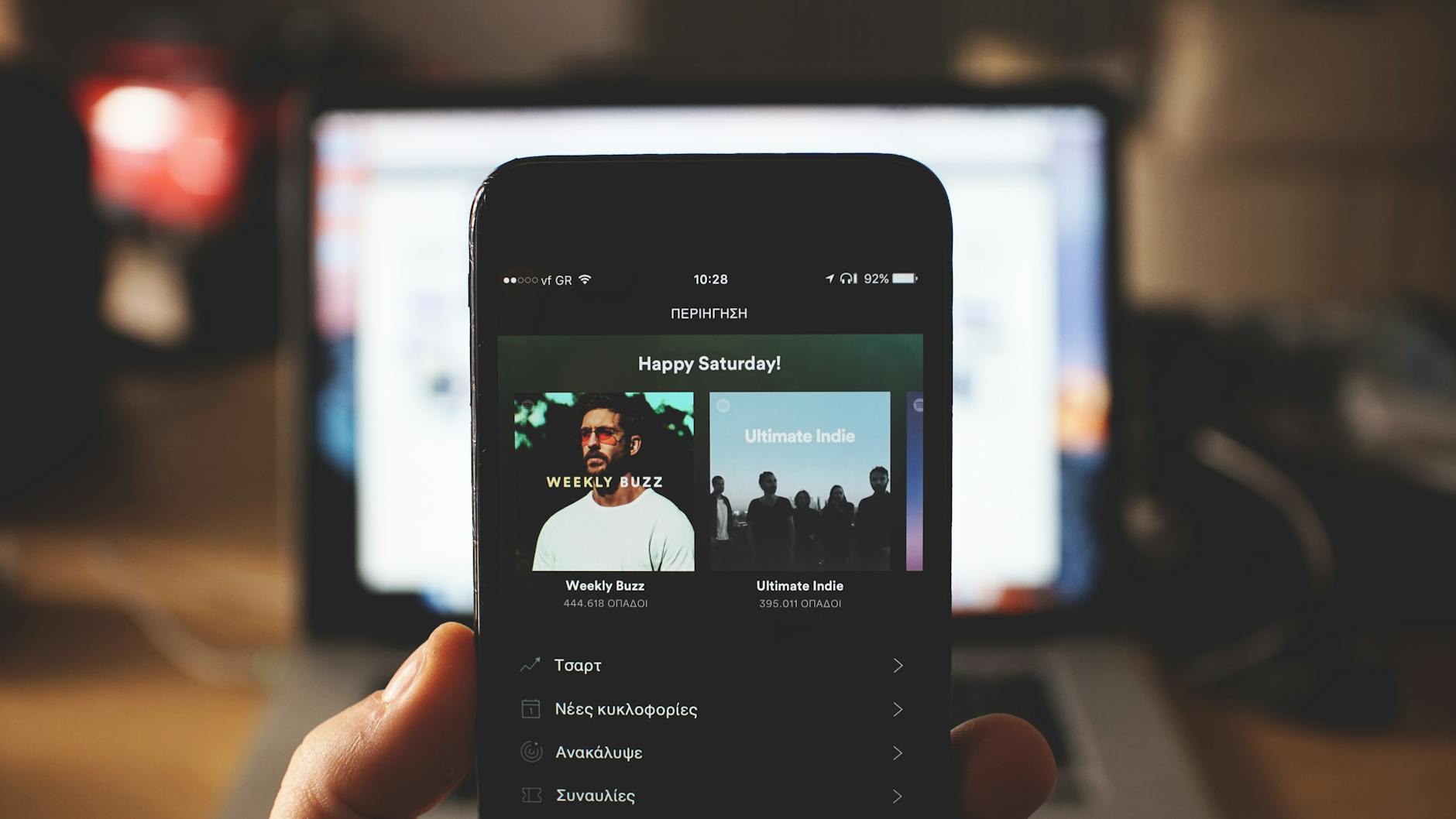
Checking whether your playlists have been accessed without permission requires examining your streaming account’s activity logs, reviewing connected devices, and monitoring playlist modifications. Most major platforms—Spotify, Apple Music, Amazon Music, and YouTube Music—provide limited built-in tools to track who has viewed or interacted with your playlists, but they typically don’t offer explicit “access logs” the way email or banking services do. The reason: playlists are usually considered semi-public content by design, even when private, so platforms rarely flag unauthorized viewing as a security breach.
However, if your account credentials have been compromised, unauthorized users can modify, delete, or clone your playlists—changes you can detect by reviewing your account’s recent activity and device list. For example, if you notice new songs added to a private playlist you haven’t touched in weeks, or songs removed without your action, someone with access to your account has made those changes. Similarly, if your playlist appears in a search result or recommendation feed unexpectedly, it may indicate your account has been breached or someone has cloned it. The key to detecting unauthorized access is understanding what signals your streaming service actually provides and recognizing the difference between normal platform behavior and genuine security threats.
Table of Contents
- What Clues Indicate Unauthorized Playlist Access?
- Where to Find Activity Logs on Major Platforms
- Detecting Playlist Cloning and Unauthorized Sharing
- How to Monitor and Lock Down Your Playlists
- Security Weaknesses in Streaming Account Protection
- Data Breaches Affecting Streaming Platforms
- Future-Proofing Your Streaming Account
What Clues Indicate Unauthorized Playlist Access?
The primary way to detect playlist access is to watch for unexplained modifications: songs added or deleted, metadata changed, or the playlist renamed. These actions appear in your platform’s activity history if you know where to look. On Spotify, you can review account activity through your account settings and security logs. On Apple Music and iCloud, you can check your login history and see which devices have accessed your account recently. If your account has been compromised, the most obvious sign is often playlist changes you didn’t make, alongside unfamiliar login locations or devices you don’t recognize. Another indicator is playlist visibility changes.
If a private playlist suddenly appears in your public profile, or if friends mention seeing one of your playlists in recommendations without you sharing it, your account access may have been breached. Additionally, if you receive notifications about activity you didn’t perform—such as playlist creation, song additions, or follows—this is a strong signal that someone else is using your credentials. Comparing your playlists’ content against your own memory of what you added helps surface unauthorized modifications. The limitation here is that most streaming platforms don’t record “view” events for playlists the way they do for songs played or follows given. If someone accessed your playlist to read it but made no changes, you would have no way to know. Only actions that modify your account or playlists—such as creating, editing, deleting, or cloning playlists—leave a detectable trace.
Where to Find Activity Logs on Major Platforms
Spotify users can check their account security by navigating to Account Settings > Security and going to the “Login activity” section, which displays recent login locations, devices, and timestamps. However, this log shows when your account was accessed, not which playlists were viewed. To see changes made to specific playlists, you must manually review each playlist’s edit history if available, or check your “Liked Songs” and other playlists for unexpected additions. Apple Music and iCloud offer account activity logs accessible through appleid.apple.com. You can review devices that have accessed your account, force sign-out of unfamiliar devices, and review two-factor authentication activity. If your Apple ID has been compromised, unauthorized users could create or modify playlists within Apple Music.
YouTube Music integrates with your Google Account, so checking your Google Account’s security page at myaccount.google.com shows login history across all Google services. A major limitation across all platforms is that these logs expire. Spotify typically retains login activity for 30 days, and other platforms may purge older records. This means if someone accessed your account weeks or months ago, the login record may no longer exist. Additionally, if an unauthorized user accessed your account from the same IP address or device you normally use, their activity would be indistinguishable from your own. This is particularly dangerous if someone gained access through a shared WiFi network or a device you’ve used to log in previously.
Detecting Playlist Cloning and Unauthorized Sharing
Playlist cloning—where someone copies your entire playlist and publishes it under their name or to their account—is a specific threat worth monitoring. This becomes apparent when you search your own playlists on your platform’s discovery feed and find duplicate versions with slightly different names or published by unfamiliar accounts. In some cases, cloned playlists may receive follows and streams independent of your original, generating engagement metrics that have nothing to do with your creative work. A real-world example: a Spotify user with a curated “Summer Hits” playlist noticed their playlists appearing on the platform under a different account with nearly identical track listings and artwork.
The unauthorized account had gained followers from users searching for the playlists. This typically happens when someone has accessed the original account, exported the playlist data, or simply copied the URL structure. While this isn’t direct “access” in a security sense, it indicates account compromise. You can detect this by periodically searching for your playlists on your platform, checking if you’re listed as the creator, and reviewing the playlist’s followers and engagement metrics. If metrics suddenly spike or decline, or if an old playlist you haven’t promoted receives new followers, investigate whether an unauthorized party is promoting a cloned version elsewhere.
How to Monitor and Lock Down Your Playlists
The most practical defense is to enable two-factor authentication (2FA) on your streaming account immediately. Spotify, Apple, Google, and Amazon all support 2FA. Once enabled, an unauthorized person cannot log into your account even if they possess your password. Check your current devices in account settings and sign out of any you don’t recognize. Most platforms allow you to remotely sign out devices, a critical step if you suspect compromise.
For active monitoring, set a reminder to periodically review your playlist list and spot-check a few playlists for unexpected changes. This is more tedious than automated tools, but it’s the direct method available. Compare the track count, recent additions, and collaborators against your own memory. If you collaborate on playlists with others, establish a communication channel (group chat, email) to alert each other of unexpected changes. The tradeoff is between security and convenience: making your playlists private rather than public significantly reduces the attack surface, but it limits sharing with friends and discovery. If your playlists are purely for personal listening, keeping them private provides more security than public playlists do, since a private playlist is harder to clone or access without your account credentials.
Security Weaknesses in Streaming Account Protection
Most streaming services don’t notify you when a playlist is modified, which is a significant gap in their security architecture. Compare this to file-sharing services like Google Drive, which alert you when documents are edited or shared. Streaming platforms treat playlist changes as normal activity that doesn’t warrant alerting the user. This means unauthorized modifications can accumulate without your immediate awareness. Another weakness is that many users reuse passwords across multiple services.
If your password appears in a data breach from an unrelated website—a retail site, a forum, or a social network—attackers can attempt to log into your streaming account using the same credentials. Checking whether your email address and password have been compromised on sites like haveibeenpwned.com is a critical preventive step. Many breaches go undetected for months or years, so an old compromised password could still pose a risk. Additionally, account recovery mechanisms—security questions, recovery email addresses, phone numbers—are often poorly secured. If someone gains access to your recovery email or phone number, they can reset your streaming account password without needing your current credentials. This is a common attack vector that doesn’t require sophisticated hacking, just social engineering or SIM swapping.
Data Breaches Affecting Streaming Platforms
In recent years, several streaming services have experienced data breaches affecting millions of users. These breaches typically expose email addresses, usernames, and hashed passwords, though actual login credentials are rarely disclosed in full. When a streaming platform announces a breach, check the notification carefully and change your password immediately if the platform advises you to do so.
For example, if a music streaming service is breached and your email and password hash are exposed, attackers can attempt credential stuffing—trying your email and password combination across other websites—to find services where you’ve reused credentials. Even if the streaming platform’s password hash is strong and takes years to crack, the leaked email gives attackers information to target you elsewhere. This is why using unique, strong passwords for each service is the best defense. If you use a password manager, it can generate and store unique passwords for each platform automatically.
Future-Proofing Your Streaming Account
As streaming platforms evolve, expect more sophisticated account security features. Some services are beginning to offer activity summaries via email, similar to banking alerts. Apple Music and Spotify both occasionally notify users of unusual account activity, though these notifications are infrequent and not real-time.
In the future, expect streaming services to offer more granular privacy controls—such as the ability to disable playlist access logs entirely or to require authentication for playlist collaborators. For now, the best approach is to adopt a proactive security posture: enable 2FA, use unique passwords, review account activity monthly, and monitor for data breaches involving your accounts. As cybersecurity becomes a larger concern for consumers, streaming platforms will likely face pressure to improve transparency around who accesses your account and how your playlists are used, but that transparency standard does not yet exist widely across the industry.
You Might Also Like
- How to Check If Your Student Meal Plan Was Compromised
- How to Check If Your Teacher Credentials Were Leaked
- Signs Your Online Learning Account Is Compromised