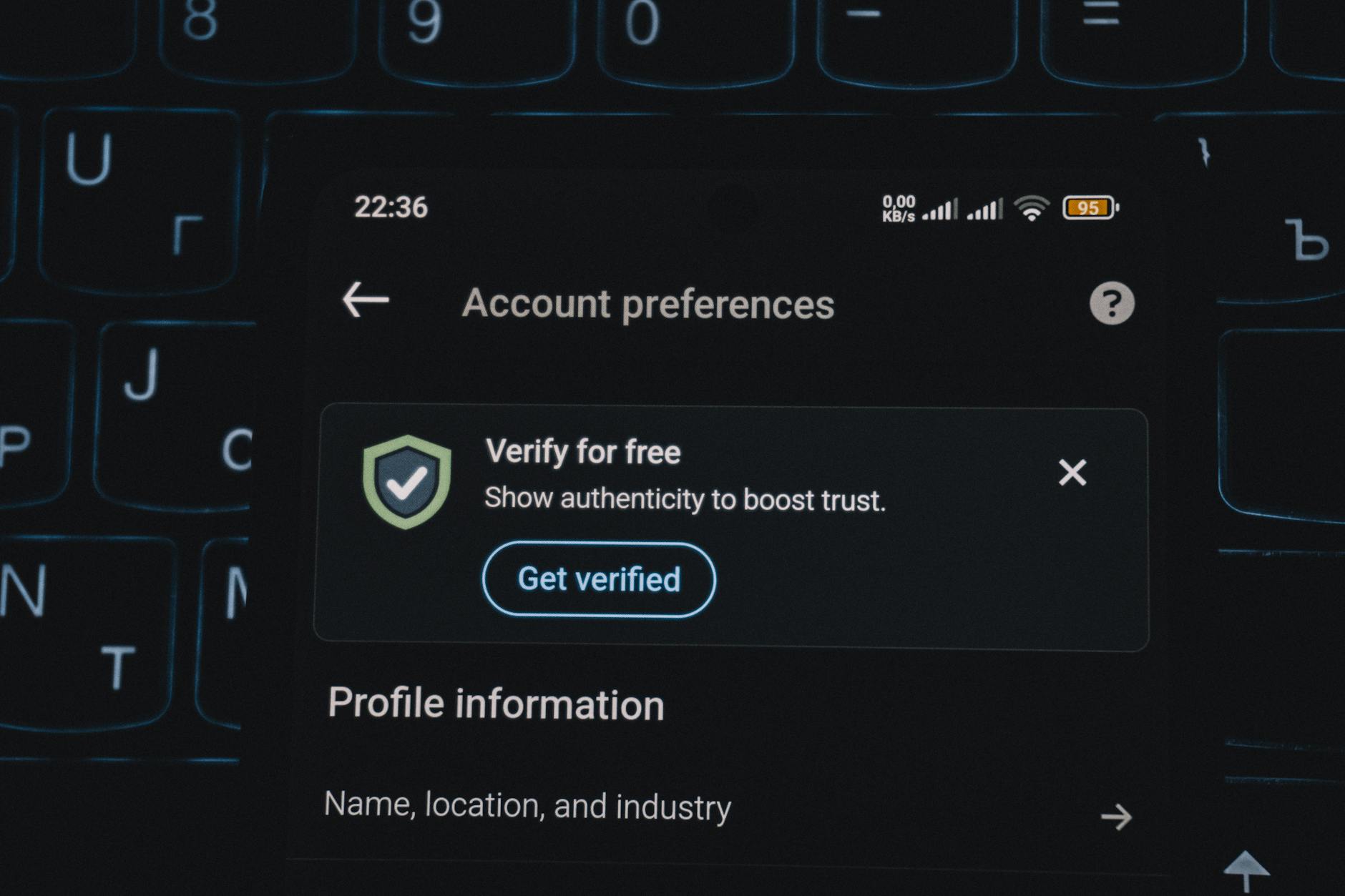
Protecting your product review account requires a multi-layered security approach that addresses the most common threats these accounts face. Your review account holds valuable credentials, personal information, and can be leveraged to spread misinformation or manipulate product ratings, making it an attractive target for attackers. The first step is understanding that review platforms—whether Amazon, Google, Trustpilot, or niche industry sites—are actively targeted by credential-stealing malware, phishing campaigns, and automated account takeover attempts. A real-world scenario illustrates the risk: in 2023, a fitness equipment review account with several thousand followers was compromised when the owner reused their Amazon password across multiple sites.
The attacker gained access through a data breach on an unrelated streaming service, then used credential-stuffing tools to break into the review account. Within hours, the account was used to post fake negative reviews on competitor products and positive reviews on fraudulent listings. The damage wasn’t just reputational—the account holder faced potential legal liability for the fraudulent activity. Securing your review account begins with the basics: unique passwords, verified email access, and active monitoring.
Table of Contents
- What Makes Product Review Accounts Valuable Targets?
- Creating Account Security That Actually Prevents Breaches
- Email Verification and Account Recovery Options
- Recognizing Phishing and Social Engineering Attacks
- Two-Factor Authentication Implementation and Its Limitations
- Regular Account Activity Monitoring and Unusual Access Detection
- Staying Updated on Platform Security Changes and Data Breaches
What Makes Product Review Accounts Valuable Targets?
Product review accounts are particularly attractive to cybercriminals for several reasons. An established account with history, followers, or high visibility carries immediate credibility that new fake accounts lack. Attackers can monetize a compromised account by posting fake reviews for products they’re selling, removing negative reviews from competitors, or simply holding the account for ransom. The problem compounds when you have multiple review accounts across different platforms, multiplying your attack surface.
The economic incentive is substantial. A seller paying to artificially boost their product’s rating might pay $50 to $200 per fake positive review posted from an established account. A business willing to pay to suppress competitor reviews offers similar financial motivation. Unlike banking credentials, where fraud is easily disputed and refunded, fraudulent review activity can persist for weeks before detection, and the damage—a manipulated product rating—can influence thousands of purchasing decisions. The platform itself rarely compensates users for the reputational damage caused by compromised accounts.

Creating Account Security That Actually Prevents Breaches
The foundation of account protection is a unique, complex password that you’ve never used anywhere else. This is non-negotiable because roughly 80 percent of account takeovers result from password reuse after public data breaches. A strong password for a review account should be at least 16 characters, combining uppercase, lowercase, numbers, and symbols. However, a significant limitation exists here: the longer and more complex the password, the less likely you are to remember it without writing it down, which creates a different security risk.
The practical solution is using a password manager like Bitwarden, 1Password, or Dashlane, which generates and stores unique passwords for each site. One important caveat: if you use a password manager, your master password becomes a single point of failure that could expose all your accounts. Therefore, your master password must be exceptionally strong—20+ characters, something you can remember without writing it down, and never used anywhere else. Some people opt for a passphrase approach instead: four random words strung together (such as “correct-horse-battery-staple”) are easier to remember than random character strings, though marginally easier to crack. The tradeoff is between memorability and cryptographic strength, and for a master password, strength should win.
Email Verification and Account Recovery Options
Your email address is the master key to your review account. If an attacker gains access to your email, they can reset your review account password, disable two-factor authentication, and lock you out permanently. This makes email security as critical as the review account itself. Many users still use old, less-secure email accounts for reviews—an AOL account created in 2005, a Gmail account with a simple password—and these become obvious targets. The first step is reviewing which email address is linked to your review accounts. If it’s an old or shared email (perhaps a family email you haven’t used in years), migrate to a dedicated, modern email account with strong security.
Enable two-factor authentication on that email account as well; most email providers support this. A specific example: if your review accounts are tied to an email like “[email protected]” and that email uses only a password for authentication, an attacker who breaches any service where you’ve used that email can potentially access your reviews. Moving to a separate email like “review-account-[random]@protonmail.com” and enabling 2FA means the attacker would need to breach that specific email address, which is a harder target. One limitation of email-based recovery: if you lose access to your recovery email, most platforms offer account recovery through identity verification (uploading a government ID, answering security questions). However, this recovery process can take days or weeks, and some platforms deny recovery requests outright. Setting up backup recovery methods—a backup email address, a phone number linked to the account—gives you additional options if your primary email is compromised.
Recognizing Phishing and Social Engineering Attacks
Phishing remains one of the most successful attack vectors against review accounts. You’ll receive an email appearing to be from Amazon, Google, or Trustpilot saying your account has suspicious activity and asking you to verify your identity by clicking a link. The link leads to a fake login page designed to steal your credentials. These attacks work because they feel urgent and legitimate, especially if they reference real information from your account. The distinguishing factor between a legitimate security alert and a phishing attempt is whether you initiated the action. Legitimate platforms rarely ask you to verify your password in an email link—they direct you to log in through the official website or app. If you’re unsure, don’t click the link in the email.
Instead, open your browser directly, navigate to the platform (type the URL yourself, don’t use email links), and check your account settings. Most platforms have a security or notification center showing recent account activity and alerts. A real security alert will also appear when you log in directly to your account, not just in an email. The second common vector is social engineering. Someone contacts you via social media claiming to represent the review platform, offering to help with an “account verification issue” and asking for your password. Legitimate companies never ask for passwords via unsolicited messages. The tradeoff here is between convenience and security: accepting help from unofficial channels feels faster but introduces risk, while verifying through official channels (logging in yourself, contacting official support) takes longer but is genuinely secure.
Two-Factor Authentication Implementation and Its Limitations
Two-factor authentication (2FA) is the single most effective protection against account takeover, yet many users skip it because it adds friction to the login process. When you enable 2FA, logging in requires both your password and a second verification method—usually a one-time code from an authenticator app, an SMS text message, or a security key. Even if an attacker steals your password, they cannot access your account without this second factor. The most secure implementation uses an authenticator app like Authy, Microsoft Authenticator, or Google Authenticator rather than SMS. SMS-based 2FA is vulnerable to SIM swapping attacks, where an attacker convinces your mobile carrier to transfer your phone number to a new SIM card they control, then receives your 2FA codes. Authenticator apps avoid this by generating codes locally on your device.
However, a major limitation exists: if you lose access to your authenticator app—your phone is stolen, your device breaks—you may be locked out of your account. The solution is saving your two-factor backup codes (usually provided when you first enable 2FA) in a secure location separate from both your password and your device. Write them down and store them in a physical safe, or save them in an encrypted document in your password manager. The most robust setup combines an authenticator app with backup codes and, if the platform supports it, a hardware security key like a YubiKey. Hardware keys are nearly impossible to compromise, but they cost $50-100 and require carrying the device with you. This represents a security-versus-convenience tradeoff: maximum security is inconvenient, but it’s worthwhile for accounts with high visibility or valuable history.

Regular Account Activity Monitoring and Unusual Access Detection
Most review platforms offer an activity log or login history showing recent access to your account. Regularly reviewing this log—weekly if the account is active—helps you spot unauthorized access early. You’re looking for login locations you don’t recognize, login times when you weren’t using the account, or unusual IP addresses. Some platforms also show the device type and browser used to access the account, giving you more detail to identify suspicious activity.
A concrete example: if your account shows a login from Russia at 3 AM, and you’re located in the United States and were sleeping, that’s a red flag. Similarly, if the login used a different device type (your account usually logs in via Safari on Mac, but the suspicious login was via Chrome on Windows), investigate. Most platforms allow you to remotely log out all other active sessions, which immediately kicks off any unauthorized user. If you find suspicious activity, change your password immediately, review your account for unauthorized changes (modified profile information, email addresses added for recovery, payment methods if the platform allows purchases), and consider running a full malware scan on your computer.
Staying Updated on Platform Security Changes and Data Breaches
Review platforms periodically update their security features, password requirements, or authentication options. Staying informed about these changes ensures you’re taking advantage of new protections. Most platforms announce security updates in your account settings or via email to registered accounts. Setting a calendar reminder to review your account security settings quarterly ensures you haven’t missed an important update.
Additionally, monitor news about data breaches affecting review platforms. If a platform you use suffers a breach, consider changing your password immediately even if your account wasn’t explicitly mentioned—threat actors test stolen credentials across multiple platforms. Services like Have I Been Pwned (haveibeenpwned.com) allow you to enter your email address and learn if it appeared in known data breaches. Sign up for breach notifications so you’re alerted if your email address appears in a future breach. This forward-looking approach—staying aware of threats in the broader ecosystem—is often more effective than reacting after your account is already compromised.
You Might Also Like
- How to Protect Your Vendor Contracts Online
- How to Protect Your Transaction Records Online
- How to Protect Your Supplier Information Privacy