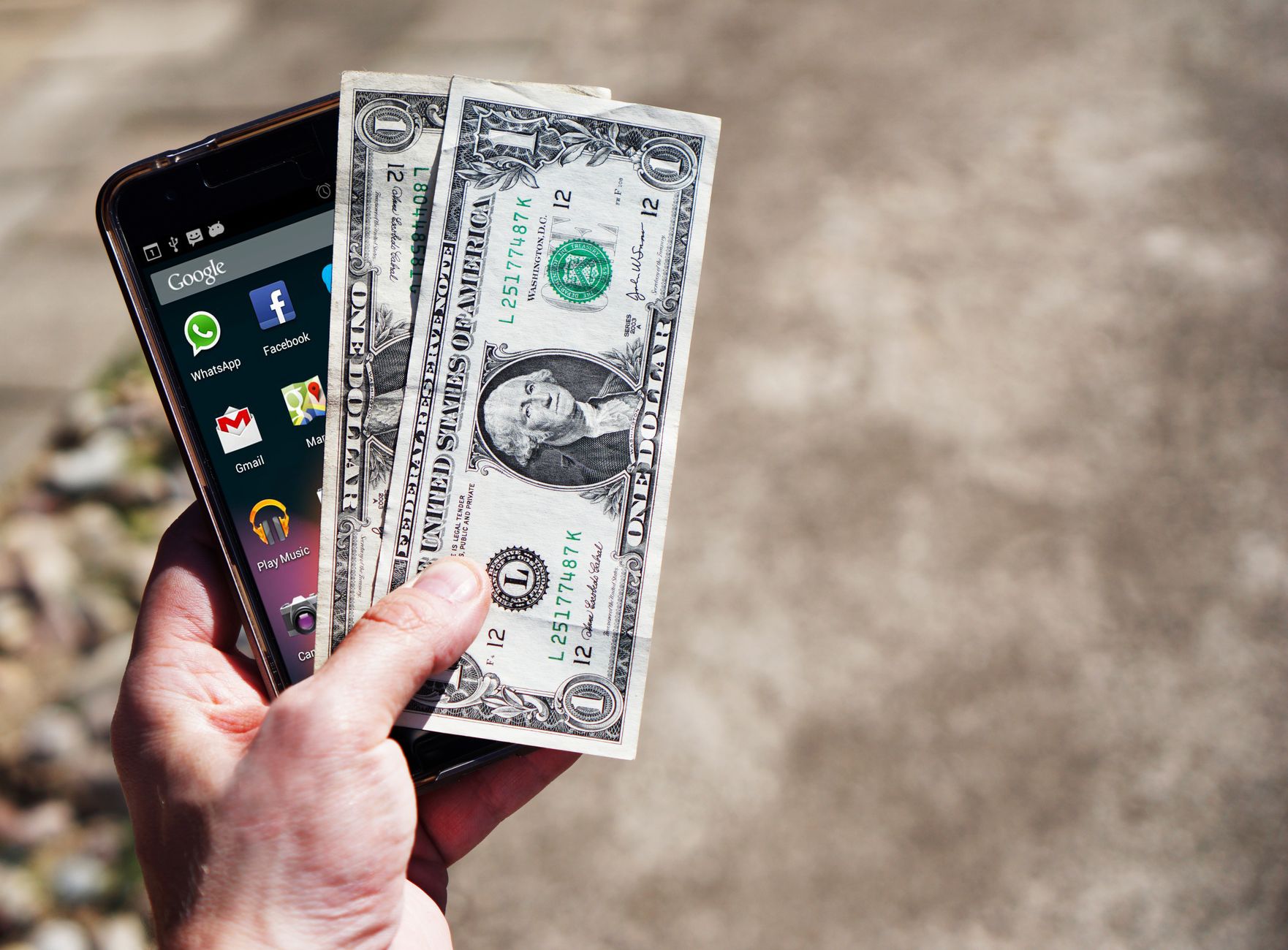
Venmo two-factor authentication works one way, according to its help center: when you sign in from a device it does not recognize, Venmo sends a code to the phone number on your account. As of November 2026, the Venmo pages we reviewed do not mention authenticator apps, passkeys or hardware security keys.
That makes Venmo different from PayPal, its parent company, which offers authenticator apps and passkeys on its own platform. On Venmo, the safety of your login rests on three things you control: your password, the phone number on file, and the passcode on the app itself. This guide covers each. Our table of banks and payment apps that support authenticator apps shows how Venmo compares.
Venmo two-factor authentication, method by method
| Method | On Venmo’s pages? |
|---|---|
| Code sent to your phone number | Yes, at sign-in |
| App passcode, Face ID or fingerprint | Yes, to open the app |
| Passkey | No mention found |
| Third-party authenticator app | No mention found |
| USB or NFC security key | No mention found |
Venmo’s help center states that “All Venmo accounts are protected by Multifactor Authentication (MFA).” In practice the second factor is the six-digit code: “When you sign in, we may send a code to the phone number registered with your Venmo account.” You will see it most when you log in on a new phone or browser. Venmo treats a browser with cleared cookies as a new device, so expect the code more often if you browse privately.
Where the phone-code model is weak
A texted code proves you can receive messages at a number. It does not prove you hold a particular phone. That gap is what SIM swappers exploit. The FBI’s Internet Crime Complaint Center described the pattern in a 2022 warning: once a criminal controls a victim’s number, apps relying on “SMS-based two-factor authentication” send their passcode “via text to the victim’s number, now owned by the criminal, to access accounts.” Phishing pages and carrier outages are the other ways texted codes let people down, as our SMS two-factor risks explainer lays out.
Venmo does add one useful backstop. Its help page notes that a code reaching the wrong number is not enough by itself: “no one will be able to access your Venmo account or any connected profiles without your password.” The code and the password have to fall together, which is why a unique Venmo password matters more than usual here.
How to lock down Venmo with the tools it offers
- Set an app passcode. In the Venmo app, open the Me tab, tap the settings gear and choose the Face ID and Passcode option (Android calls it passcode and biometric unlock). Venmo says that once a passcode is set it “will ask for it every time you open the app,” and may ask again when you send money. That protects you if someone picks up your unlocked phone.
- Use a password you use nowhere else. Since the code alone cannot open the account, the password is the real gate. A password manager makes this painless.
- Lock your phone number at the carrier. Federal cyber agency CISA points out that “Most telecommunications providers offer the ability to set an additional PIN or passcode for your mobile phone account.” Ask your carrier for that PIN, plus whatever SIM-change or number-transfer freeze it sells under its own brand name. Under FCC rules taking full effect in December, carriers must offer such a lock at no cost; see our report on the SIM swap rules.
- Prune remembered devices. Venmo’s settings list the devices it remembers. Remove any you sold, lost or do not recognize.
- Secure the email account too. Venmo itself suggests changing your email password if someone tried to sign in, because email access can be used to change account details.
If you lose your phone or number
A lost phone is the moment the phone-code model hurts. Venmo’s advice is to sign in from a computer you have used before, go to Settings, then Security, and click Forget to end every other session except the one you are using. If you cannot receive the code, the sign-in screen has a link for people who no longer have the old phone, which leads to an identity check instead. If that option is missing, Venmo support asks for your name, the email and old phone number on the account, and partial bank or card details. Update the phone number as soon as you are back in.
If money already moved, follow our steps for a compromised Venmo account.
Scams built around the Venmo code
Because the six-digit code is the only second factor, scammers work hard to get it from you. Venmo is direct about this: it “will never ask you to provide your six-digit code on a phone call, text message, email, or chat,” and “If someone requests your six-digit code, it’s probably a scam.” A common script is a buyer or fake support agent who says a code was sent by mistake and asks you to read it back. Never do.
Check sender addresses as well. Venmo says legitimate notifications “will come from a venmo.com email address.” To reach real support, use the app: Me, Settings, Get Help, then Chat With Us.
Frequently Asked Questions
Does Venmo work with Google Authenticator or another authenticator app?
Not that its help center says. The Venmo sign-in pages we reviewed in November 2026 describe a code sent to the phone number on the account and do not mention third-party authenticator apps, passkeys or security keys.
Can I turn off Venmo two-factor authentication?
Venmo says all accounts are protected by multifactor authentication, and its pages describe no switch to turn the sign-in code off.
Why did I get a Venmo code I did not ask for?
Someone may be trying your password, or a number on file may be outdated. Venmo says a code alone does not open the account without the password, so change your password and check Remembered devices.
Will Venmo ever ask me for my code?
No. Venmo says it will never ask for your six-digit code by phone, text, email or chat, and that a request for it is probably a scam.
Sources
- Login Security — Venmo Help Center, accessed November 20, 2026
- I’m having trouble with a verification code when signing in from a new device — Venmo Help Center, accessed November 20, 2026
- Mobile Communications Best Practice Guidance — Cybersecurity and Infrastructure Security Agency (CISA), December 2024
- Criminals Increasing SIM Swap Schemes to Steal Millions of Dollars from US Public — FBI Internet Crime Complaint Center (IC3), February 8, 2022
This article is general consumer-security information, not legal or financial advice. Sign-in options, menus and fees change; confirm each setting on the official website or app of your bank, broker or wireless carrier before relying on it. Data Breach Radar is not affiliated with any bank, broker, carrier or app named here, and no company paid to be mentioned.