
Best Security Practices for Email Accounts
Secure email requires multi-factor authentication, unique passwords, and rapid response to breaches—not passwords alone.

Secure email requires multi-factor authentication, unique passwords, and rapid response to breaches—not passwords alone.

Your inbox privacy depends on settings most people never find, scattered across multiple menus and often requiring opt-outs instead of opt-in protection.

When email providers are breached, millions of credentials become tools for identity theft, phishing, and account takeovers lasting months.

OAuth2, encryption, and secrets managers are how organizations prevent credential theft that leads to email takeover and phishing attacks.
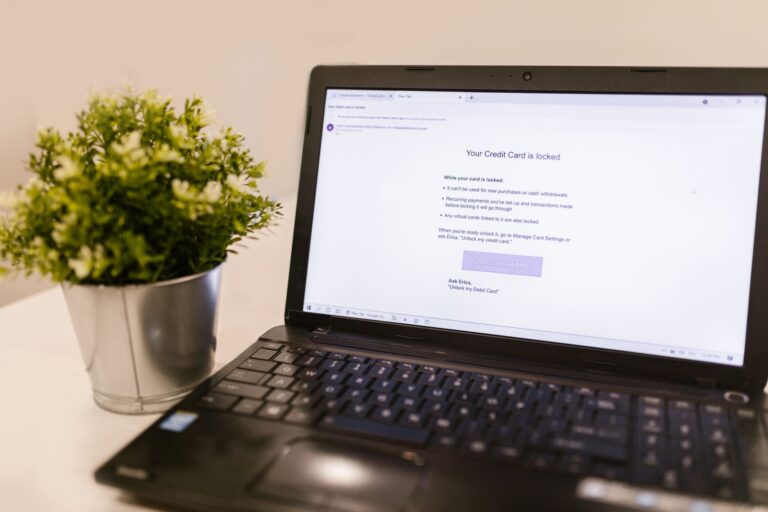
Email servers send out unauthorized messages, forward to hidden addresses, and show login activity from unfamiliar locations when compromised—but most victims miss these signs until damage is done.

DNS hijacking attacks increased 30% in recent years—here's how to secure your settings and prevent attackers from redirecting your traffic.

A compromised SSL certificate requires immediate revocation and replacement. Here's how to respond and recover.

Website defacement attacks are often visible instantly—look for unauthorized text, unfamiliar images, strange redirects, and content in your source code you didn't add.
WordPress sites store visitor data, user credentials, and comment metadata by default—configure privacy settings to restrict collection, encryption, and retention.
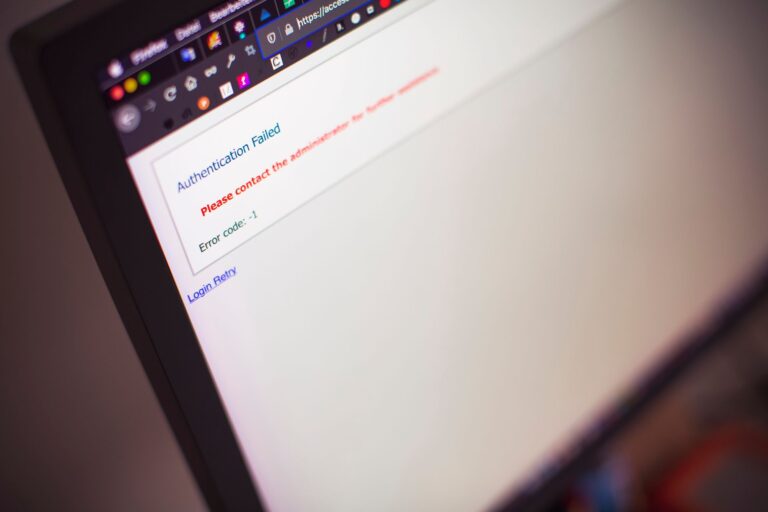
Website admin takeovers start with weak passwords and no 2FA, not sophisticated hacking.