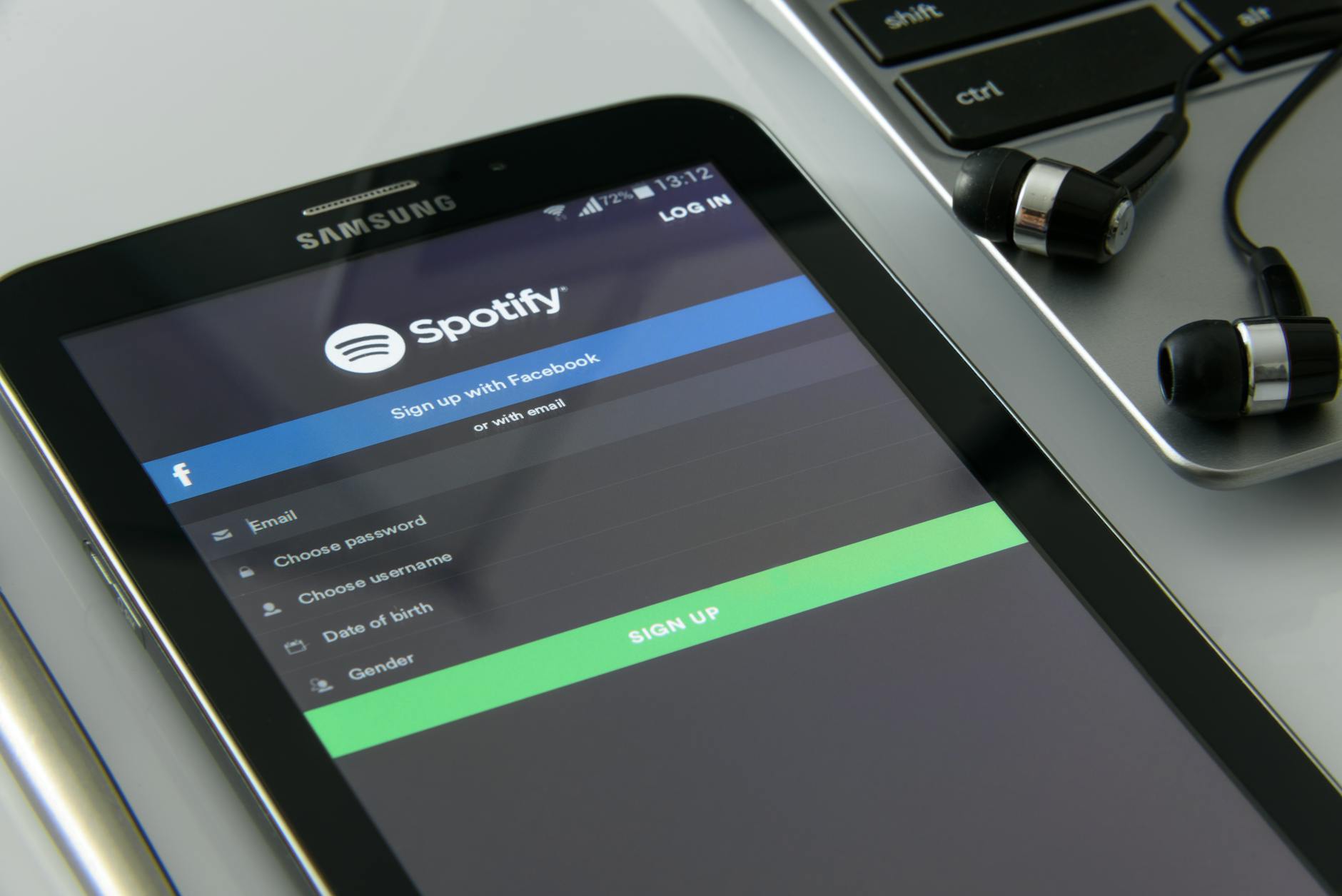
If your Spotify account is hacked, the first thing you should do is change your password immediately from a secure device, then enable two-factor authentication and review your account activity for unauthorized access. A compromised Spotify account can be used to stream music under your payment method, collect your personal data, or serve as an entry point to connected accounts that share similar passwords. In 2023, security researchers identified thousands of Spotify credentials circulating on the dark web after various data breaches, allowing attackers to hijack accounts and charge premium subscriptions to victims’ payment methods without their knowledge.
Your account security matters because Spotify stores not just your listening history but also your email address, billing information, and sometimes connected payment methods. Hackers target music streaming accounts specifically because they come pre-linked to active credit cards—making them valuable commodities in fraud operations. The good news is that taking immediate action can limit damage and restore your control within hours rather than days.
Table of Contents
- How to Immediately Secure a Hacked Spotify Account
- Checking for Billing Fraud and Payment Method Damage
- Recovering Your Account Profile and Playlist Data
- Protecting Connected Accounts and Passwords
- Checking for Malware and Device Compromise
- Monitoring for Identity Theft and Secondary Attacks
- Long-Term Prevention and the Future of Account Security
- Frequently Asked Questions
How to Immediately Secure a Hacked Spotify Account
Start by changing your password from a device you’re certain hasn’t been compromised—ideally a computer or phone you control completely. Log into your Spotify account settings, navigate to “Password” under the account section, and create a new password that is unique, at least 16 characters long, and contains no personally identifiable information. This single step locks out the attacker’s access in real time, which is why it’s the first action security experts recommend. However, a password change alone isn’t sufficient if the hacker also has access to your email address, since they could request a password reset and regain entry. After changing your password, immediately enable two-factor authentication (2FA) through the security settings. Spotify offers 2FA via authenticator apps like Google Authenticator or Authy, which adds a second verification layer beyond passwords.
This prevents future unauthorized logins even if someone manages to steal your new password. The limitation of 2FA is that it only protects the Spotify login itself—it won’t prevent an attacker from using your payment method if they already have stored access to billing information. Review your active sessions by visiting the “Your devices” section in settings and sign out of any unrecognized devices. Spotify displays every device currently logged into your account, including their approximate location. If you see devices in cities you’ve never visited or at times you weren’t using Spotify, force-sign them out immediately. This won’t remove malware from those devices, but it revokes the attacker’s streaming privileges tied to your account.
Checking for Billing Fraud and Payment Method Damage
Once your account access is secured, shift focus to your payment method by reviewing recent Spotify charges on your bank or credit card statement. Look for any premium subscription charges you don’t recognize, unauthorized music purchases, or family plan additions that weren’t authorized. Fraudsters sometimes test stolen payment methods with small charges before attempting larger transactions, so even a single unexpected $0.99 charge warrants investigation. Contact your credit card issuer immediately if you find fraudulent charges and dispute them. Most payment processors have zero-liability policies for unauthorized charges, meaning you typically won’t be held responsible—but the dispute process itself takes 7 to 14 days to resolve.
During this window, the fraudster’s charges remain visible, and your payment method may be flagged as compromised. A real-world example: in 2022, users reported their Spotify family plans being added to other email addresses without authorization, each billing additional family member slots at $2.99 per month, accumulating to hundreds of dollars before discovery. The critical limitation is that Spotify doesn’t always identify fraudulent activity on its own. Unlike some streaming services that flag unusual geographic logins, Spotify’s fraud detection is passive—it doesn’t proactively notify you if someone uses your account from another country or charges your payment method. You are responsible for monitoring your statements. If your card was compromised, consider requesting a replacement card from your bank, which will automatically invalidate the compromised version without affecting other legitimate accounts.
Recovering Your Account Profile and Playlist Data
Hackers sometimes modify hacked music streaming accounts by changing the account email, profile name, or deleting custom playlists. check your account email address under the “Email” section in settings and confirm it matches what you recognize. If the email has been changed, you’ve lost the ability to receive password reset links, making the account effectively inaccessible to you unless you act quickly. Change it back to your known email address or a secure new one you control. If playlists have been deleted or modified, check Spotify’s activity log for suspicious changes.
The platform maintains limited activity history, often going back only 30 days, so older deleted playlists may not be recoverable. Some users have reported that hackers delete playlists as a form of harassment or to clear evidence of account misuse. If important playlists were deleted, try exporting them from third-party services like Stats for Spotify or Chosic, which maintain backups of some user playlists if you previously used those tools. Spotify does not have a full account recovery backup feature like some other services. This is a significant limitation—once data is deleted or modified, Spotify’s customer support has limited ability to restore it. If you had listening history attached to family members’ accounts, those connections will also be compromised if they shared payment methods or email verification with you, potentially requiring each family member to change their own passwords and review their accounts separately.
Protecting Connected Accounts and Passwords
If you used your Spotify password anywhere else, now is the time to change those passwords immediately. Many users create a single strong password and reuse it across multiple accounts, a practice that turns one breach into many. If an attacker compromised your Spotify account and you use the same password for Gmail, bank accounts, or social media, they now have access to those as well. Create new, unique passwords for each service, especially for email and financial accounts. Check which third-party apps have permission to access your Spotify account. Go to “Apps and websites” in settings and review every connected application—this includes gaming platforms, fitness apps, and smart home devices.
Disconnect any apps you no longer use or don’t recognize. For example, if a hacker gained access, they might have authorized a malicious app to read your personal data or modify your account. The tradeoff is convenience: removing unused apps improves security but may disable features in legitimate integrations you’d forgotten about until they stop working. Change your email password as a priority step, since Spotify uses email for account recovery. If your email is compromised, an attacker can reset any of your account passwords by requesting recovery links. Two-factor authentication on your email provider (Gmail, Outlook, ProtonMail, etc.) is therefore as important as 2FA on Spotify itself. Many data breach investigations trace back to a single compromised email that served as the master key to multiple services.
Checking for Malware and Device Compromise
Determine whether your device was actually compromised or whether your password was simply stolen from another data breach. Use a service like Have I Been Pwned (haveibeenpwned.com) to check if your email address appears in known data breaches. If your credentials were stolen in a breach unrelated to Spotify—perhaps a LinkedIn breach from five years ago—a hacker may have simply tried your email and password across multiple services, including Spotify, without your device ever being infected. If you suspect malware on your device specifically, run a full antivirus scan using a reputable tool like Malwarebytes or Windows Defender. However, antivirus software has a critical limitation: it can remove existing malware but cannot guarantee that sophisticated spyware or keyloggers aren’t still present.
Keyloggers especially can capture your new passwords immediately after you type them, re-compromising your account within hours. If you suspect advanced malware, consider performing a complete operating system reinstall on that device, which is the only reliable way to guarantee removal of persistent threats. For mobile devices, check which apps have access to your passwords by reviewing the settings. Both iOS and Android maintain password managers with stored credentials, and a compromised app could potentially access stored passwords. Review app permissions and remove any apps you don’t recognize or that request excessive access to sensitive data. If you’re unsure about device compromise, use a different, clean device to change passwords rather than using the potentially infected one.

Monitoring for Identity Theft and Secondary Attacks
Hackers who compromise music streaming accounts sometimes sell those accounts in bundles that include extracted personal data. Your Spotify account contains your email address, name, birth date (if provided), country, and payment method information—valuable data for identity theft or for launching targeted phishing attacks. Consider enrolling in a credit monitoring service like Equifax, Experian, or TransUnion, which will alert you if someone attempts to open new accounts in your name or request credit in your identity.
A practical example of secondary attacks: victims of streaming account breaches have reported receiving phishing emails claiming to be password reset requests from Spotify, but actually sent by fraudsters using the compromised contact information. These emails direct users to fake Spotify login pages designed to steal additional credentials. Be wary of any unsolicited emails requesting account verification or password resets, and always navigate directly to Spotify.com rather than clicking links in emails.
Long-Term Prevention and the Future of Account Security
The music streaming industry is increasingly adopting passkeys as a replacement for passwords. Passkeys are cryptographic credentials stored on your device that are far more resistant to phishing and credential theft than passwords. Spotify is expected to support passkey authentication in 2024-2025, which would eliminate the need to remember and type a password at all. Until that’s available, password managers like Bitwarden, 1Password, or LastPass reduce the burden of creating and remembering unique passwords for every service while eliminating reuse across accounts.
Looking forward, expect music streaming accounts to become even more attractive targets as payment methods become more seamlessly integrated. Hackers are already experimenting with account takeover as a service, where stolen credentials are shared in criminal marketplaces specifically because streaming accounts have active payment methods. The responsibility for account security is shifting toward users implementing their own 2FA and monitoring, since platforms alone cannot guarantee prevention. Your best defense remains vigilance: regularly reviewing your active sessions, checking billing statements, and maintaining account audit logs.
Frequently Asked Questions
Can I recover my Spotify account if the hacker changed the email address?
Yes, but you’ll need access to the original email address on file. Check your email inbox for a notification that your account email was changed, which typically includes a link to undo the change within a time window. If that window has passed, contact Spotify’s customer support with proof of account ownership (your payment method or phone number), though support requests can take several days to resolve. This is why email security is critical—if the hacker also controlled your original email account, recovery becomes much more difficult.
Will Spotify refund my money if hackers used my payment method?
No, Spotify itself will not refund you, but your credit card issuer or bank will. Dispute the fraudulent charges with your payment processor, not Spotify. Most cards offer zero-liability fraud protection, so you typically won’t be held responsible. However, the merchant dispute process takes 7-14 days, and during that time the fraudulent charges remain on your statement. Once the dispute is resolved in your favor, your payment method is restored and Spotify will remove premium access from the unauthorized user.
Can hackers see my saved passwords if they have my Spotify account?
No, Spotify doesn’t store other services’ passwords. However, if the hacker gains access to your device and finds your password manager, they could extract passwords from there. Spotify itself does not expose credentials for connected services like Spotify Connect devices or third-party integrations. That said, change your email password and any reused passwords as a precaution, since many people do reuse passwords across services.
Is it safe to use Spotify again after being hacked, or should I delete my account?
It’s safe to continue using Spotify after implementing the security steps above. Deleting your account erases your listening history and playlists permanently and doesn’t offer any security advantage over securing it. Once you’ve changed your password, enabled 2FA, and reviewed your connected apps and billing, your account is as secure as any other user account. The breach itself doesn’t compromise Spotify’s infrastructure—it was your credentials that were compromised, not the platform.
How do I know if hackers are still accessing my account?
Check your active sessions in “Your devices” to see which devices are currently logged in. Legitimate sessions will show devices you recognize, often with approximate locations. If you see a laptop in Brazil or a phone in Nigeria when you live in the United States and have never traveled there, that’s an active breach. Sign out all unrecognized devices immediately. Additionally, monitor your Spotify for Brands account or premium features to see if playlists are being created or modified without your action. Your listening history may also show strange songs or podcasts you’ve never listened to, which indicates active unauthorized use.
What if my Spotify account was used for fraud but I didn’t notice for months?
Contact your bank or credit card issuer immediately and dispute all fraudulent charges, regardless of how far back they date. Most payment processors allow disputes to be filed within 60-180 days of the transaction, though Spotify itself may have longer logs. If hundreds of dollars in fraudulent charges accumulated over months, you’ll need a record from your bank showing the pattern of unauthorized charges to strengthen your dispute claim. Also update your payment method on file with Spotify (or remove it entirely) so future fraudulent charges cannot accumulate. The longer a fraud goes undetected, the more important it becomes to close that account to payment and use a new payment method going forward.
You Might Also Like
- What to Do If Your Tutoring Account Is Hacked
- What to Do If Your Kindle Account Is Hacked
- Signs Your Video Streaming Account Has Been Hacked